76
ifm Programming Manual ecomatmobile BasicController (CR0403) Runtime System V03.02 2015-04-01
ifm function elements ifm function elements for the device CR0403
>
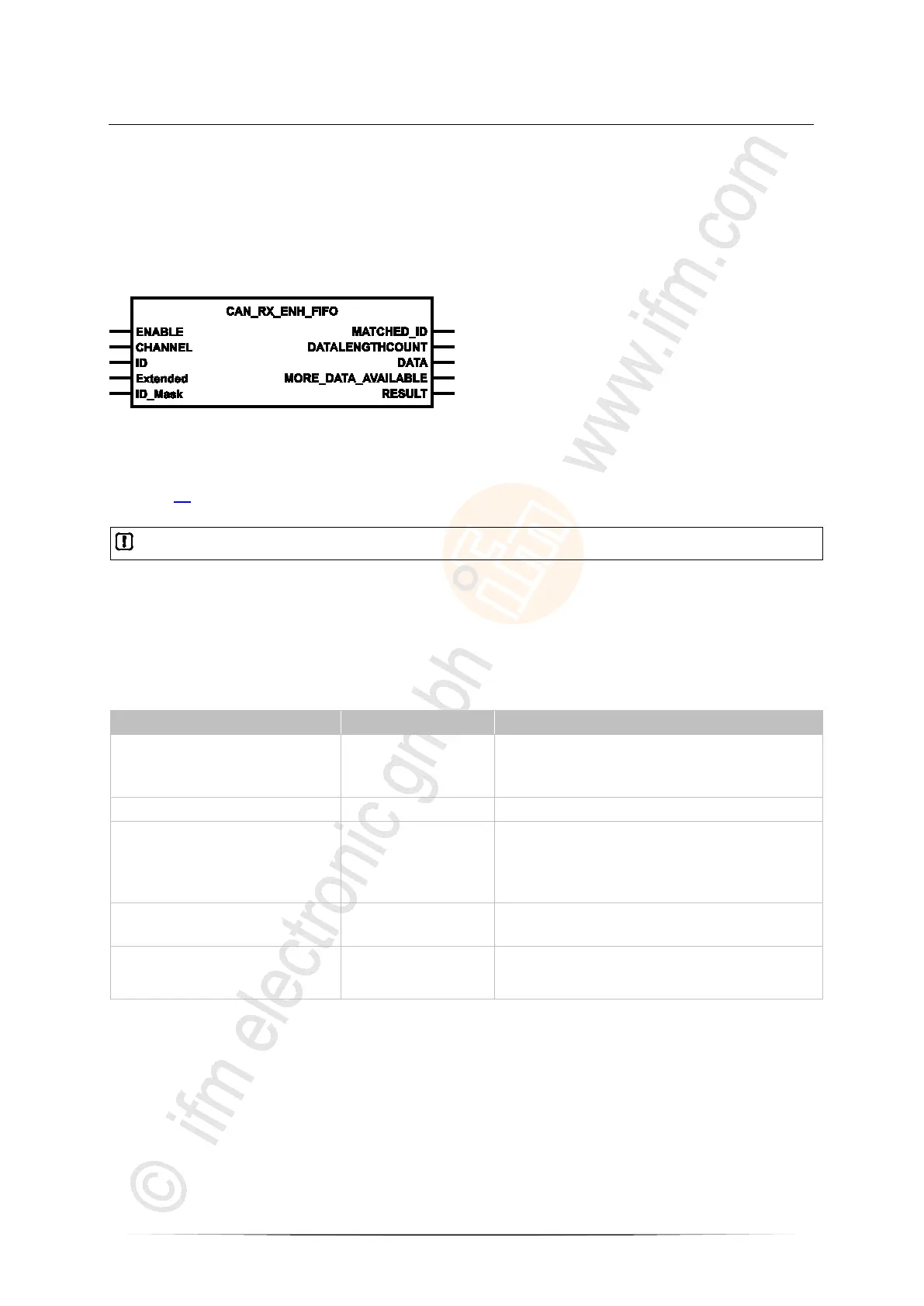
CAN_RX_ENH_FIFO
7615
= CAN RX enhanced with FiFo
Unit type = function block (FB)
Unit is contained in the library ifm_RawCAN_NT_Vxxyyzz.LIB
Symbol in CODESYS:
>
Description
7616
In addition, CAN_RX_ENH_FIFO provides a FiFo for the received data (as opposed to CAN_RX_ENH
(→ page 74)). Thus several CAN messages can be received in one cycle.
No overwriting takes place when the FiFo is full. Inbound messages will be lost.
In this event:
► Deactivate and reactive the FB via ENABLE.
> The FiFo is deleted and can be newly filled.
>
Parameters of the inputs
7609
ENABLE
TRUE: execute this function element
FALSE: unit is not executed
> Function block inputs are not active
> Function block outputs are not specified
CHANNEL BYTE CAN interface (1...n) depending on the device
ID DWORD Number of the data object identifier:
normal frame (2
11
IDs):
0...2 047 = 0x0000 0000...0x0000 07FF
Extended Frame (2
29
IDs):
0...536 870 911 = 0x0000 0000...0x1FFF FFFF
Extended
(optional use of the parameter)
BOOL := FALSE TRUE: Extended Frame (ID = 0...2
29
-1)
FALSE: Normal Frame (ID = 0...2
11
-1)
ID_Mask
(optional use of the parameter)
DWORD := 0 filter mask for the identifier:
if ID_MASK bit = 0, CAN ID bit may be = 0 or 1
if ID_MASK bit = 1, CAN ID bit must be = ID bit



 To Next Page