80
ifm Programming Manual ecomatmobile BasicController (CR0403) Runtime System V03.02 2015-04-01
ifm function elements ifm function elements for the device CR0403
>
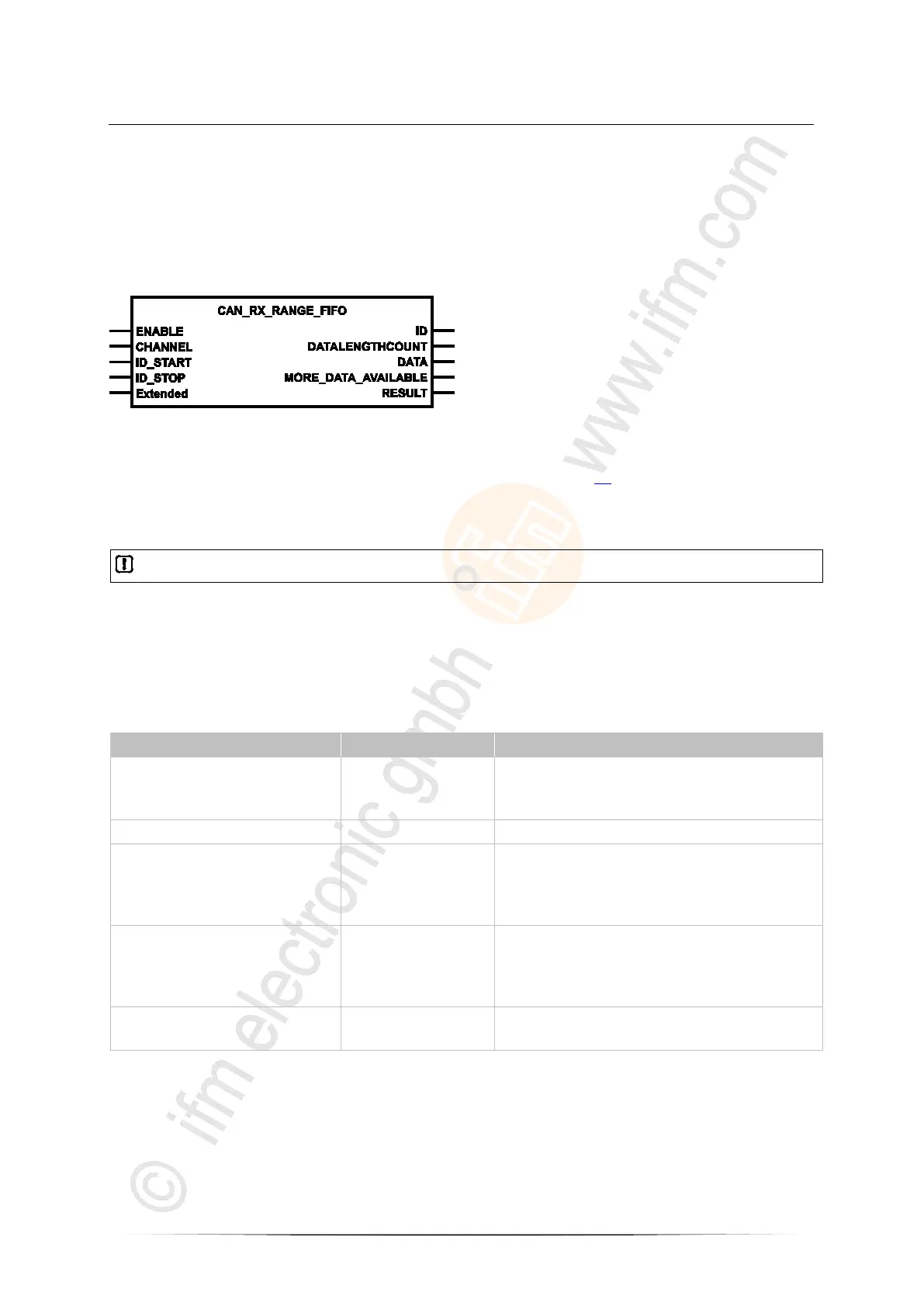
CAN_RX_RANGE_FIFO
7601
= CAN RX range with FiFo
Unit type = function block (FB)
Unit is contained in the library ifm_RawCAN_NT_Vxxyyzz.LIB
Symbol in CODESYS:
>
Description
7603
CAN_RX_RANGE_FIFO basically works like CAN_RX_RANGE (→ page 78).
In addition, CAN_RX_RANGE_FIFO provides a FiFo for the received data. Thus several CAN
messages can be received in one cycle.
No overwriting takes place when the FiFo is full. Inbound messages will be lost.
In this event:
► Use ENABLE to deactivate and reactivate the function.
> The FiFo is deleted and can be newly filled.
>
Parameters of the inputs
7595
ENABLE
TRUE: execute this function element
FALSE: unit is not executed
> Function block inputs are not active
> Function block outputs are not specified
CHANNEL BYTE CAN interface (1...n) depending on the device
ID_START DWORD start number of the data object identifier range:
normal frame (2
11
):
0...2 047 = 0x0000 0000...0x0000 07FF
extended frame (2
29
):
0...536 870 911 = 0x0000 0000...0x1FFF FFFF
ID_STOP DWORD end number of the data object identifier range:
normal frame (2
11
):
0...2 047 = 0x0000 0000...0x0000 07FF
extended frame (2
29
):
0...536 870 911 = 0x0000 0000...0x1FFF FFFF
Extended
(optional use of the parameter)
BOOL := FALSE TRUE: Extended Frame (ID = 0...2
29
-1)
FALSE: Normal Frame (ID = 0...2
11
-1)



 To Next Page