95
ifm Programming Manual ecomatmobile BasicController (CR0403) Runtime System V03.02 2015-04-01
ifm function elements ifm function elements for the device CR0403
>
CANOPEN_GETBUFFERFLAGS
7890
= Get buffer flags
Unit type = function block (FB)
Unit is contained in the library ifm_CANopen_NT_Vxxyyzz.LIB
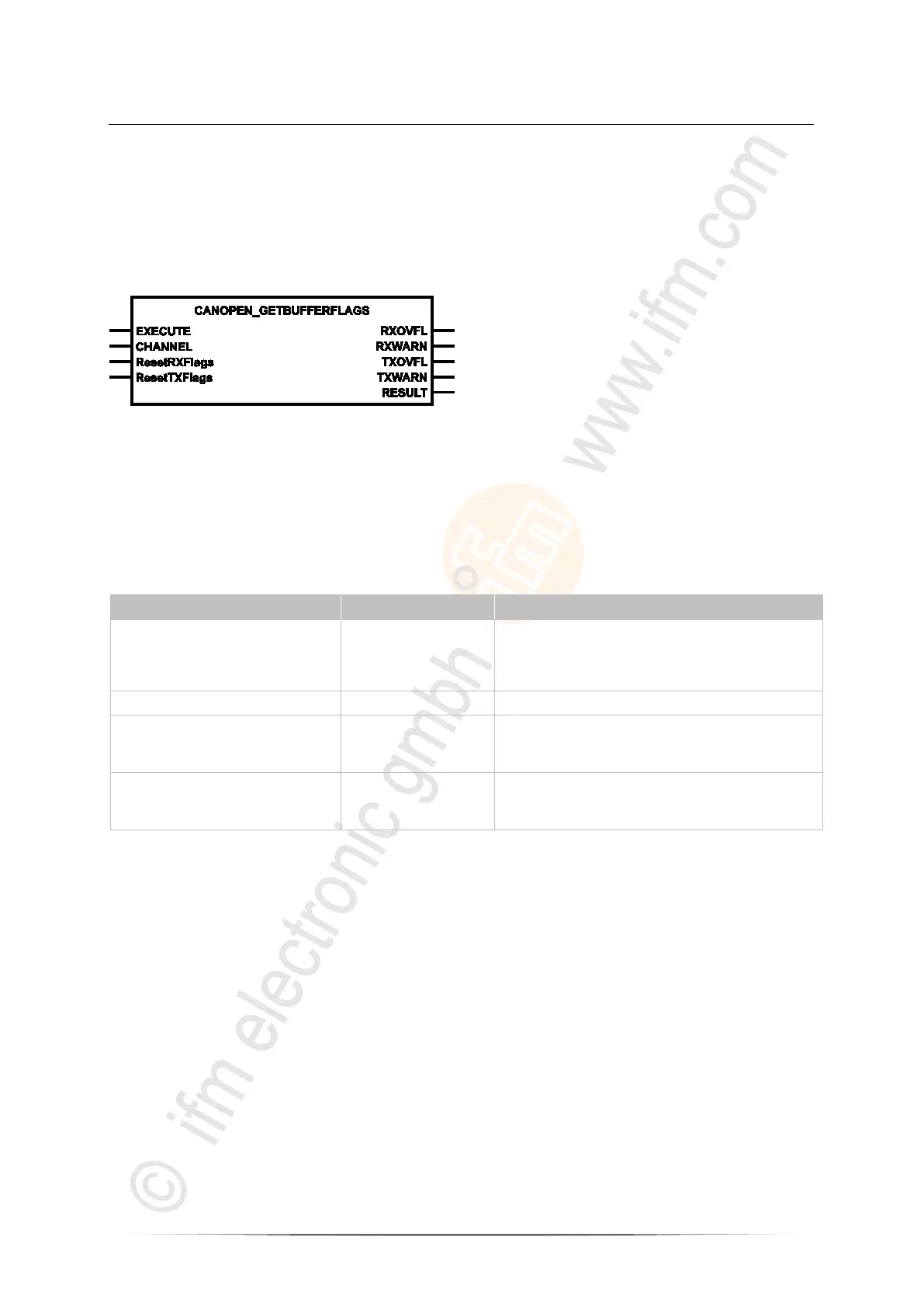
Symbol in CODESYS:
>
Description
7892
CANOPEN_GETBUFFERFLAGS supplies information on the buffer flags.
The flags can be reset via the optional inputs.
The function block returns the state of the overflow flags.
>
Parameters of the inputs
7893
EXECUTE BOOL := FALSE FALSE TRUE (edge):
execute function element once
otherwise: function element is not active
A function element already started is processed.
CHANNEL BYTE CAN interface (1...n) depending on the device
ResetRXFlags
(optional use of the parameter)
BOOL := FALSE TRUE: Provide fag status at the output and
then reset
FALSE: function element is not executed
ResetTXFlags
(optional use of the parameter)
BOOL := FALSE TRUE: Provide flag status at the output and
then reset
FALSE: function element is not executed



 To Next Page