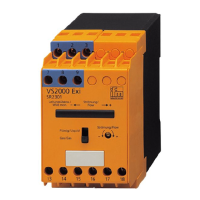
DP2200 Analogue threshold display
16
[rP1] follows the changes of [SP1] and keeps the set hysteresis.
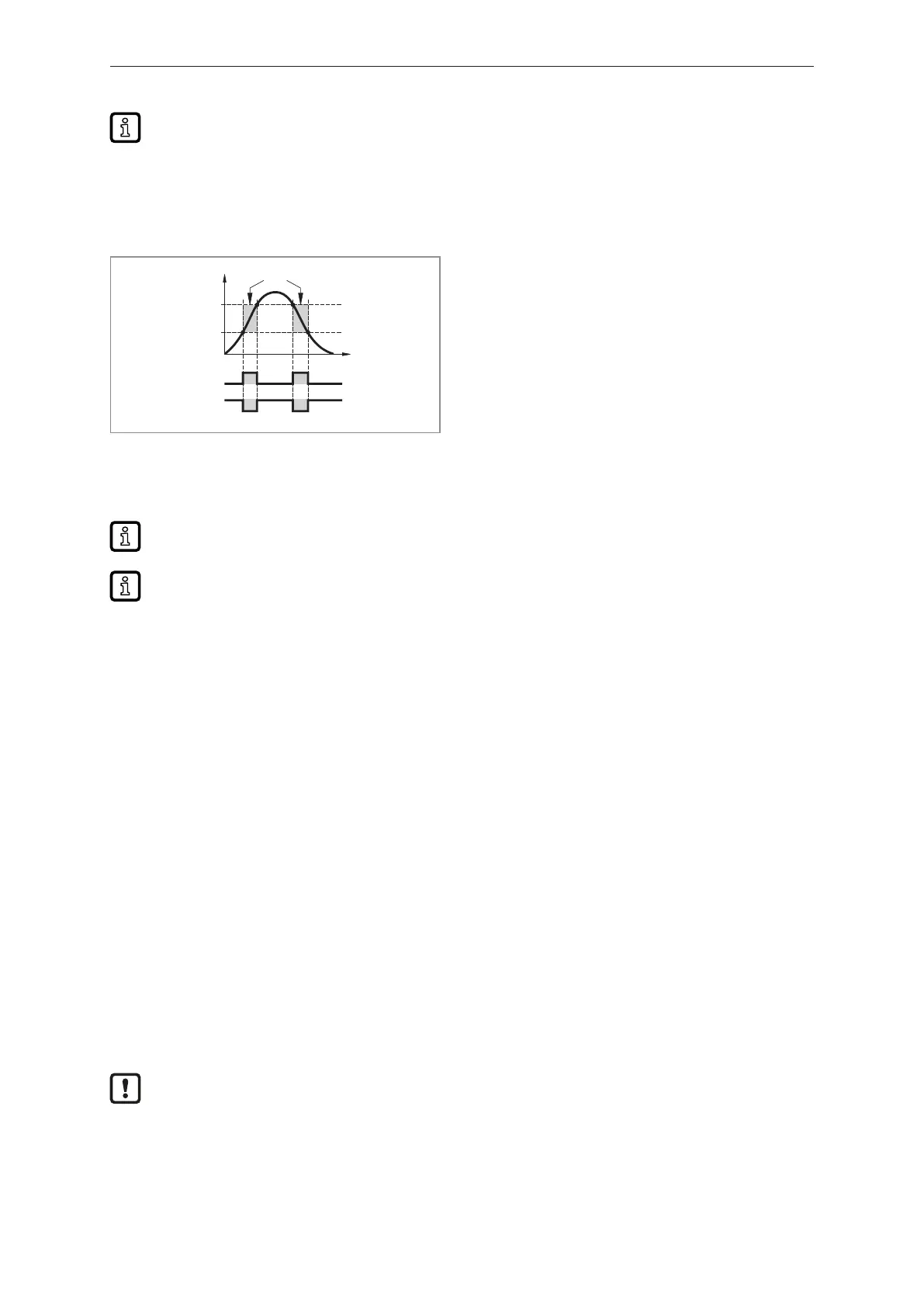
8.3.2 FH1/FL1 ─ min/max switching limits for window function
Upper/lower limit for measuring current at which OUT1 switches within the window setting. The
parameters are only displayed if the window function [Fno] or [Fnc] is set in [ou1].
Fno
Fnc
FE
1
0
1
0
FH1
OUT1
I [mA]
FL1
t
Fig.8: Window functions
FH: Window upper threshold
FL: Window lower threshold
FE: Window
Fno: Window function normally open
Fnc: Window function normally closed
u Select [FH1] and set the upper limit.
u Select [FL1] and set the lower limit.
[FL1] is always smaller than [FH1]. The device only accepts values which are lower than the
value for [FH1].
[FL1] follows the changes of [FH1] and keeps the set hysteresis.
8.3.3 EF ─ extended functions
EF ─ extended functions: Parameters of the extended functions (EF) (Ò/16)
8.4 Parameters of the extended functions (EF)
8.4.1 rES ─ restore factory setting
Resets all parameters to the Factory settings.
u Select [rES].
u Press [●].
u Press and hold [▲] or [▼] until [----] is displayed.
u Briefly press [●].
8.4.2 A.Trm ─ analogue termination for OUT2
• [OFF] = OUT2 is externally connected, e.g. to the analogue input of another device.
• [On] = OUT2 is not connected and the current path is terminated internally.
Note the following for proper current measurement and evaluation:
If the internal analogue termination is set to [On], output OUT2 must not be connected.
8.4.3 ou1 ─ output function for OUT1
Switching signal for the current limits.
• [Hno] = hysteresis function / normally open


 To Next Page