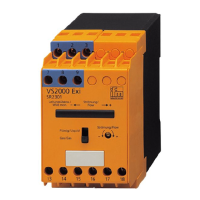
DP2200 Analogue threshold display
22
Step Display
6
u Press [esc].
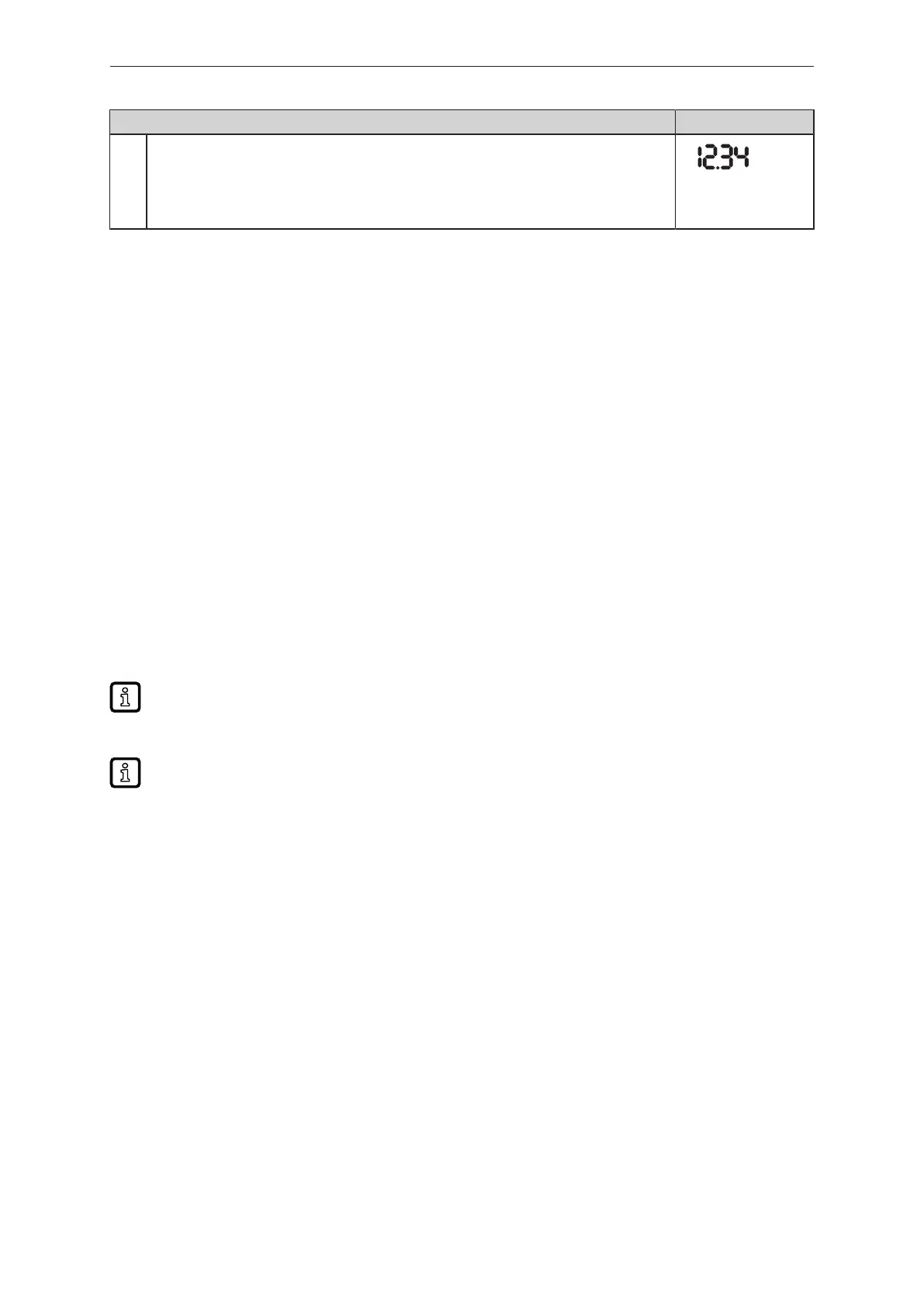
u Press - [▼] or [▲] several times until the current measured value is displayed.
- or wait for the timeout function (approx. 30 s).
w The unit has returned to the operating mode.
w The current value is displayed.
9.3 Notes on programming
9.3.1 Locking / unlocking
The unit can be locked electronically to prevent unauthorised setting. Set parameter values and
settings can be displayed but not changed.
To lock the unit:
u Make sure that the unit is in normal operating mode.
u Press [esc] + [▲] simultaneously for 10s.
w [Loc] is displayed.
w The unit is locked.
w [Loc] is briefly displayed if you try to change parameter values.
To unlock the unit:
u Press [esc] + [▲] simultaneously for 10s.
w [uLoc] is displayed.
On delivery the unit is not locked.
Customer locking
If [C.Loc] is displayed when an attempt is made to modify a parameter value, an IO-Link
communication is active (temporary locking).
Software locking
If [S.Loc] is displayed, the sensor is permanently locked via software. This locking can only be
removed using an IO-Link parameter setting software.
9.3.2 Timeout
If no button is pressed for 30 s during parameter setting, the unit returns to the operating mode with
the unchanged value.
9.3.3 Numerical entries with [▼] or [▲]
u Press [▼] or [▲] for at least 2 s.
w After 2 s:
- value is changed continuously by keeping the button pressed.
- value is changed incrementally by pressing the button once.
Value is incrementally reduced with [▼] and increased with [▲].


 To Next Page