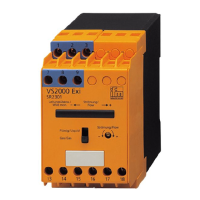
Analogue threshold display DP2200
19
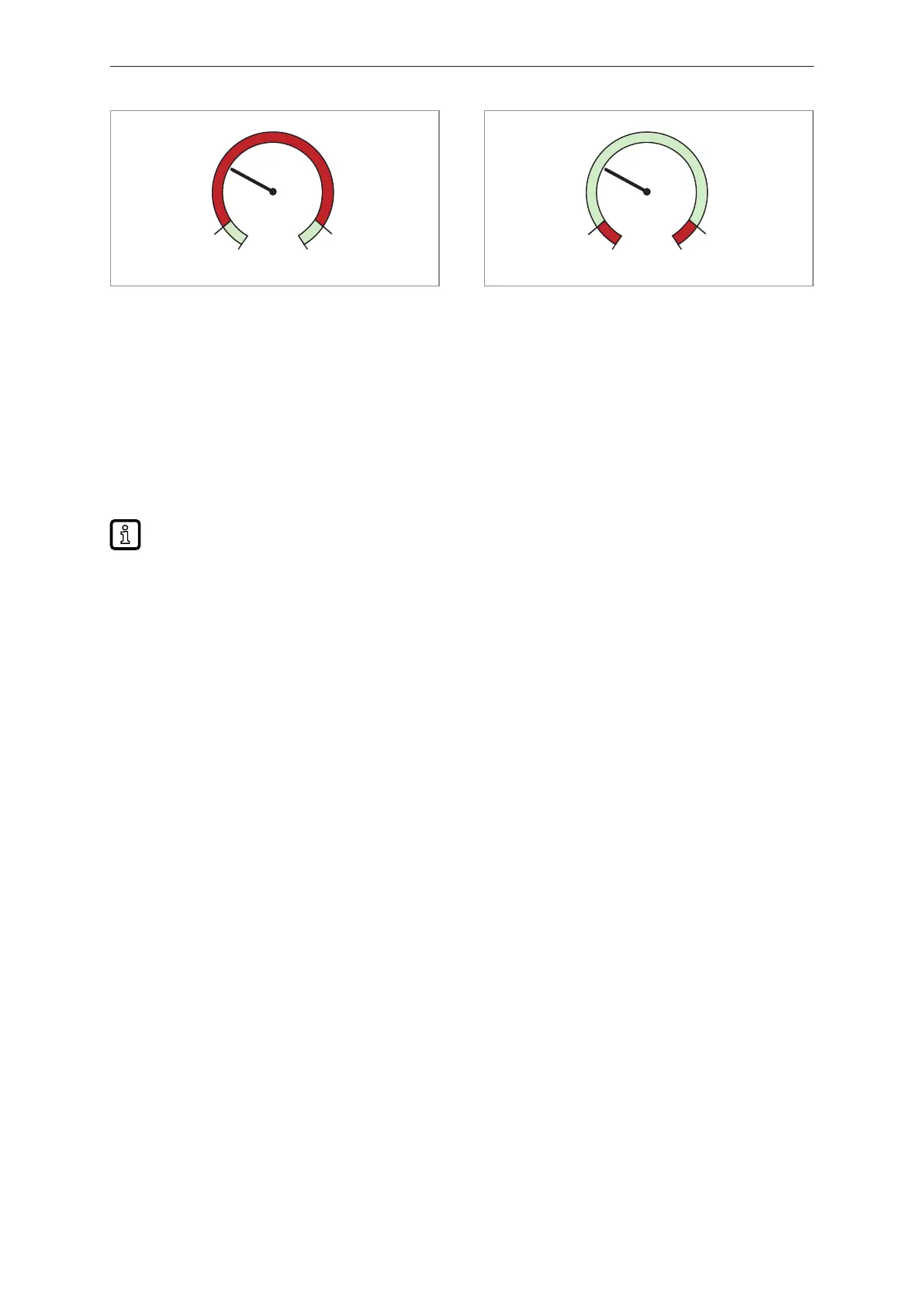
Fig.14: Function [r-cF]
Fig.15: Function [G-cF]
For b/w printouts: gn = green, rd = red
8.4.9 diS ─ refresh rate of the displayed measured value
• [OFF][ = The measured value display is deactivated in the operating mode.]
• [d1] = update of the measured values every 50 ms.
• [d2] = update of the measured values every 200 ms.
• [d3] = update of the measured values every 600 ms.
Even with an unsteady input value, [d1] provides optimum readability.
8.4.10 Lo/Hi ─ min/max measured input values
[Lo] = lowest measured value
[Hi] = highest measured value
Delete memory:
u Select [Hi] or [Lo].
u Press and hold [▲] or [▼] until [----] is displayed.
u Briefly press [●].
8.4.11 dAP ─ damping
Damping of the measured analogue value.
Setting also influences the set point, the IO-Link process data and the display.
Value: 0.000...4.000 s (T value: 63 %).
At 0.000 damping is not active.
8.4.12 Reset [Hi] and [Lo] memory
Reset of both memories: Reset [Hi] and [Lo] memory
8.5 Parameters adjustable via IO-Link
The following functions or parameters are only available via IO-Link tools.
8.5.1 C.uni – customer-specific unit
Customer-specific unit with max. 4 characters.


 To Next Page