26
a) Finish calibration:
► Briefly press [Mode/Enter].
> [CAL] is displayed.
b) Change a 2nd point on the curve of measured values
► Set a second defined reference pressure in the system.
Minimum distance between the calibration points CP1 and CP2 = 5 % of
the final value of the measuring range.
► Press [Set] for 5 s.
> The pressure measured by the unit is displayed.
► Press [Set] until the set reference pressure is indicated (measured
pressure = reference pressure) or the corresponding analogue signal is
provided on OUT2.
Maximum correction value = ± 2 % of the final value of the measuring
range.
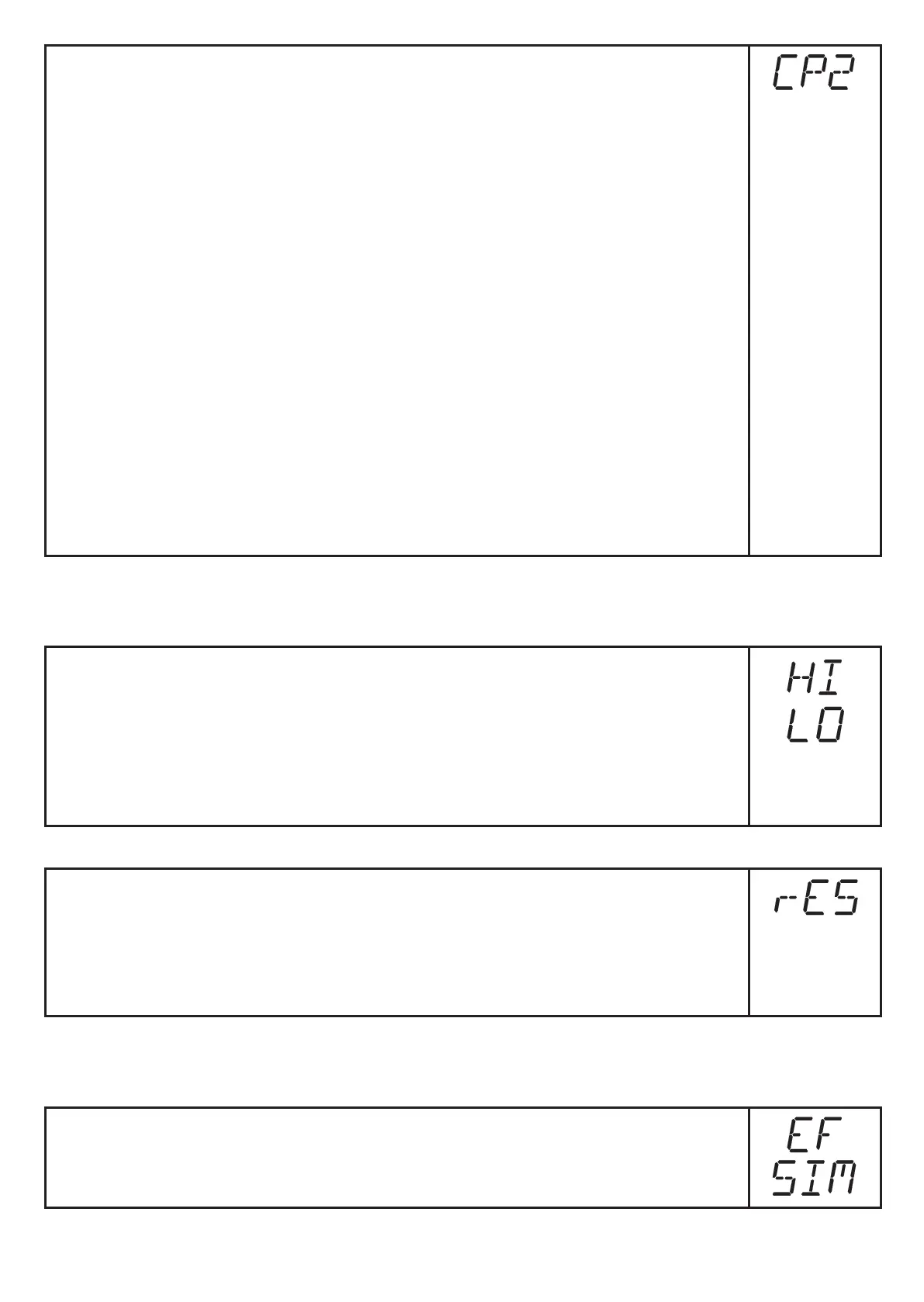
► Briefly press [Mode/Enter].
> [CP2] is displayed.
► Briefly press [Mode/Enter].
> [CAL] is displayed, the process is finished.
9.5 Service functions
9.5.1 Read min/max values for the system pressure
► Select [HI] or [LO] and briefly press [Set].
[HI] = maximum value, [LO] = minimum value.
Delete memory:
► Select [HI] or [LO].
► Press and hold [Set] until [----] is displayed.
► Briefly press [Mode/Enter].
9.5.2 Reset all parameters to factory setting
► Select [rES].
► Press and hold [Set] until [----] is displayed.
► Briefly press [Mode/Enter].
We recommend noting down your own settings before carrying out a reset
(→ 13 Factory setting).
9.6 Simulation function
9.6.1 Open menu level 3 (simulation)
► Select [EF] and briefly press [Set] (= to open menu level 2).
► Select [SIM] and briefly press [Set] (= to open menu level 3).
> [SEL] is displayed.



 To Next Page