22 6. Test
6.2 Control Box Test
To enter Test Mode:
1. Adjust the Control Box’s DIP SW PIN 8 to the
ON
mode and then restart the machine.
2. After the machine is restarted, a message of “
ENTER TEST MODE
” will be displayed,
meaning Test Mode is accessed.
Note:
If you can’t enter Test Mode and the screen is idle for more than 20 seconds, it could
be that Video Memory Size in BIOS is not set to 254M. Please refer to next section to
change the value:
To exit Test Mode:
Adjust the Control Box’s DIP SW PIN 8 to the
OFF
mode and then restart the machine.
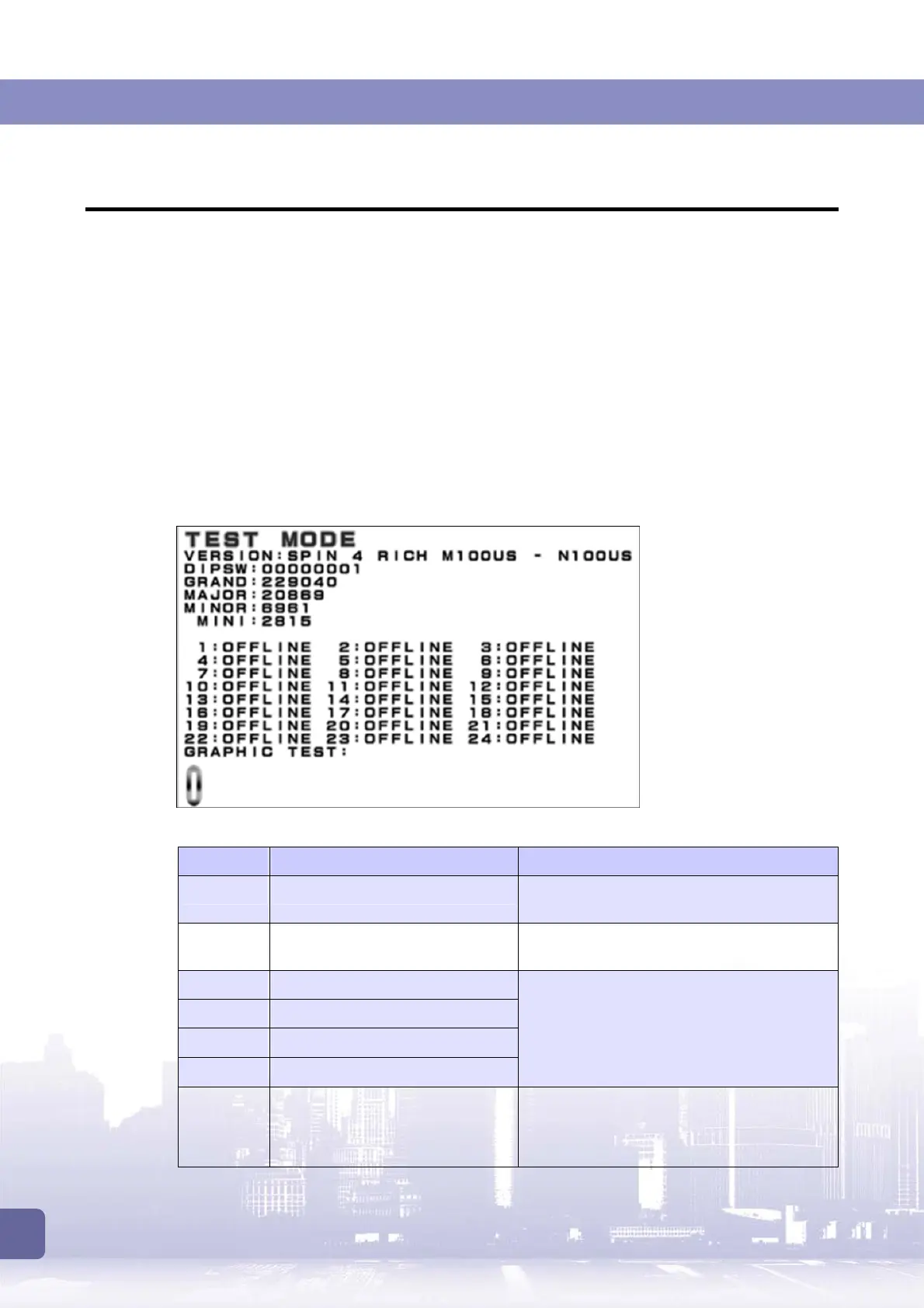
The Test Mode screen is as shown below:
The provided information on the Test Mode screen and troubleshooting method:
Item Description Troubleshooting
VERSION Shows the current version. If it fails to show the current version, please
contact the local dealer.
DIPSW Shows DIP SW status:
0 for ON and 1 for OFF.
If it fails to show the current DIP SW status,
please contact the local dealer.
GRAND Shows the current GRAND credit.
MAJOR Shows the current MAJOR credit.
MINOR Shows the current MINOR credit.
MINI Shows the current MINI credit.
If it fails to show a value within the predefined
range, please contact the local dealer.
NO.1
~
24 Shows connection status: Online
for connection; Offline for
disconnection.
If the machine shows Offline, please check
the board and make sure the wires are
connected appropriately. If the problem
remains after the check, please contact the



 To Next Page