34 7. Settings under Linking Mode
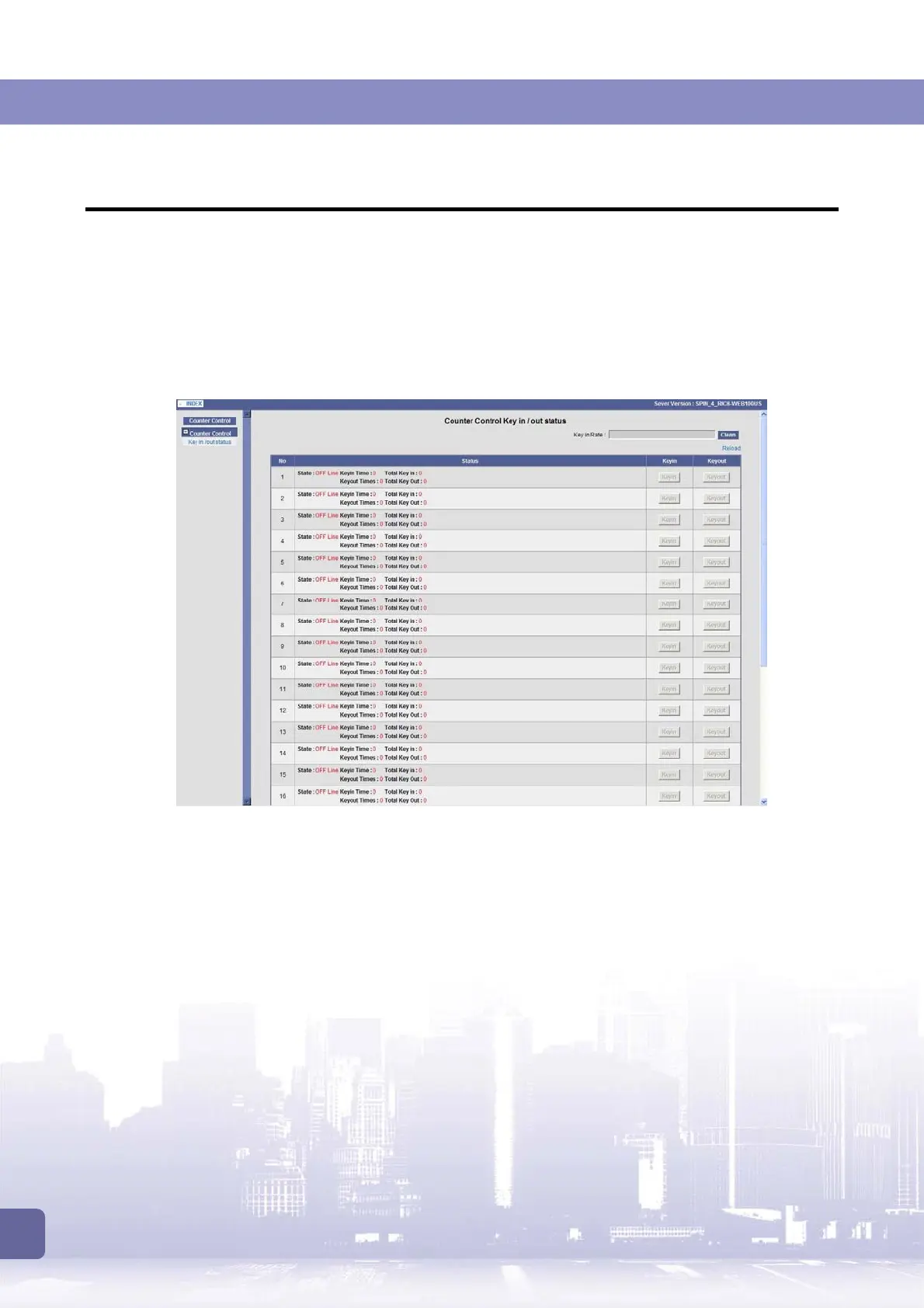
7.3 KeyIn/Out via Control Box
To key in/out credits, aside from using the keyin/keyout buttons on individual machine, you can
also use the web-based management system on the control box.
Log on to the control box’s web-based management system as described above. Expand the
[Counter Control]
menu and then click
[Key in/out status]
.
In the
Status
column, you can view each slave machine’s linking state (online or offline) and the
Keyin/out Times
and
Total key In/Out
statistics activated via the web-based management
system.
The key in steps:
1. In the
Key in Rate
field, enter the rate to be used.
2. Click the
Keyin
button in the row of the slave machine you want to key in credits.
3. Wait until the message indicating that keyin is OK appears. If you want to click any
Keyin
button again, always wait for the OK message appears.
Possible messages you will receive include (e.g., key in 1000 credits on the machine with
Slave ID 1):
“Slave 1 Keyin 1000 PROCESSING…”
“Slave 1 Keyin 1000 OK”
“Slave 1 Keyin 1000 FAIL”
If you get this message, check that:
(a) The slave machine is properly linked and in online status.



 To Next Page