7. Settings under Linking Mode 31
7.2.2 Setup via Control Box
Under Link Mode, you can access the web-based setup system from the control box: The steps
are as follows:
1. Using the CO4 cable, connect one end to the
LAN
port on the control box and the other end
to the
LAN
port on the computer.
2. Configure your computer to use an IP address in the same subnet as the control box’s IP.
For example:
IP address:
172.16.1.1
Subnet mask:
255.255.0.0
3. Open a browser and enter http://172.16.1.2
in the URL field.
4. Click
[Long Term]
.
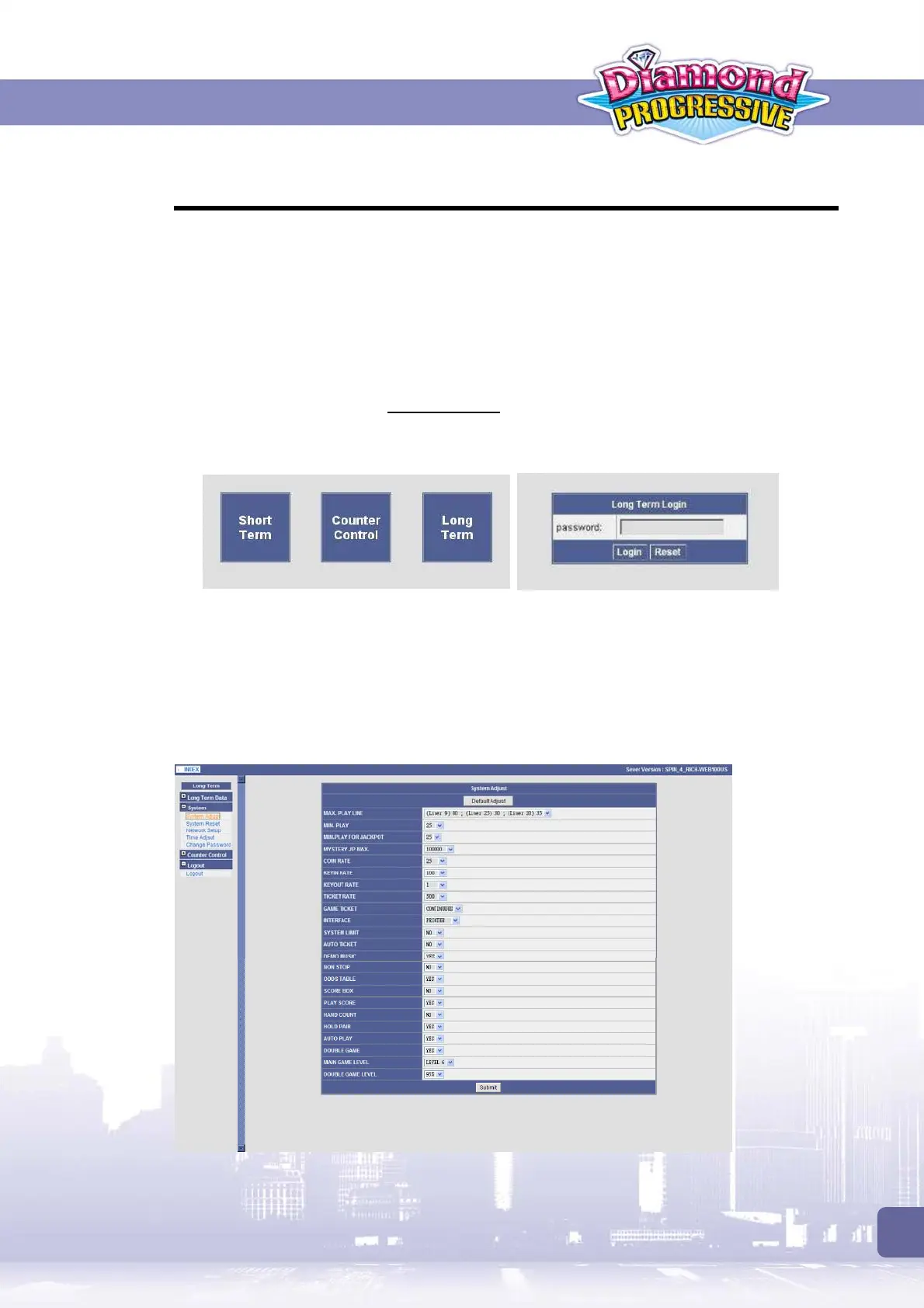
When prompted, enter the password to login. (Default password
:
igs_2008
, case-sensitive)
5. Expand the
[System]
menu and then select the task you want to perform.
Adjusting System Settings
Expand the
[System]
menu and then click
[System Adjust]
to adjust the settings as required.
When completed, click
[Submit]
to enable the settings.
If required, you can use the
[Default Adjust]
button to retrieve the default settings.



 To Next Page