30 7. Settings under Linking Mode
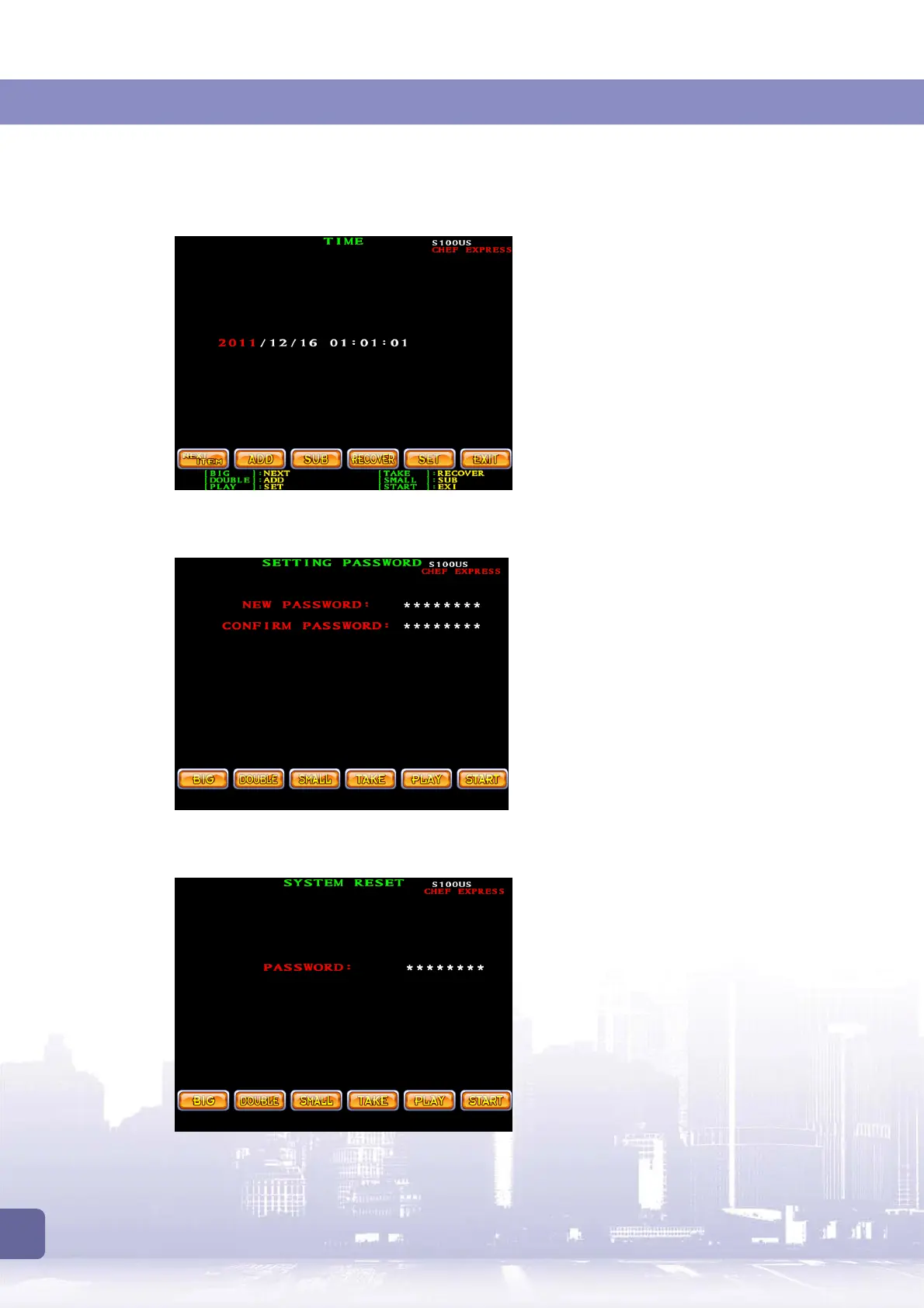
Time
This page allows you to set the date and time
for whole linking system.
Change Password
This page allows you to change the password.
After you confirm the password, wait for a
moment until “
CONFIRM OK
” appears.
Note:
This password change only applies to
the Slave 1 machine and is only valid for
long-term data access.
On Slave 1 machine, the password to access
slave machine settings are not influenced.
Other slave machine’s password are not
influenced either.
System Reset
This page allows you to reset all the system
settings to the default values.
If you run system reset, the following settings
and data will be reset:
The overall system settings.
Slave machine settings on all the slave
machines.
All the bookkeeping data.
All the passwords.



 To Next Page