24 7. Settings under Linking Mode
7. Settings under Linking Mode
7.1 Slave Machine Settings
Under Linking Mode, you can adjust the slave machine settings on each slave machine.
1. At the machine for which you want to adjust settings, press
[RECORD]
.
2. Then press
[SMALL]
.
3. Enter the password. Default is pressing
[START]
for 8 times.
4. Then follow the on-screen instructions to adjust the required settings.
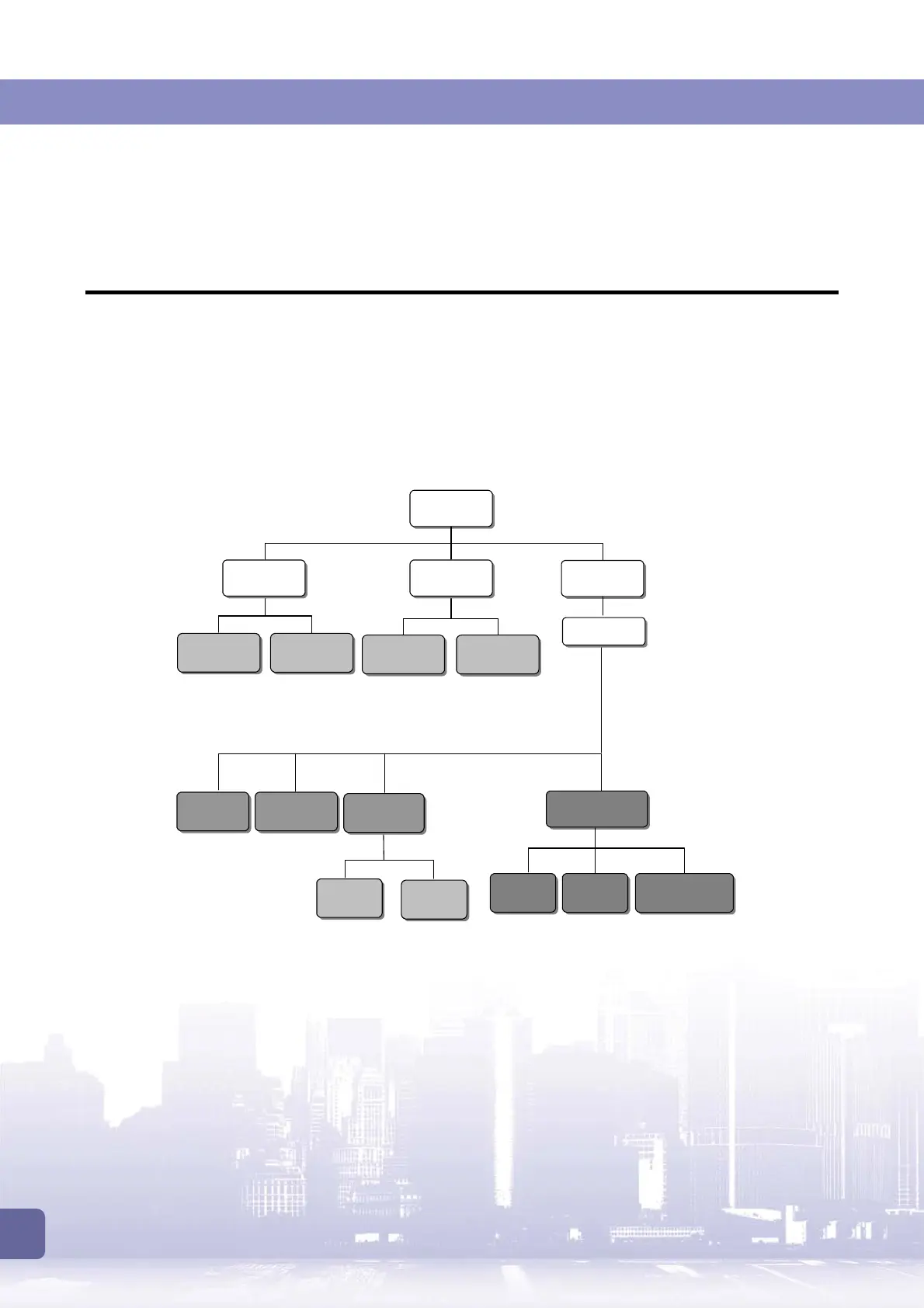
The following is the flow chart:
Press
[RECORD]
[BIG]
LAST HAND
[BIG]
MAIN GAME
[DOUBLE]
DOUBLE GAME
[DOUBLE]
SHORT TERM
CURRENT
DATA
LAST
DATA
[BIG]
SYSTEM
[TAKE]
INTERFACE SETUP
[SMALL]
SYSTEM
PASSWORD
[BIG]
MAIN GAME
[DOUBLE]
DOUBLE GAME
[SMALL]
ADJUSTMENT
[TAKE]
VOLUME
[BIG]
PRINTER
[DOUBLE]
TOUCH
[SMALL]
TOUCH REVERSE
Default password:
Press [START] 8 times



 To Next Page