40 8. Bookkeeping
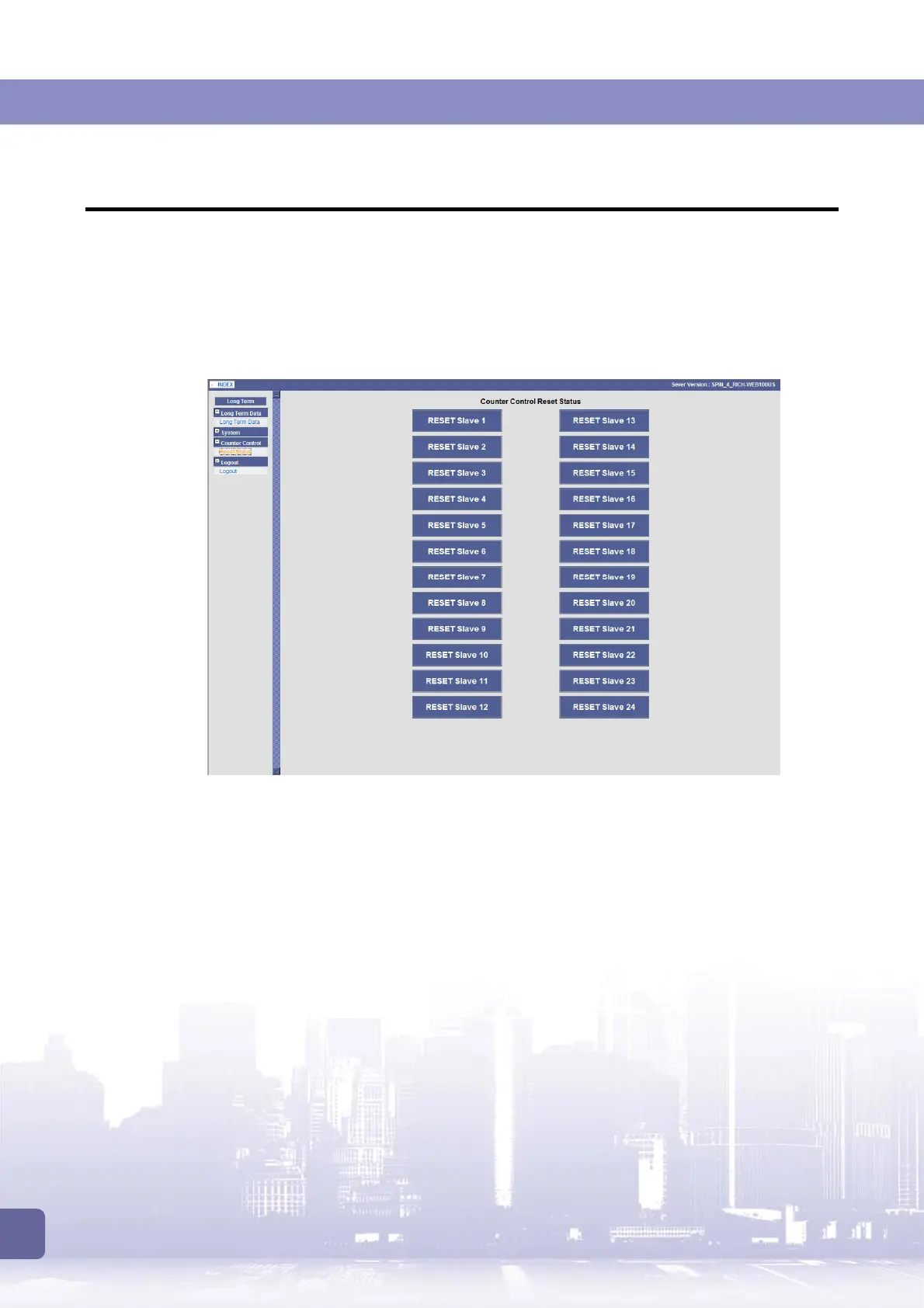
8.3 Reset Slave Machine Bookkeeping via Control Box
To reset a slave machine’s bookkeeping data, aside from using the reset toggle on individual
machine, you can also use the web-based management system on the control box.
1. Lon to the control box’s web-based management system as described above. Expand the
[Counter Control]
menu and then click
[Reset status]
.
2. Click the
RESET Slave #
button of the slave machine for which you want to reset the
bookkeeping data.



 To Next Page