26 7. Settings under Linking Mode
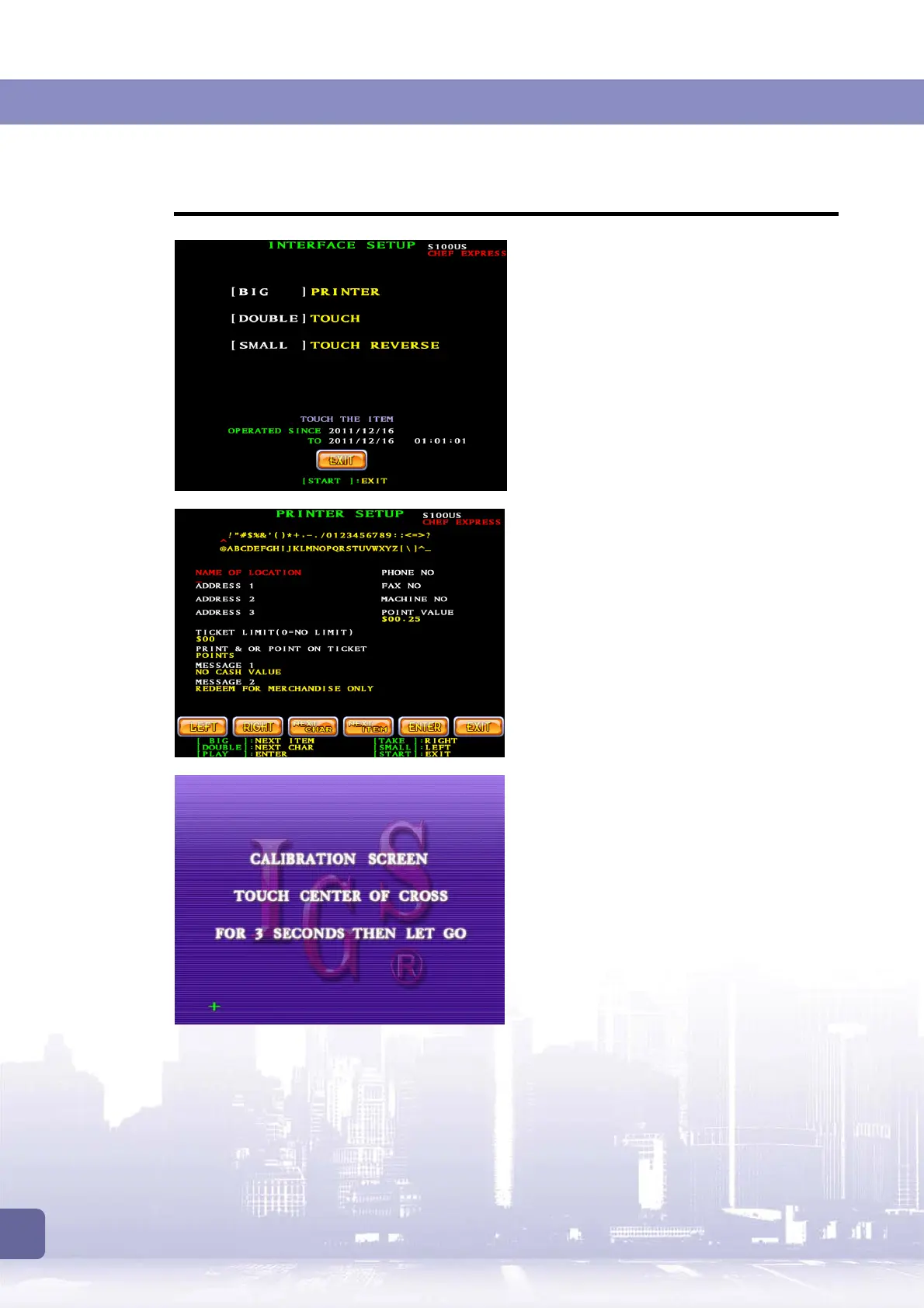
7.1.2 Interface Setup
The
[Interface Setup]
menu provides the
options to adjust touch screen rela
PRINTER
Printer Setup allows you to list the necessary
information such as address, message, and
denomination on the print-out receipt.
Touch
If a touch screen is connected, you will need
to enter this page to calibrate the screen.
1. Touch center of the cross on the screen
for 3 seconds.
2. Follow the cross when it moves till the
calibration is completed.
3. If required, you may press
[START]
to
skip calibration at any time.



 To Next Page