English
10
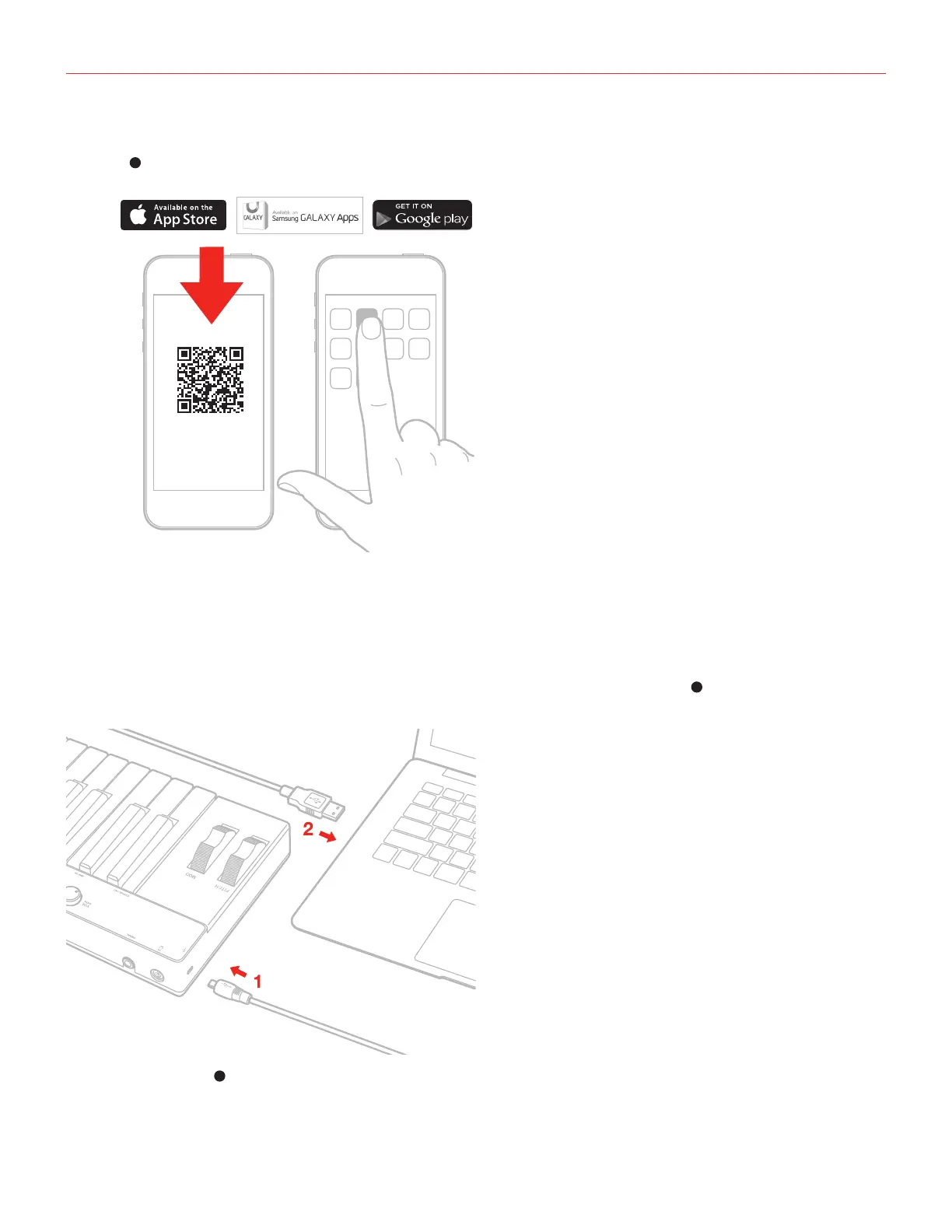
5. If you have not done so already, download the SampleTank app from the App Store and launch it. The “iOS”
LED
5
will light up. You are now ready to play SampleTank from iRig KEYS PRO.
6. You can use iRig KEYS PRO with any other Core MIDI-compatible app.
Mac or Windows based computers
1. Connect the included Micro USB cable to the Micro USB port on iRig KEYS PRO
2
.
2. Connect the USB plug to a free USB socket on your computer.
3. The “USB” LED
5
will light up. You are now ready to play virtual instruments installed on your computer from
iRig KEYS PRO.
SampleTank
iGrand Piano
iLectric Piano
ikdownloads.com/irigkeyspro



 To Next Page
 Loading...