Two short beeps, low-high tone
Two short beeps, high-low tone
Three short beeps, tone
descending from high to low
Three short beeps, tone
ascending from low to high
Wireless connection established, with blue
LED flashing (On/Off ratio 20ms:3s).
Wireless connection out of range or
suspended, with blue LED flashing (On/Off
ratio 1:1).
Enter or Exit Setting mode, with purple LED
flashing.
Configuration correct, with purple LED
flashing;
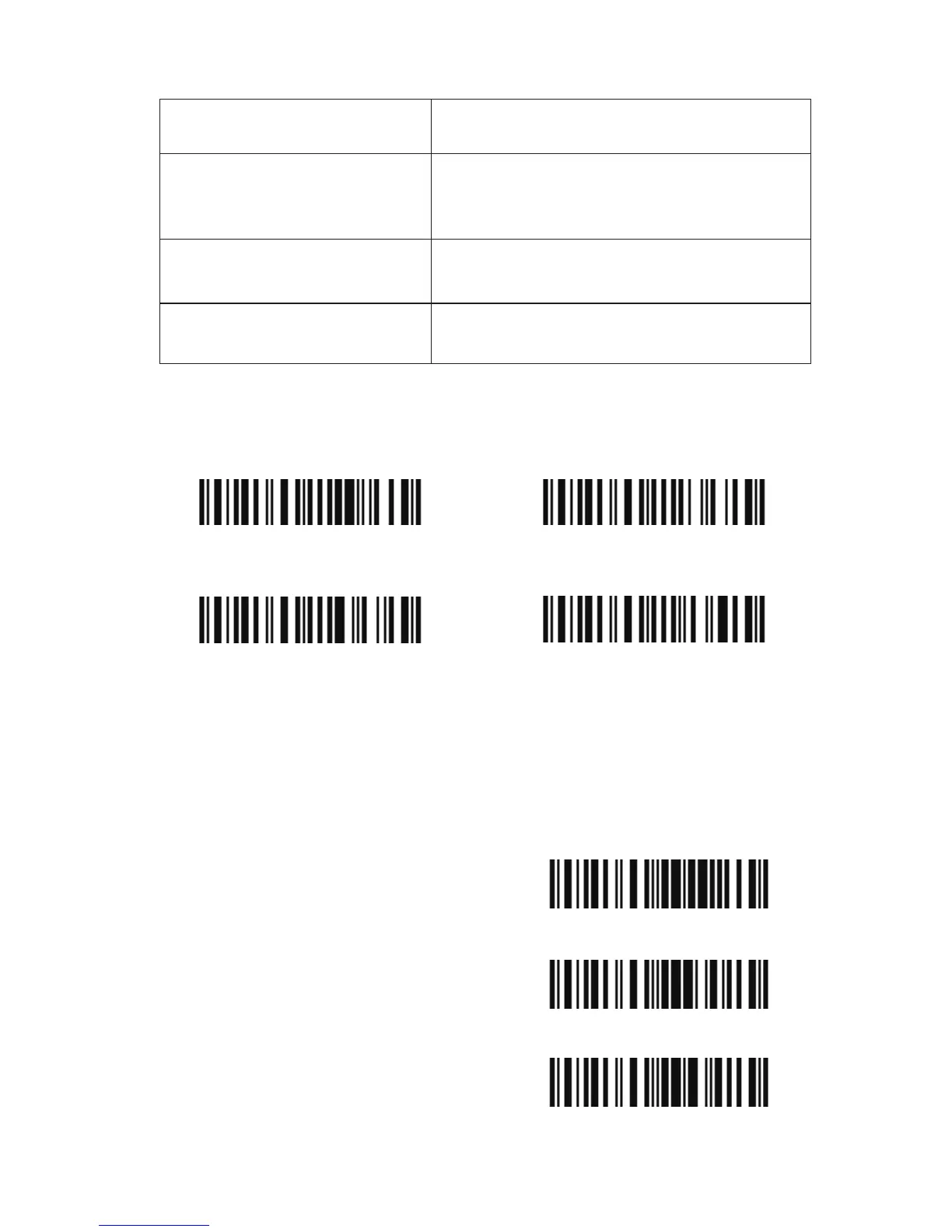
1.4.1 Beeper Volume
For example: Set Minimum Volume for beeper.
1. Read the "Enter Setup" barcode;
2. Read the "Minimum Volume" barcode;
3. Read the "Exit with Save" barcode.
Mute
Minimum Volume
(*)Medium Volume
Maximum Volume
Enter Setup
Exit with Save
Exit without Save
18



 To Next Page