26
Chapter 2 How to Connect with USB
receiver.
1、Make BCST-20 full charged, press Power key. If the scanner
never connected with the computer before, it will respond with a beep,
and flashing red.
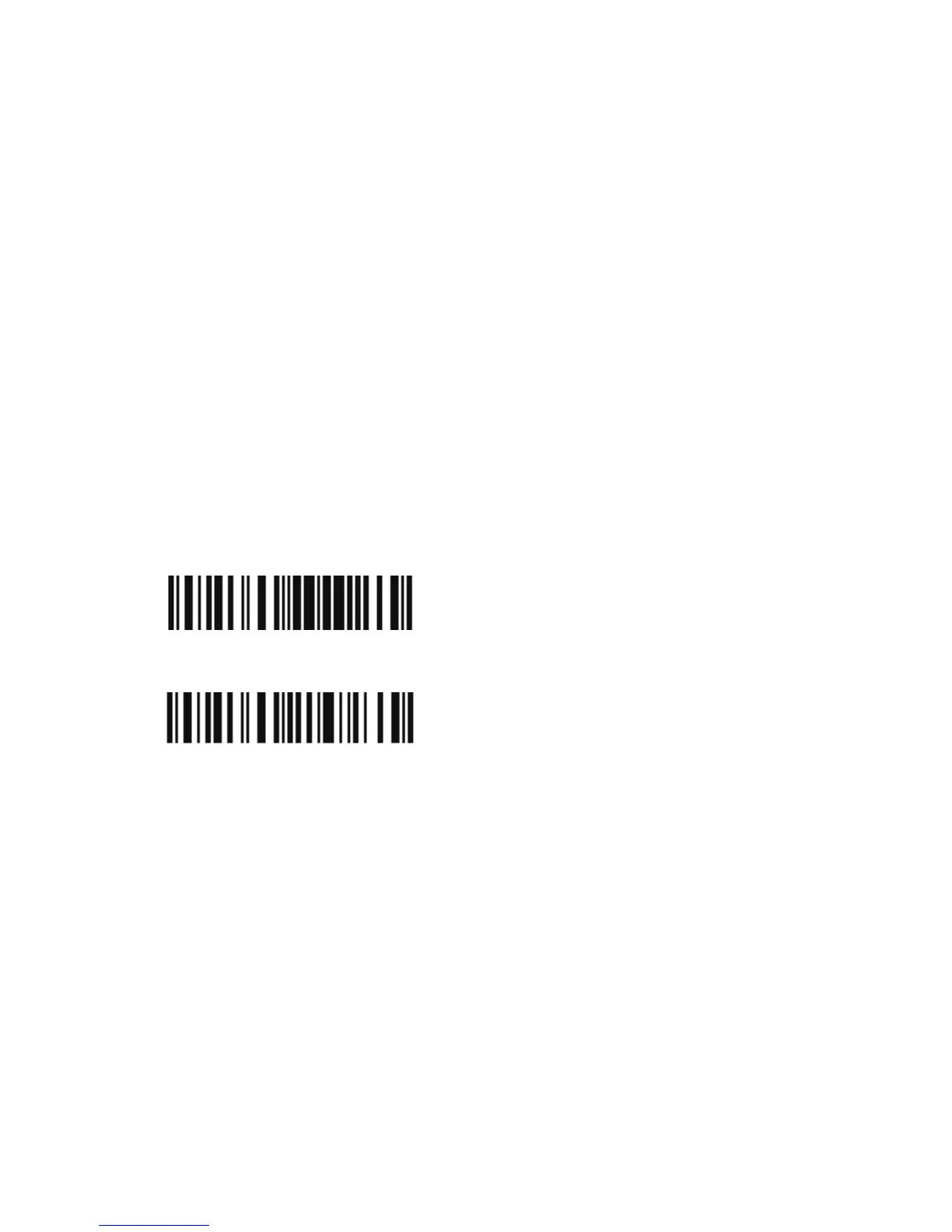
2、Have the scanner read the "Enter Setup" barcode to enter the
setting mode.
3、Have the scanner read the associated barcode to activate the
2.4G connection interface.
4、Have the scanner read the barcodes for related settings.
5、Have the scanner read the barcode to exit the setting mode.
Connection setting
1. Read “Enter Setup”
2. Read “2.4G”
2.4G
Enter Setup



 To Next Page