USER ENVIRONMENT
Operating Temp.
Storage Temp.
Operating Humidity
Storage Humidity
Drop Specifications
Accessories
0 to 50. ¡C / 32 to 122¡F
0 to 50. ¡C / 32 to 122¡F
20-85% ( non-condensing )
20-85% ( non-condensing )
Free fall of 1.5m air drop
USB receiver, USB data cable, Manual
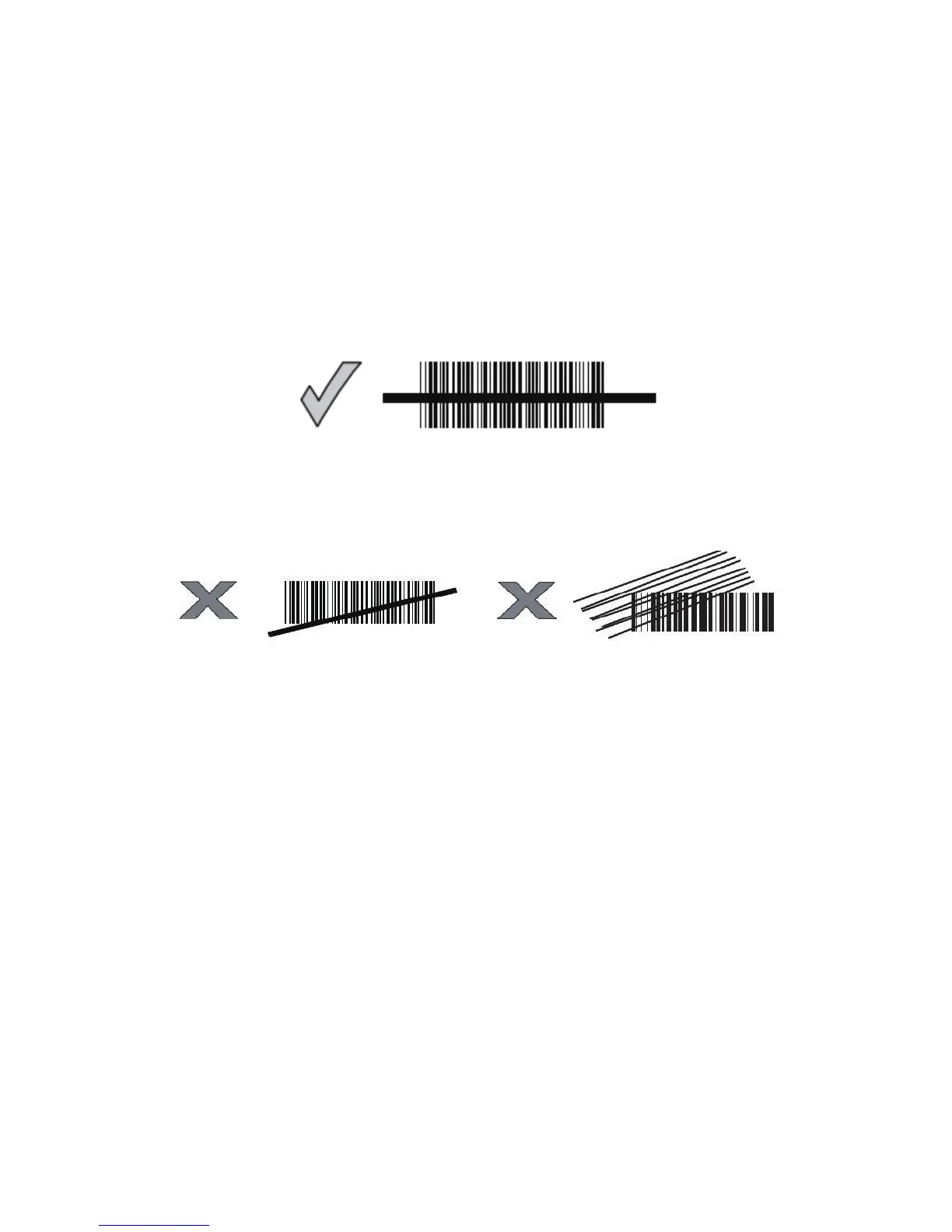
Correct Aiming
Incorrect Aiming
QUICK START
The setting of the BCST-20 Barcode Scanner can be changed by
reading the setup barcodes contained in this manual. This section
describes the procedure of setting the BCST-20 Barcode Scanner
by reading the setup barcodes and provides some example for
demonstration.
Step 1: Turn on BCST-20 Barcode Scanner. It will response with a
long beep(high tone), it's LED shows red and with Intmt
twinkle.
Note: How the BCST-20 Barcode Scanner establishes a
connection with computer or other compatible device,
please refer to Chapter 2.
Step 2: Enter the Setting Mode. The BCST-20 Barcode Scanner
will response three beeps (tone descending from high to
low), and its LED indicator will flash purple.
7



 To Next Page