40
3.9 EAN-8
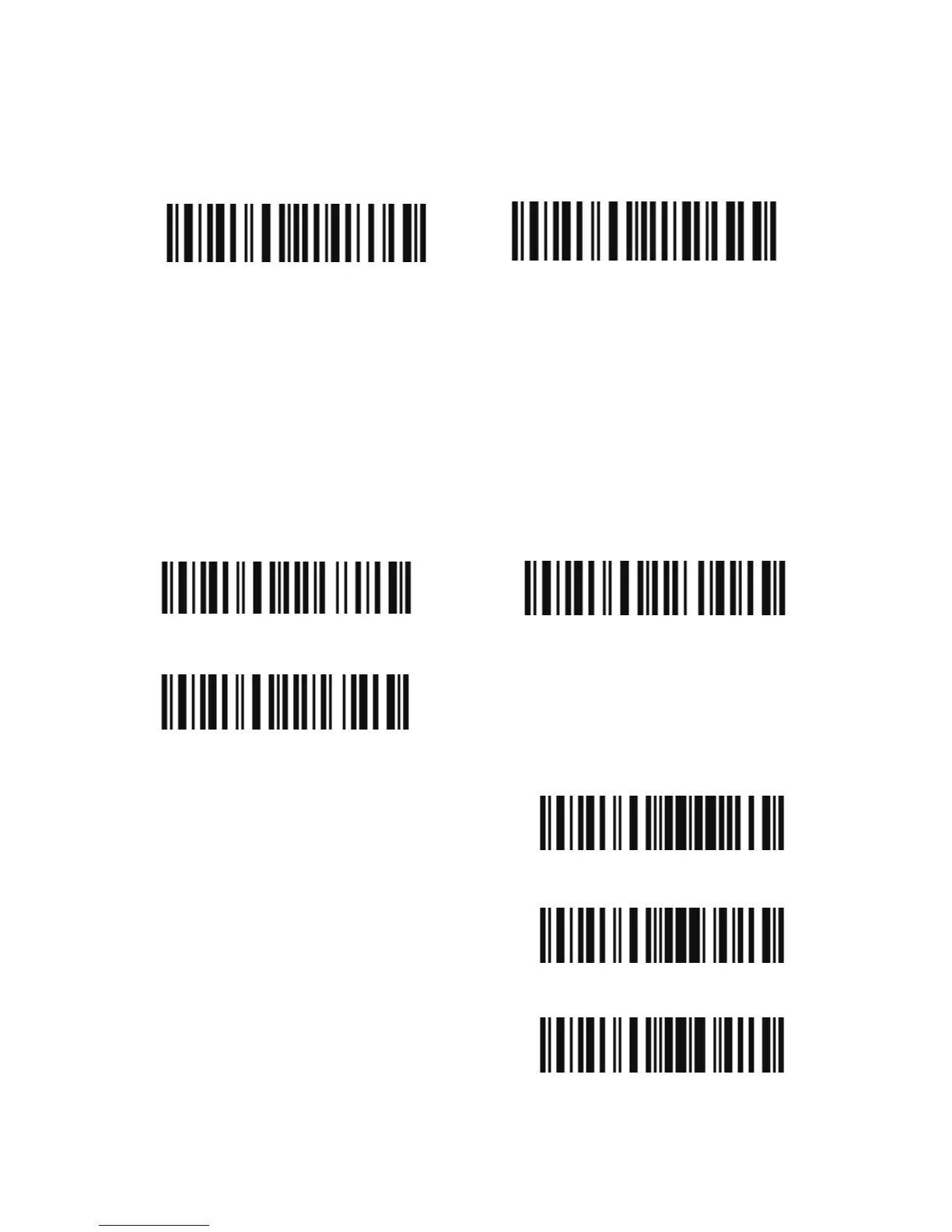
Decide whether or not to enable EAN-8. The BCST-20 Scanner
defaults enable EAN-8.
3.9.1 Convert to EAN-13
There are two ways for EAN-8 to change, convert to EAN-13, or add
"0" ahead of EAN-8, and the EAN-8 ID doesn’t change.
Decide whether or not to convert to EAN-13, if EAN-8 converts to
EAN-13, it will be read as same as EAN-13. If add a "0" ahead of
EAN-8, and the EAN-8 ID doesn’t change, the output ID is still EAN-8
ID.
Enter Setup
Exit with Save
Exit without Save
Disable EAN-8
(*) Enable EAN-8
Convert to EAN-13
(*) Do not Convert
Add "0" ahead and ID is not change



 To Next Page