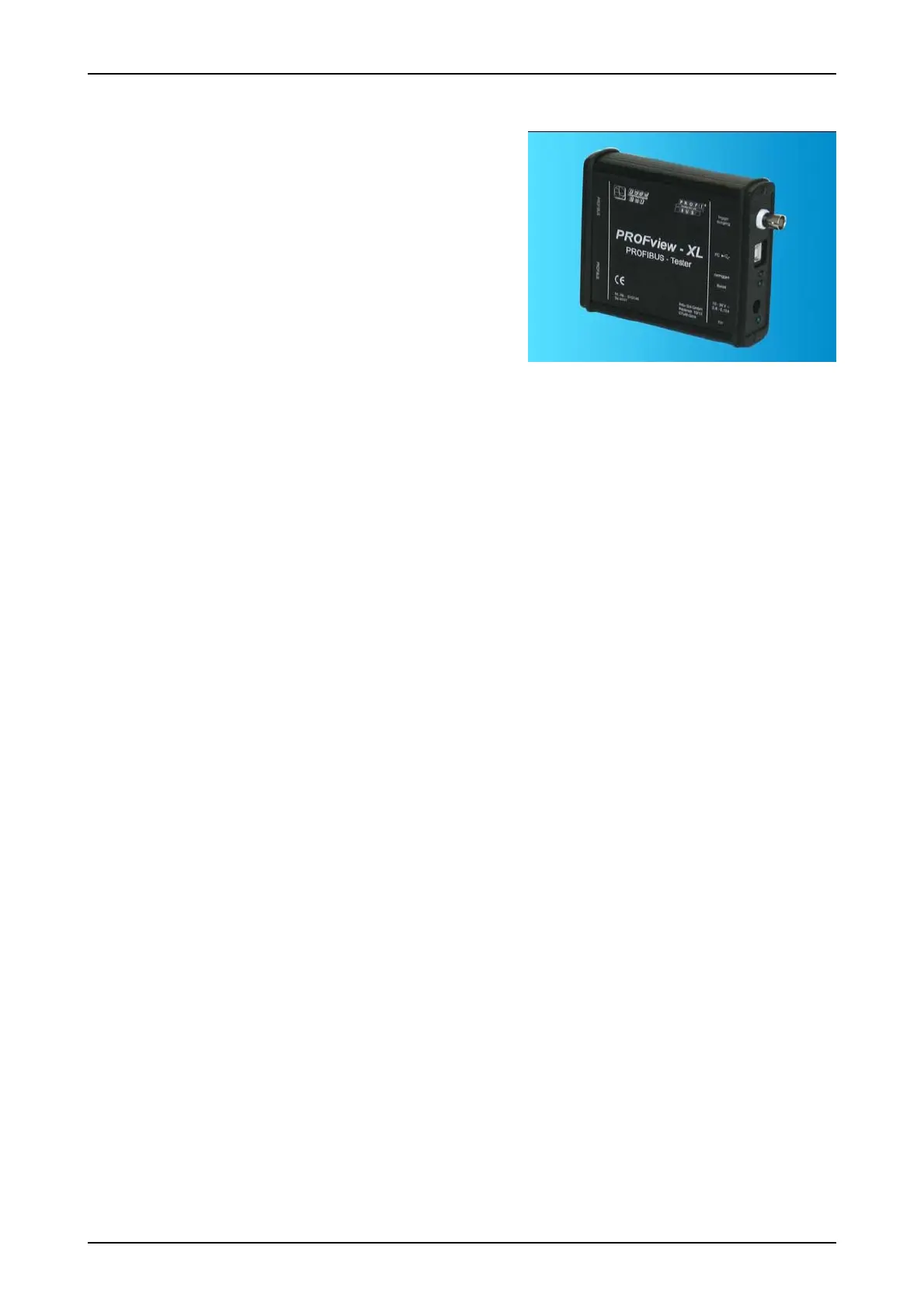
User Manual PROFview XL 1 Introduction
1 Introduction
Thank you for purchasing PROFview XL (PBT)! You have ac-
quired a tool which will support you in the start-up, monitoring
and servicing/maintenance of your PROFIBUS plant.
Thanks to its wide range of applications, its high data transfer
rates and above all its high tolerance against interference in
the field of plant automation, PROFIBUS has become well es-
tablished over the last few years. Nonetheless, particularly
when starting up new plants, though also during operation, a
wide diversity of problems may occur, quickly resulting in un-
desirable and often expensive failures. Errors in the application software of the plant are often assumed to be
the causes. Experience, however, has shown that the most of the problems occurring are attributable to the
use of inappropriate cable types, improper installation of the bus cables or disturbed driver functions at indi-
vidual PROFIBUS stations. Typical error causes for a disturbed communication on the PROFIBUS are e.g.:
missing, unpowered or surplus bus terminations
overlong bus lines and/or dead-end branches, wrong cable types
predamaged/defective bus drivers
excessive transfer resistances due to aging/corrosion
cable routing in environments subject to strong interference
Frames with a bad signal quality can only by detected via an analysis of the physical bus characteristics, per-
mitting errors and their causes to be detected specifically. Early and regular checks, beginning already at
start-up, help locate fault sources before they lead to failures. Such checks increase the signal quality, the
bus works reliably and is more resistant in terms of EMC.
PROFview XL 1



 To Next Page