IDS440 Users Manual version 4.2
54
Serial Port 1 Connector - TB 1
For RS232 input, set switch S1 to RS232 position, and for current loop input, set the
switch to CL position. NOTE: Jumper pin 7 CTS to 8 RTS if unit locks up on “Print”.
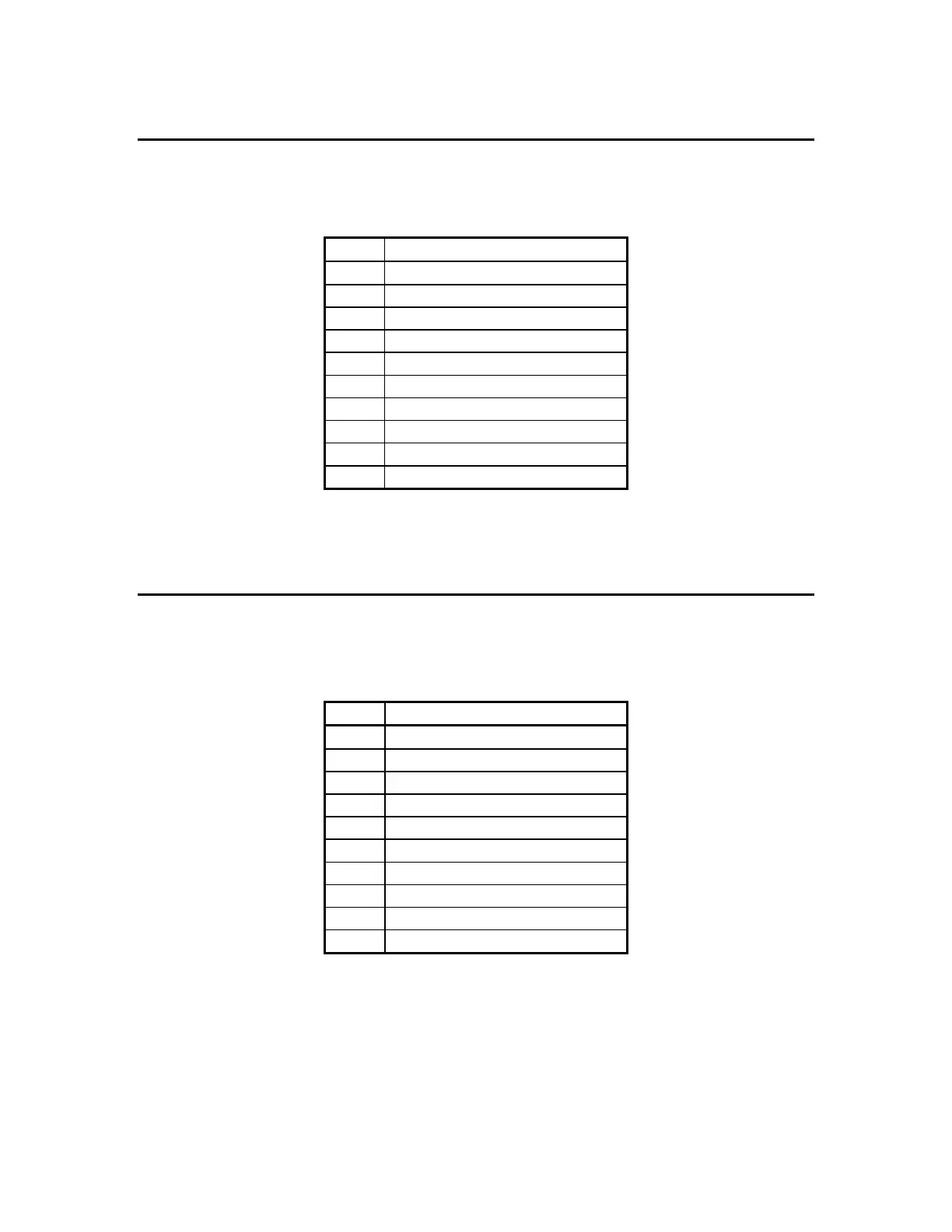
Serial Port 1 - TB1
Pin #
Signal Name
1 +5V
2 RS232 TXD (transmit data)
3 RS232 RXD (receive data))
4 DTR (220 ohm to +5V)
5 Ground (GND)
6 Current Loop Transmit
7 RS232 CTS (busy)
8 RS232 RTS (request to send)
9 Current Loop Input -
10 Current Loop Input +
Serial Port 2 Connector - TB 2
For RS232 or RS422/RS485 jumper JP3 input jumper to correct setting.
Serial Port 2 - TB2
Pin #
Signal Name
1 +5V
2 RS232 TXD (transmit data)
3 RS232 RXD (receive data)
4 DTR (220 ohm to +5V)
5 Ground (GND)
6 Current Loop Transmit
7 RS485 Transmit -
8 RS485 Transmit +
9 RS485 Receive -
10 RS485 Receive +



 To Next Page