IDS440 Users Manual version 4.2 Built In Application Programs
9
Using the IDS440
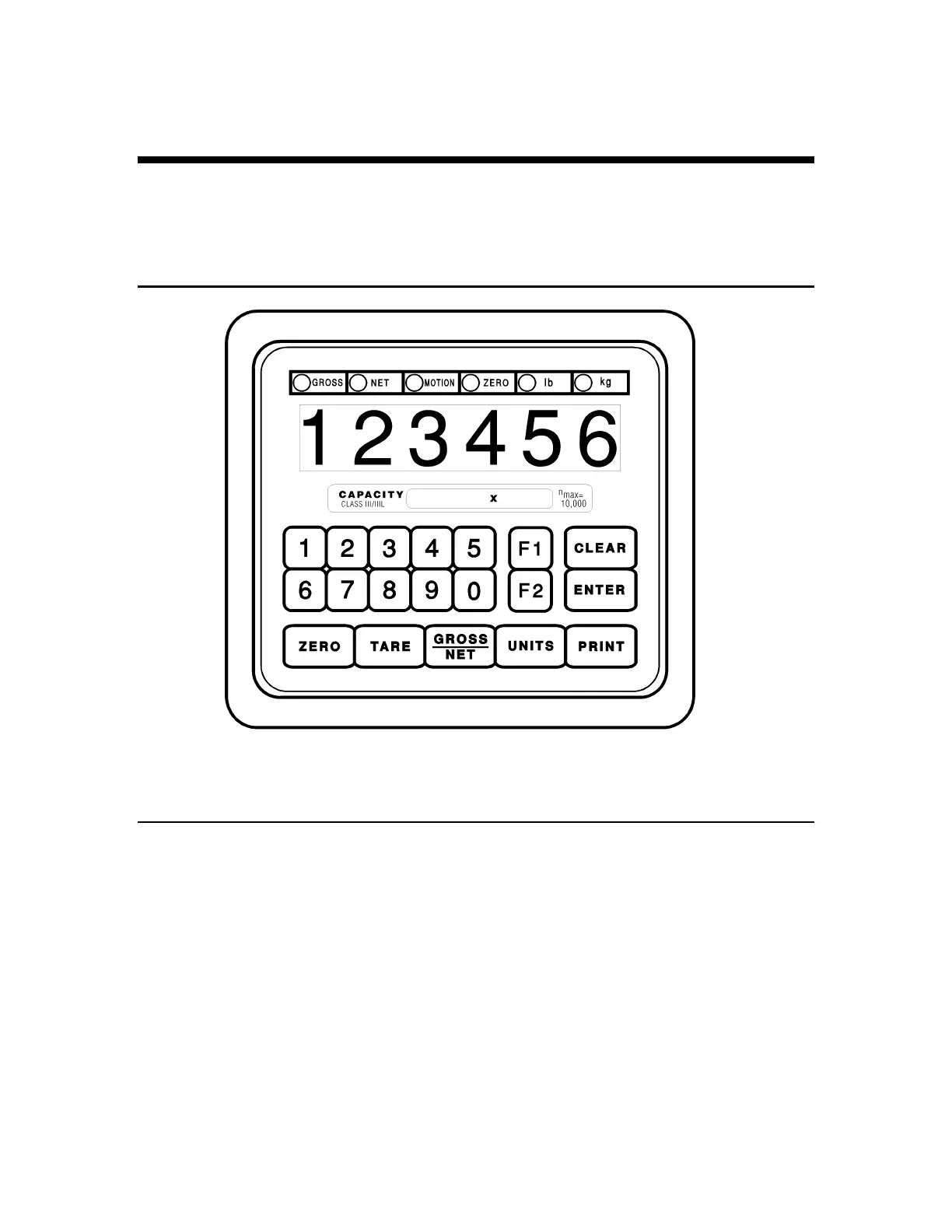
The IDS440 has 7 function keys located at the bottom of the keyboard, a numeric keypad,
and 2 control keys (ENTER, and CLEAR). This section of the IDS440 manual describes
what the keys are used for and how to use them.
Keyboard Layout
Operation of Function Keys
The function keys are located on the bottom of the IDS440’s front panel.
Zero
Press the ZERO key to zero the scale. The following conditions must be met for the
ZERO key to function:
•
The gross weight is within the configured zero acquisition range: 1% to 100% of full
scale.
•
The scale is stable (no motion).



 To Next Page