InfiNet Wireless R5000 Technical User Manual
Copyright © 2004-2010 by InfiNet Wireless
41
It is recommended to put a switch between the unit and the PC from
which ERConsole is executed.
2. Start «ERConsole» utility on the computer by running “ERConsole.jar” file.
Utility will be running in a waiting mode.
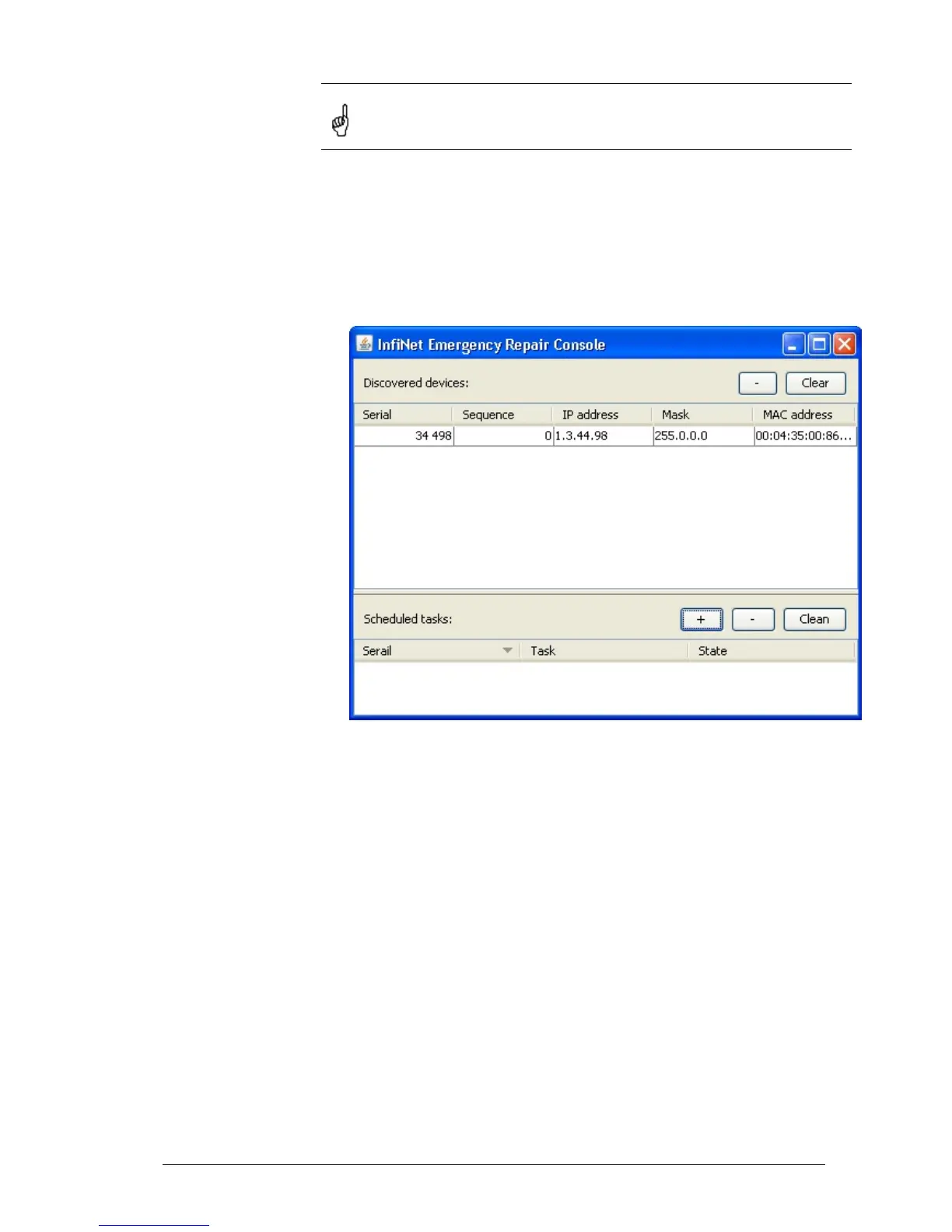
3. Restart the device. During its restart «ERConsole» utility will determine the
device and will show necessary information about it in the “Discovered
devices” section of the main window.
«ERConsole» utility main window.
4. Send “Serial” and “Sequence” field values to the InfiNet Wireless Technical
Support.
5. You will be given a factory password for the device.
6. Press «+» button in the «Scheduled tasks» section of the main window.
7. In the opened “New task” window choose “Reset configuration” in the
“Command” field. Then enter Serial number and factory password in the
corresponding fields. Press «Ok».



 To Next Page