InfiNet Wireless R5000 Technical User Manual
Copyright © 2004-2010 by InfiNet Wireless
60
3. Basic settings
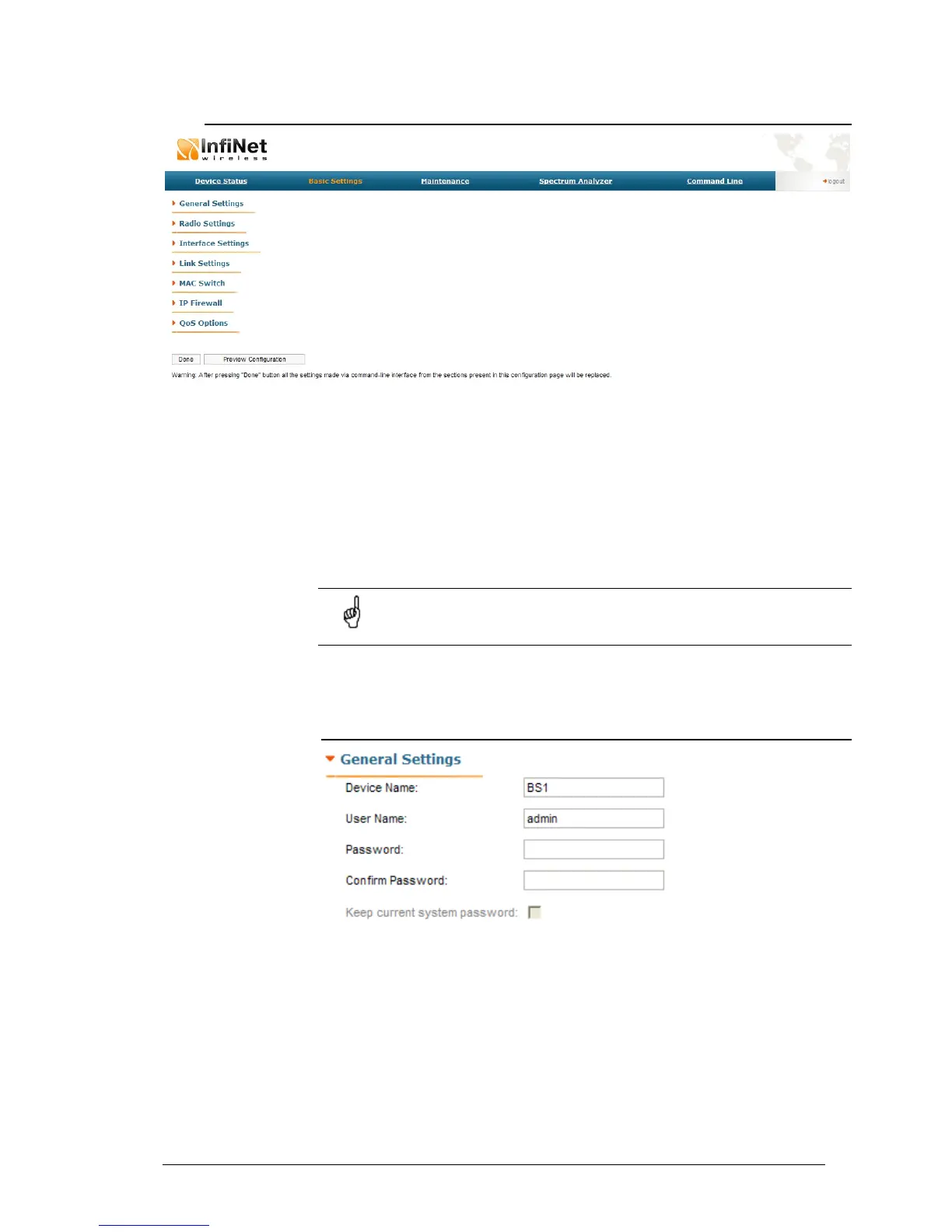
On the “Basic Settings” page the device configuration is performed. All the
parameters that are available for configuration are divided into the dedicated
sections (e.g. “General settings”, “Radio Settings”).
To show/hide the parameters of the section just click the section’s header.
The listing and description of all the sections can be found below in this chapter.
To view the configuration that is done on the “Basic Settings” page in a CLI-
based format, please, use “Preview Configuration” button.
To apply the configuration changes to the unit use “Done” button.
After pressing "Done" button unit's current configuration will be
updated according to the parameters set on the “Basic Settings” tab.
Unit will be turned into the switch mode.
Description of the sections:
General Settings
This section allows viewing/setting general parameters used for device access:
• Device name – general device name
• User Name - user Name used as Login
• Password - secret password used to login to the unit
• Confirm Password - password confirmation
• “Keep current system password” check-box – saves currently used
password in the unit’s configuration and locks “Password” and “Confirm
Password” fields. In case this check-box is leaved unchecked and
“Password” and “Confirm Password” fields are empty some web



 To Next Page