InfiNet Wireless R5000 Technical User Manual
Copyright © 2004-2010 by InfiNet Wireless
63
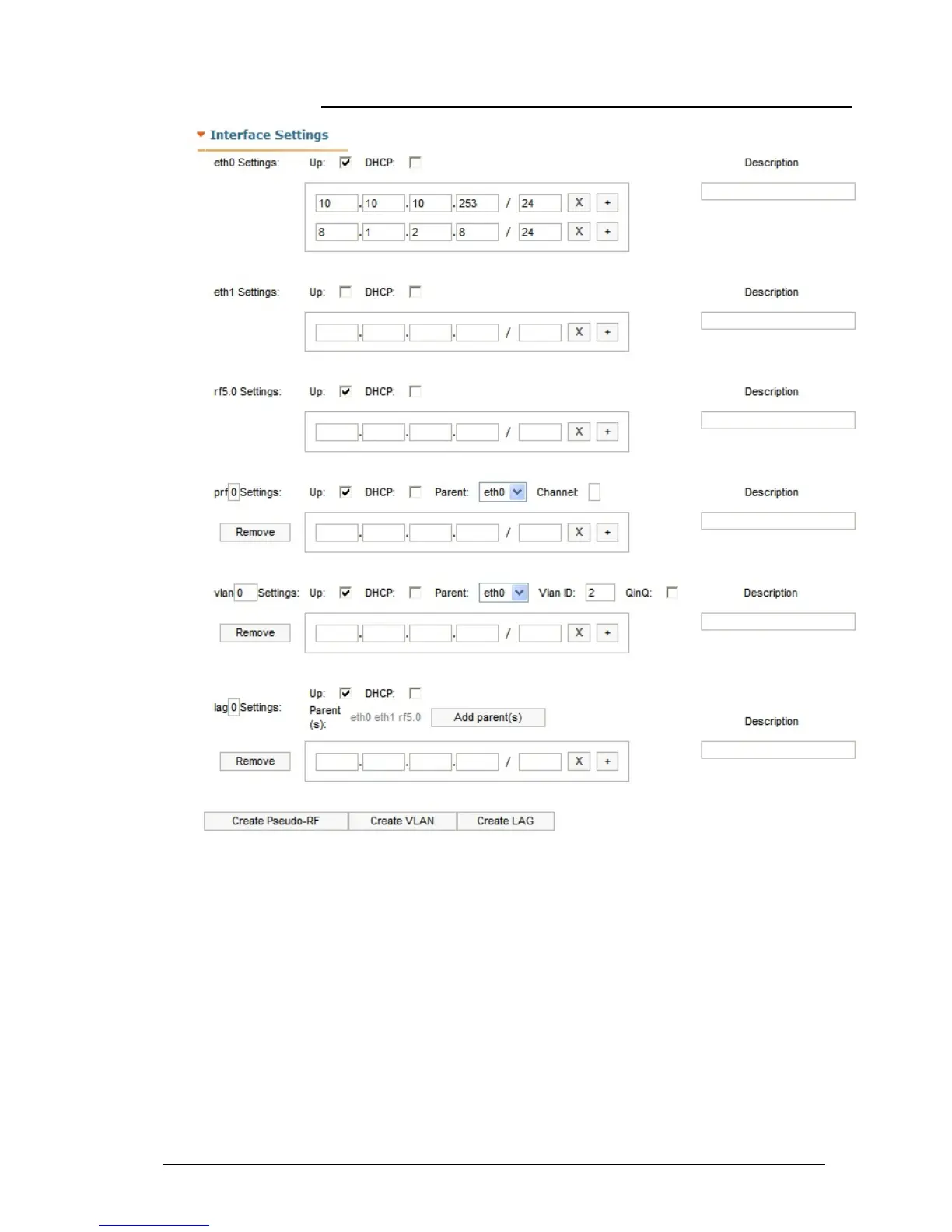
Interface Settings
This section allows viewing/setting the following network parameters:
ethX Settings - Ethernet interface settings (e.g. eth0):
• “Up” check-box enables/disables the interface
• “DHCP” check-box allows starting DHCP client on the interface
• IP-address field allows assigning an IP-address to the interface. One can
assign more than one IP-address to the interface by using “+” button.
“X” button clears the corresponding IP-address. “Remove” button deletes
the corresponding IP-address
• “Description” field allows adding a text note of up to 72 characters to the
interface configuration.
rfX Settings - RF interface settings (e.g. rf5.0):



 To Next Page