InfiNet Wireless R5000 Technical User Manual
Copyright © 2004-2010 by InfiNet Wireless
67
o Upstream – this mode is used for upstream multicast flows in video
surveillance systems (please see the full description of video
surveillance system configuration in OS WANFleX User Manual)
o Downstream – this mode is used for downstream traffic in video
surveillance systems (please see the full description of video
surveillance system configuration in OS WANFleX User Manual)
• Description - allows adding a text note to the group configuration
• Up and down arrows allows to change the group's order
• “Remove Group” button – deletes the group
• Group Rules – allows adding rules that defines what packets should be
processed by the group
• Default Action – the action (permit or deny) taken on the packet if it
doesn’t match to any rule
• Help – displays help guidelines for rules creation using “Group Rules”
subsection
General section:
• “Create Switch Group” button – creates a new switch group
• “Help” button (located nearby “Create Switch Group” button) – displays
general help guidelines for MAC switch configuration.
• Management VLAN – sets a Management VLAN ID. When set the device
access and configuration are possible only via Management VLAN
• “Enable Switch” check-box – starts switching on the unit.
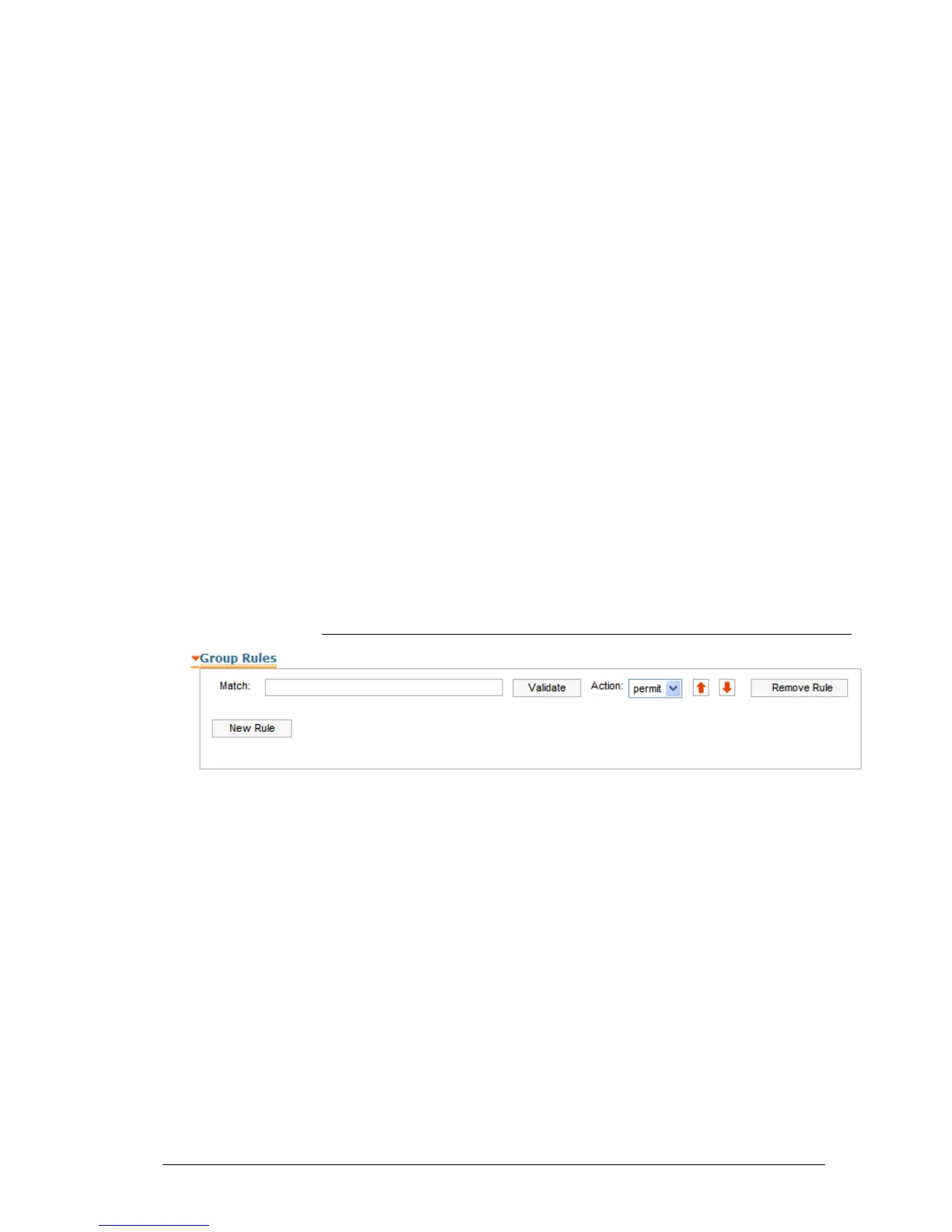
Group Rules
This subsection of the “MAC Switch” section allows adding rules that define what
packets should be processed by the group.
• Match – a field where a rule shall be typed in. To view the rules help
please use the “Help” button in the “MAC Switch” section (described
above).
• Validate – checks if the rule typed in the “Match” field has the right syntax
• Action – the action (permit or deny) taken on the packet if it matches the
rule
• Up and down arrows allows to change the rule's order
• “Remove Rule” button – deletes the rule
• “New Rule” button – creates a new rule’s entry in the “Group Rules”
subsection.



 To Next Page