20
Mac Client Utility
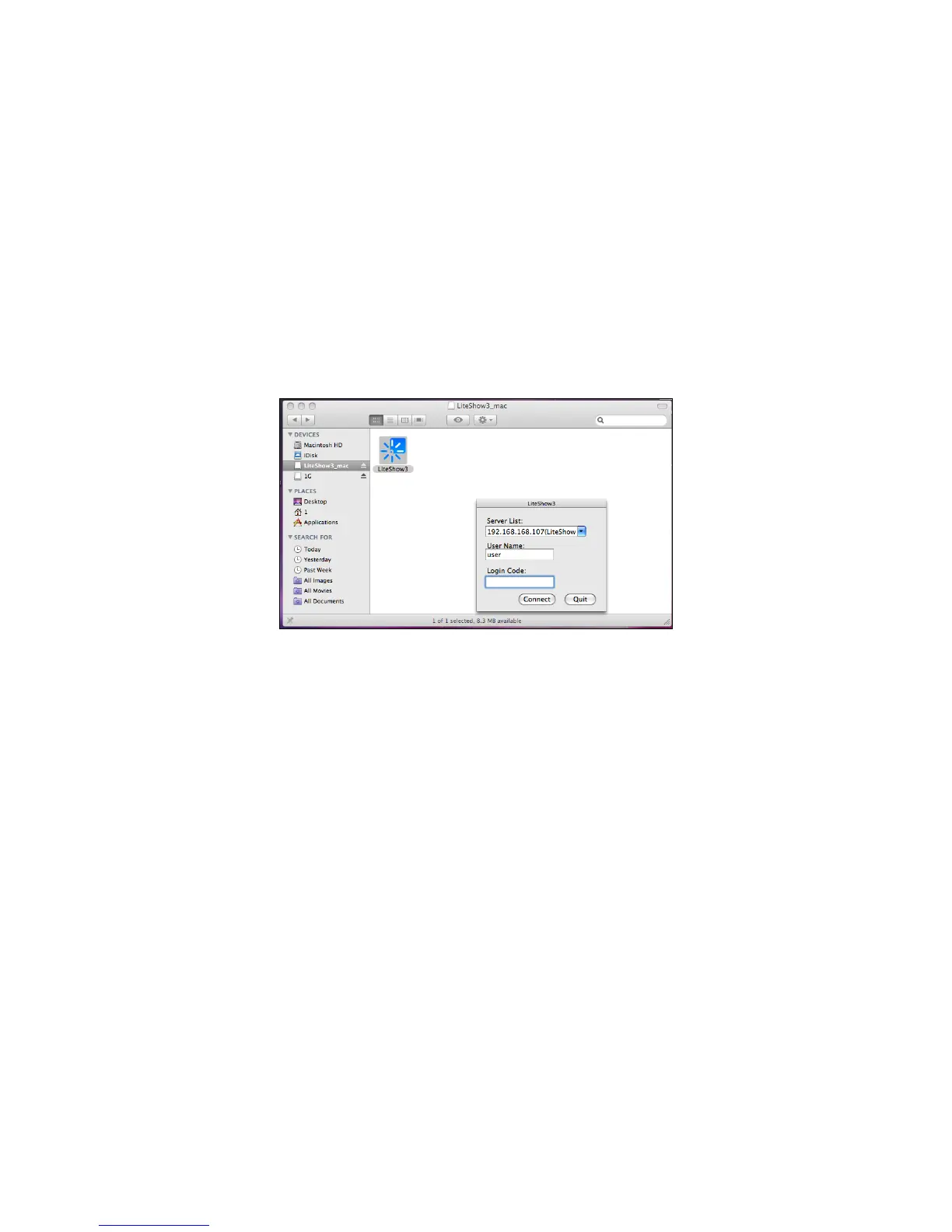
Launch Application
1) Click the LiteShow shortcut.
2) Select the network you want to project over, and then the LiteShow module you wish to use.
3) If the LiteShow module is found, a Login Code dialog box will be displayed on your projector.
4) Enter the Login Code visible on the projector and click Connect. LiteShow should
automatically begin displaying your computer screen to the connected projector.



 To Next Page