25
Download
Available to all users, regardless of which login is used.
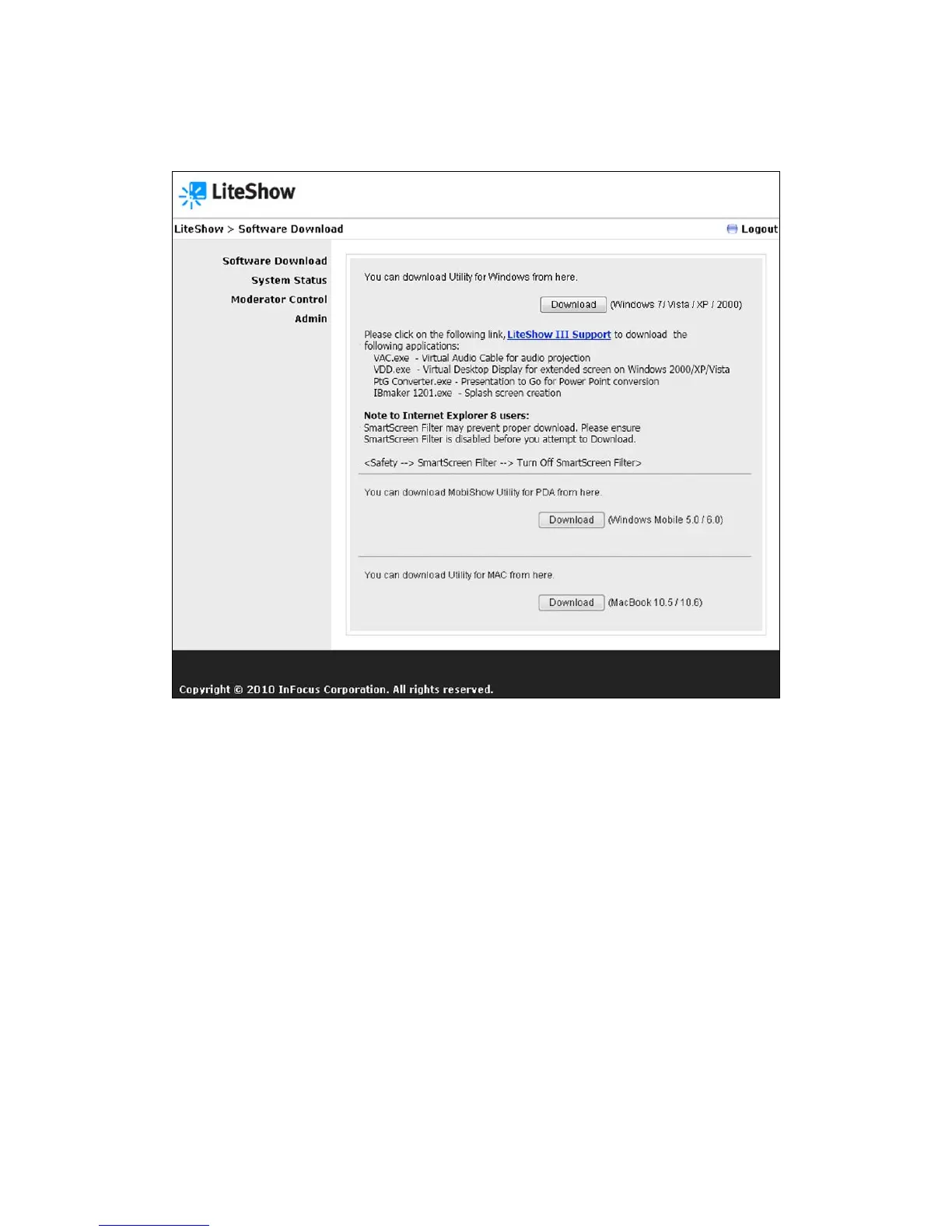
1) Choose Software Download from the left-hand menu.
2) Select the appropriate download from the list of choices, based on your operating system,
and click Download to start the installation program.
3) Follow the Installation Wizard instructions.
Note: A “Windows Security Alert” may appear if the Windows firewall blocks this program.
Press “Unblock” button to continue installation.
4) Once installation is complete, a LiteShow shortcut will appear on your desktop.
Note to System Administrators: If you save the “LiteShow3.exe” installation file to an accessible
folder, you can invoke it in a script as “LiteShow3.exe /VERYSILENT”. This would cause LiteShow
to install without prompts and silently terminate without launching LiteShow at the end of the
installation process.



 To Next Page