35
Appendix A: Screen Image Background Maker
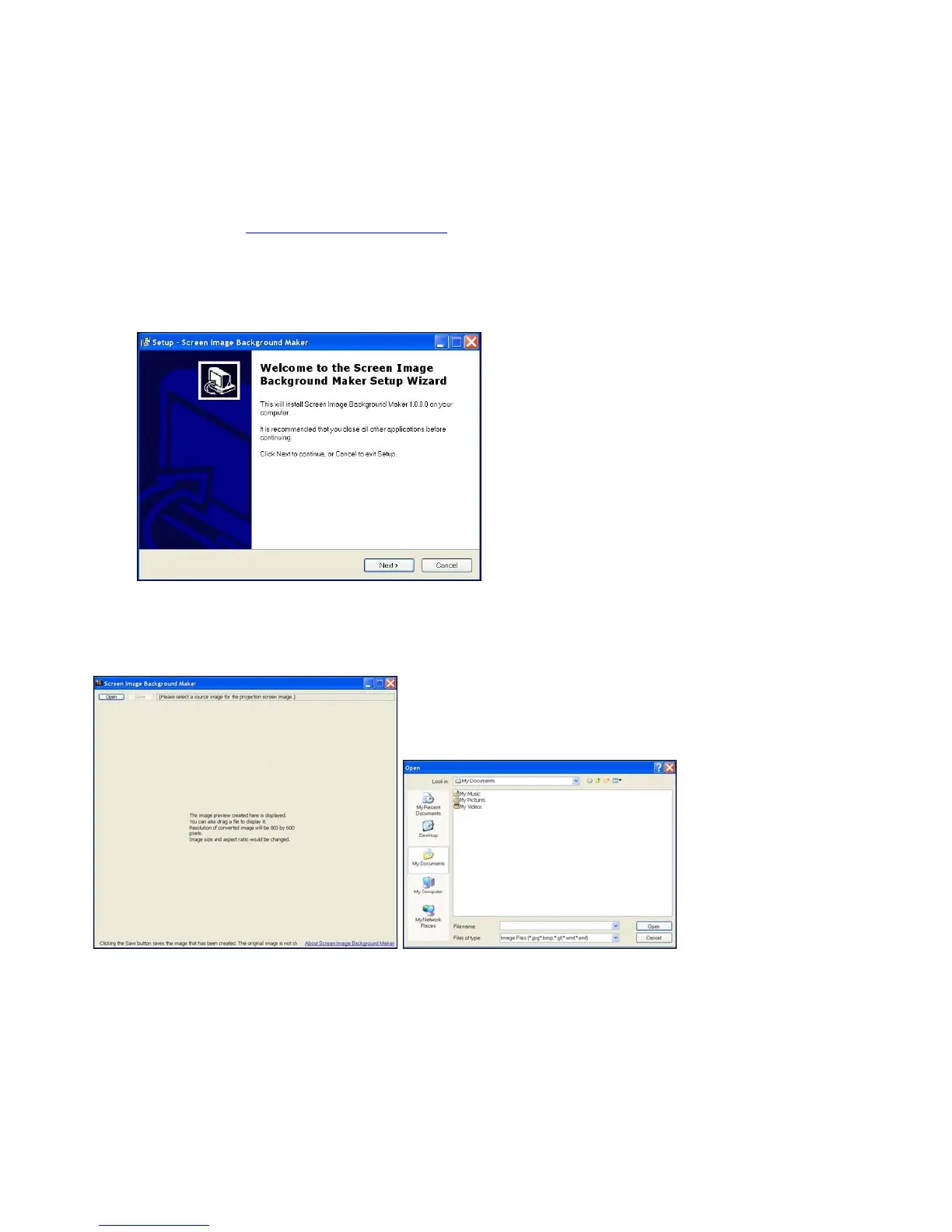
1) Download the IBmaker1201.exe file from the LiteShow USB token or from the InFocus
website at: www.infocus.com/support.
2) Once installed, the Image Background Maker will reside in the MobiShow folder within
Programs.
3) Run the Image Background Maker and follow the wizard instructions.
4) When instructed, click Open and select the desired image you want to convert into your
custom LiteShow background.



 To Next Page