7
Initial Set-up
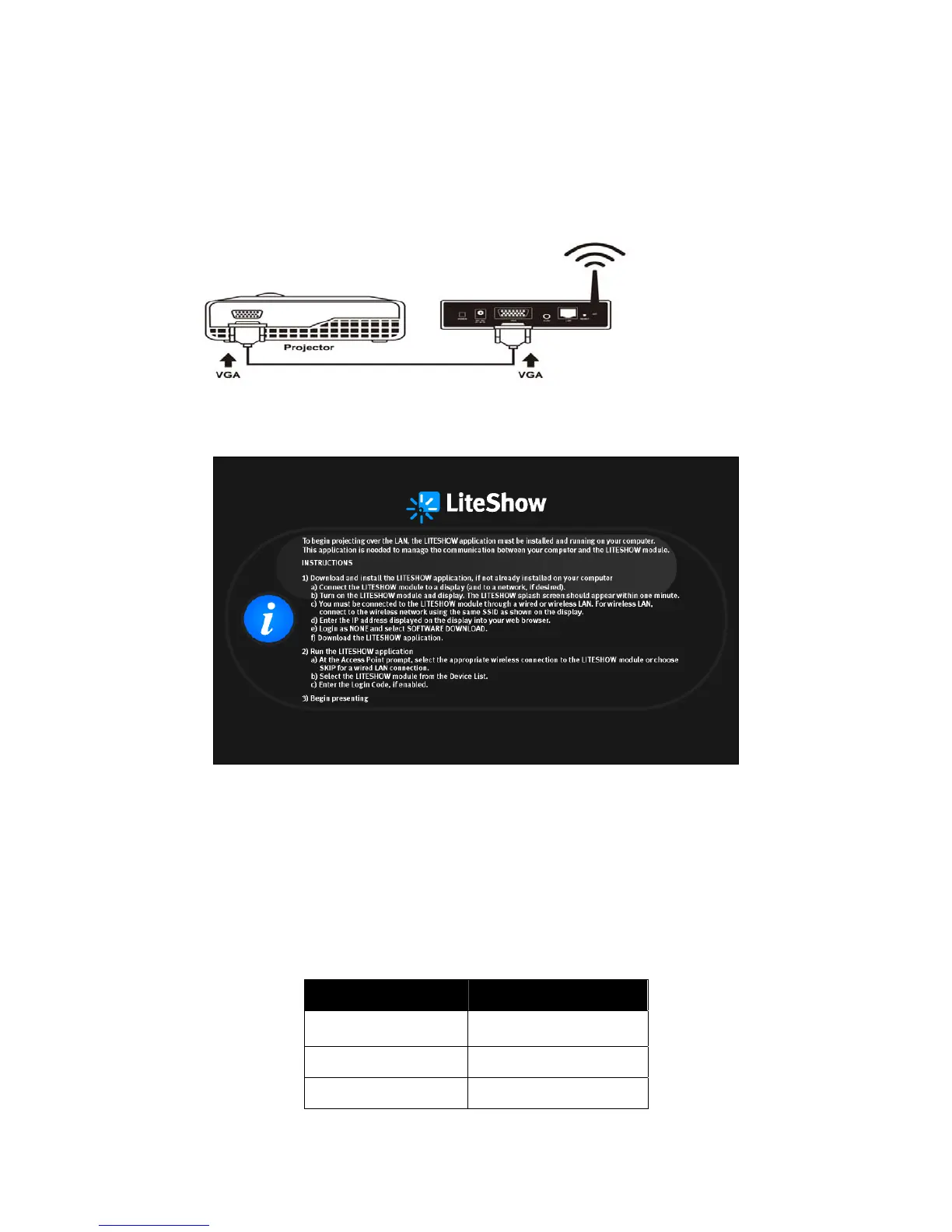
1) Connect power to LiteShow module, and connect a VGA cable from the projector to the
LiteShow VGA connector. If desired, audio can also be connected to the LiteShow Audio
connector.
2) Turn on the projector and LiteShow module. Note: When the projector shows the instructions
below, LiteShow is ready for use.
3) Verify that your computer’s wireless connection is enabled and connect to the LiteShow
wireless network.
4) Open your browser. Although the LiteShow page should display automatically, you can also
enter the IP address displayed on the projector into your web browser. Note: The default IP
address of LiteShow is 192.168.100.10.
5) At the LiteShow Login screen, enter one of the following combinations to access the
downloadable client software:
Login Default Password
None
Not applicable – No
password required
Basic User basic
Admin User admin
Note: If the default password listed above does not work, contact your IT administrator.



 To Next Page