24
Web Management
Home Page
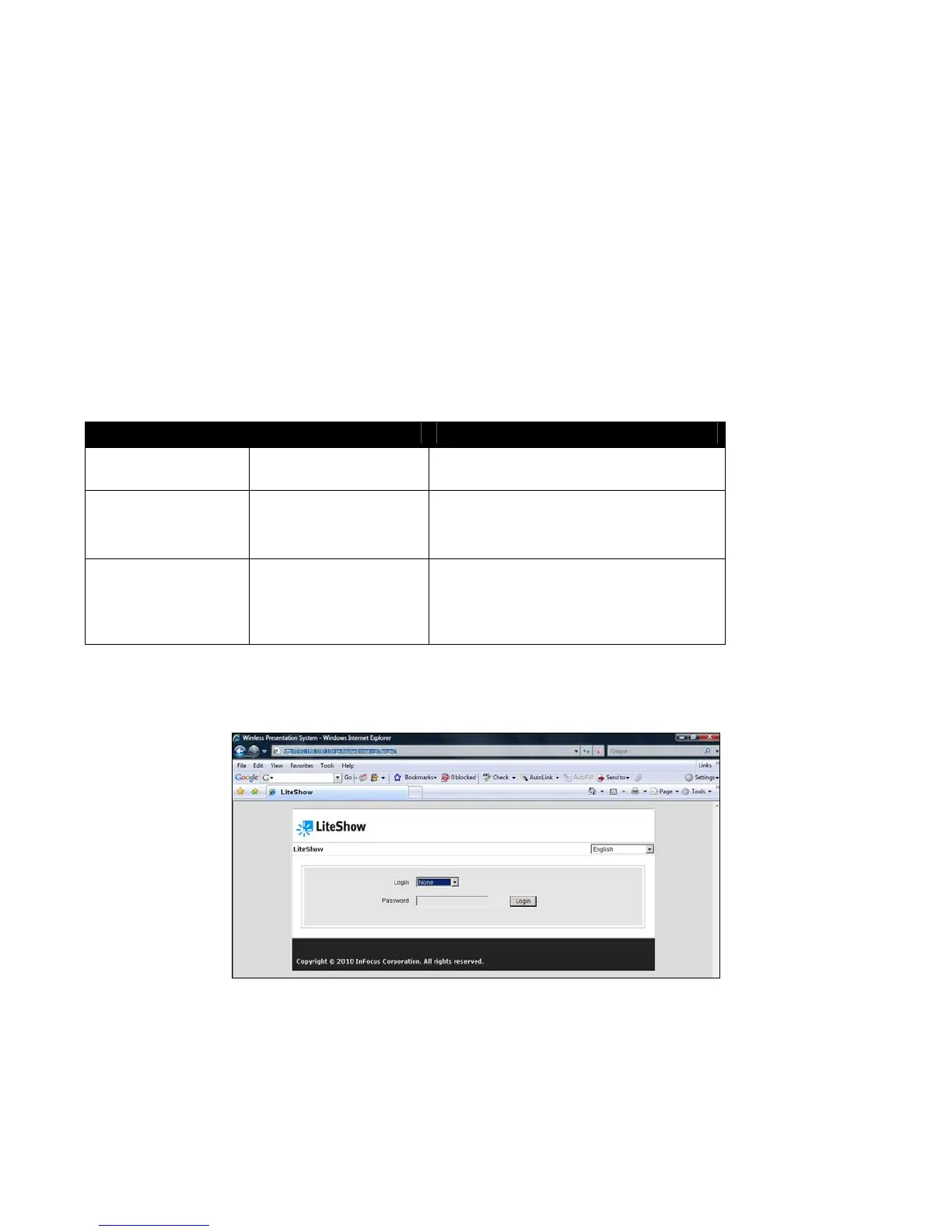
1) Ensure your computer has successfully connected to LiteShow.
2) Open your web browser. It should automatically open to the LiteShow home page. If not,
enter the IP address shown on the projector screen in your browser window. The default IP is
“192.168.100.10”.
3) At the LiteShow Login screen, choose your desired language from the drop-down, and enter
one of the following combinations to access associated LiteShow menus:
Login Default Password Menu Options
None
Not applicable – No
password required
Download
System Status
Basic User basic Download
System Status
Moderator Control
Admin User admin Download
System Status
Moderator Control
Admin Menu
Note: If the default password listed above does not work, contact your IT administrator.



 To Next Page