32
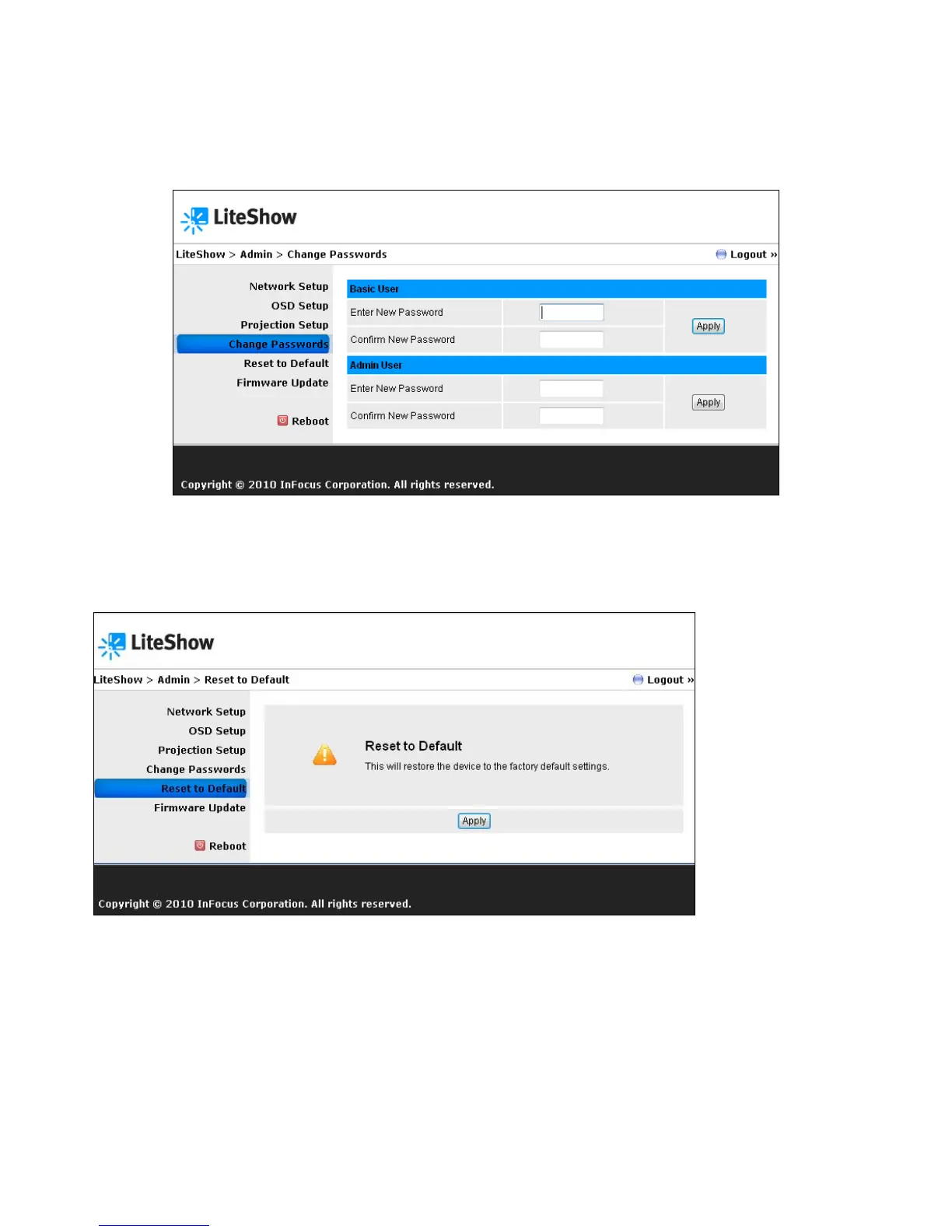
Change Password
Allows the user to reset the passwords for Basic User and/or Admin User.
Reset to Default
Restores LiteShow to factory default settings.
Alternatively, factory default settings can also be restored as follows:
1) Turn off the LiteShow module.
2) Press and hold the Reset button on the back of the LiteShow module.
3) Turn on the LiteShow module.
4) Wait for at least 10 seconds and release the Reset button.
5) Factory default settings should be restored.



 To Next Page