31
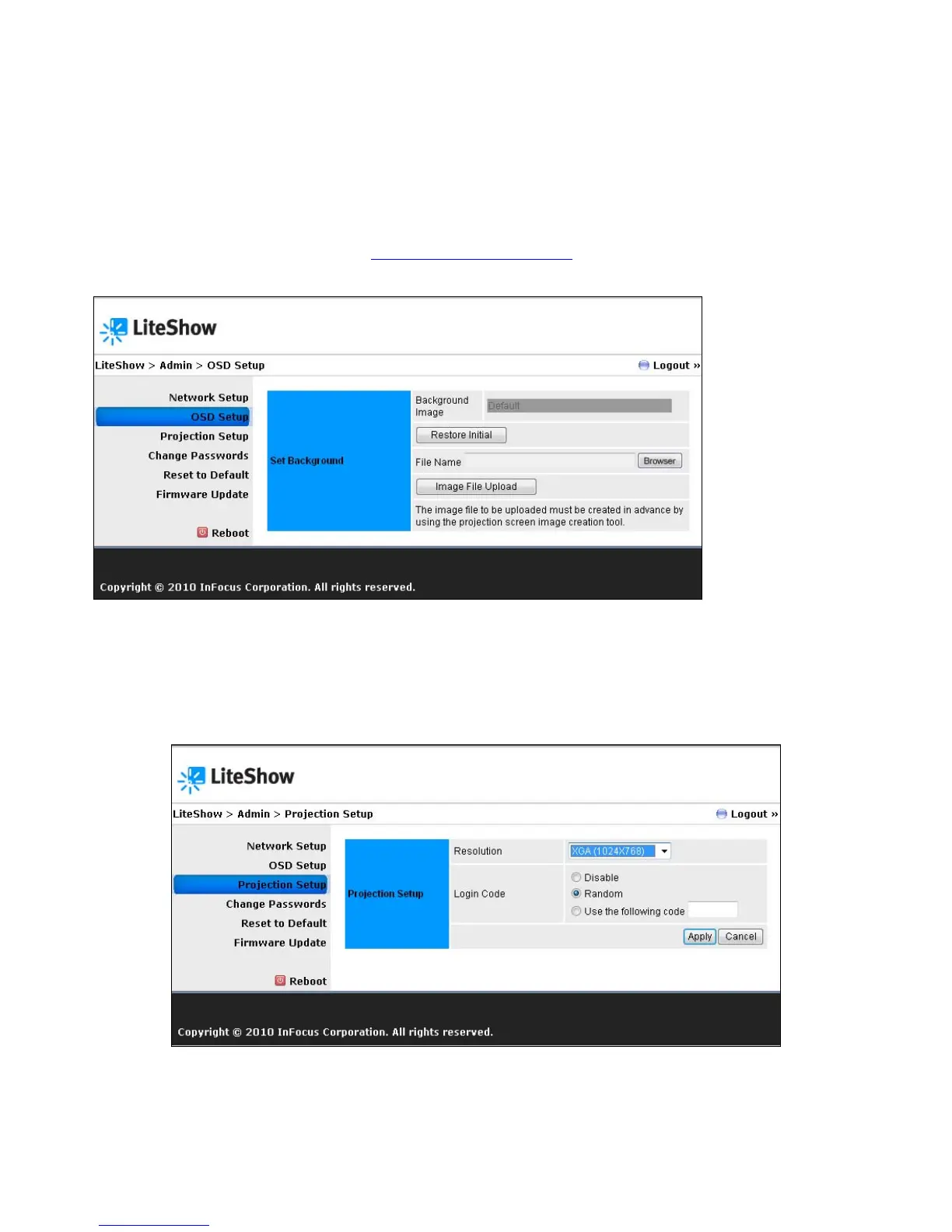
OSD Setup
Allows you to customize the LiteShow standby image with a personal image and/or restore the
original standby image.
Note: To define a custom image, you must convert the image using the IB Maker Utility located
on the LiteShow USB token (and at www.infocus.com/support). See Appendix A for further
instructions.
Projection Setup
Allows you to change the projector’s resolution (options: 1024 x 768, 1280 x 768, 1280 x 800) and
disable, randomize or apply a static Login Code.



 To Next Page