22
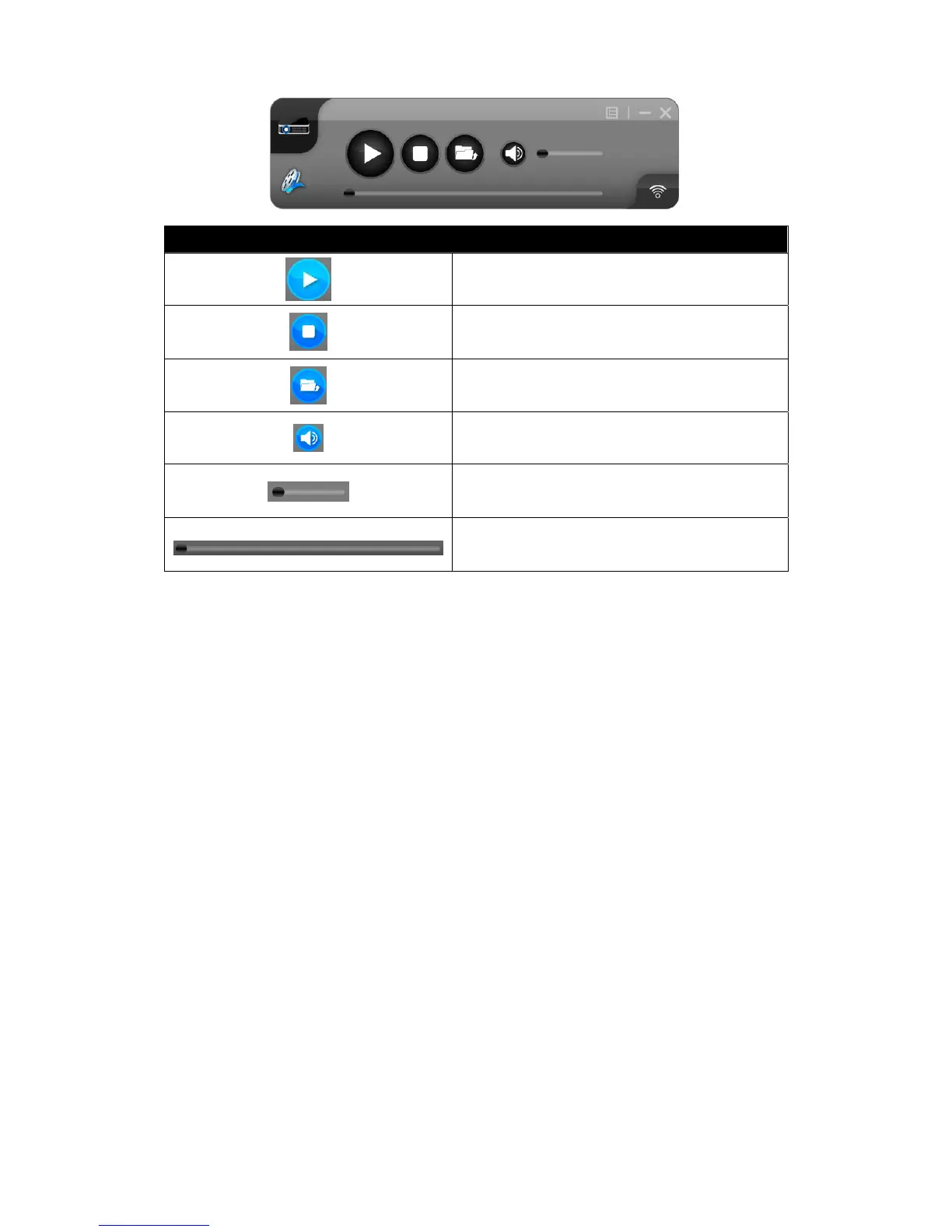
Video Mode Tab
Video Mode Controls
Start Playing Video/Music
Stop Playing Video/Music
Open Video/Music File
Mute
Volume Level
Progress Bar
Video Mode Notes:
Supported formats include: MPEG1/2, DivX(3.4.5), XviD(MPEG4), H.264, WMV9, MP3, WMA.
For higher quality video or music playback, stream the files from your computer to the LiteShow
module. Decompression, buffering, and video processing all take place in the LiteShow module
reducing the load on your computer and network. Click on the Video Mode Tab to switch to Video
Mode. Choose a video/audio file and it will stream the file to playback on the screen.



 To Next Page