33
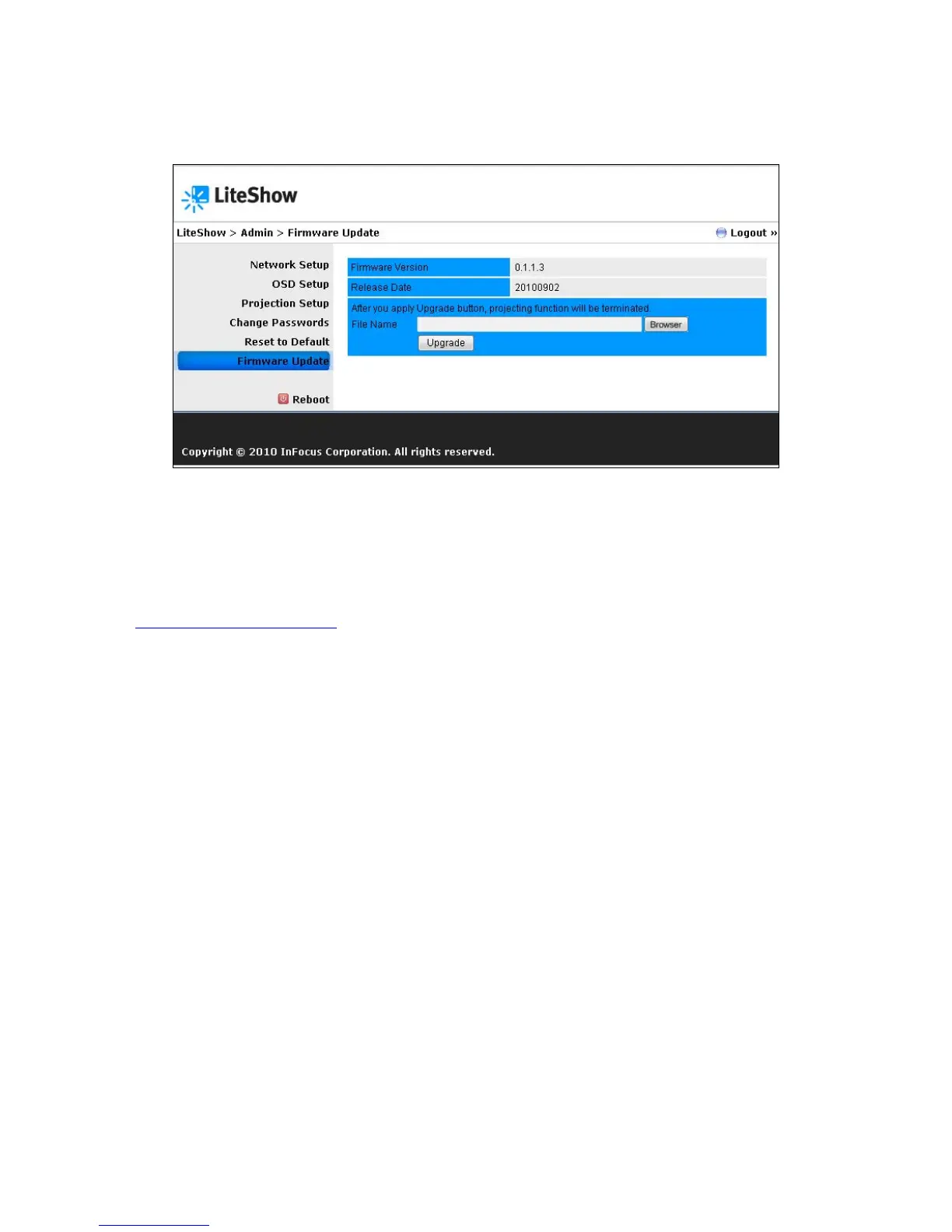
Firmware Update
Used for updating the firmware of LiteShow.
To update your LiteShow firmware:
1) Connect the LiteShow device to your network RJ45 connector before updating. (Do not
update wirelessly.)
2) Download the latest firmware image file (*.awd) from the InFocus support site
(www.infocus.com/support) to your computer.
3) Choose Firmware Update from the left-hand menu.
4) Click Browse and open the firmware image file you previously downloaded to your computer.
5) Click Upgrade. Note: This process will take several minutes.
6) After a message appears stating the update has been successful, click OK and begin using
LiteShow.



 To Next Page