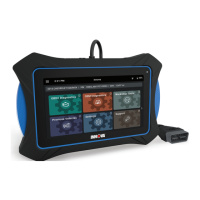
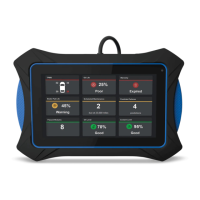
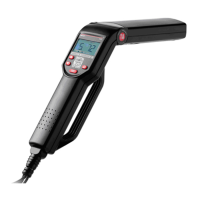
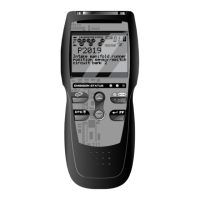
Scan Tool Controls
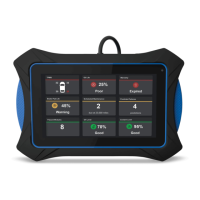
CONTROLS AND INDICATORS
3
4. HDMI port – Supports connection of an external HDMI (High
Definition Multimedia Interface) compatible external display.
5.
Headphone port – Supports connection of external headphones.
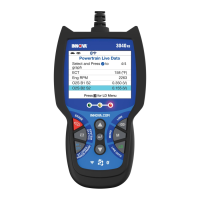
6. Display - Color LCD display shows menus and submenus, test
results, tablet functions and vehicle status information.
7. Cable - Connects the tablet to the vehicle’s Data Link Connector
(DLC).
Power Up and Power Off
To power up the tablet:
1. With the tablet off, press and hold the
POWER button for
approximately 3 seconds, then release.
The “splash” screen displays the message “LOADING” while the
software loads.
When the software has been loaded, the Home Page displays
(see THE HOME PAGE on page 4).
2. If the tablet is connected to a vehicle, the message “Retrieving
vehicle information…” while the table establishes communication
with the vehicle.
To restart or power off the tablet:
1. With the tablet on, press and hold the
POWER button for
approximately 3 seconds.
The “power down” options menu displays at the right side of
the screen.
2. To restart the tablet:
Tap the Restart icon.
- The “splash” screen displays the message “LOADING” while
the software loads.
- When the software has been loaded, the Home Page
displays (see THE HOME PAGE on page 4).
If the tablet is connected to a vehicle, the message “Retrieving
vehicle information…” while the table establishes communication
with the vehicle.
3. To power off the tablet:
Tap the POWER icon.
- The tablet powers down and turns off.


 To Next Page