EasyManua.ls Logo

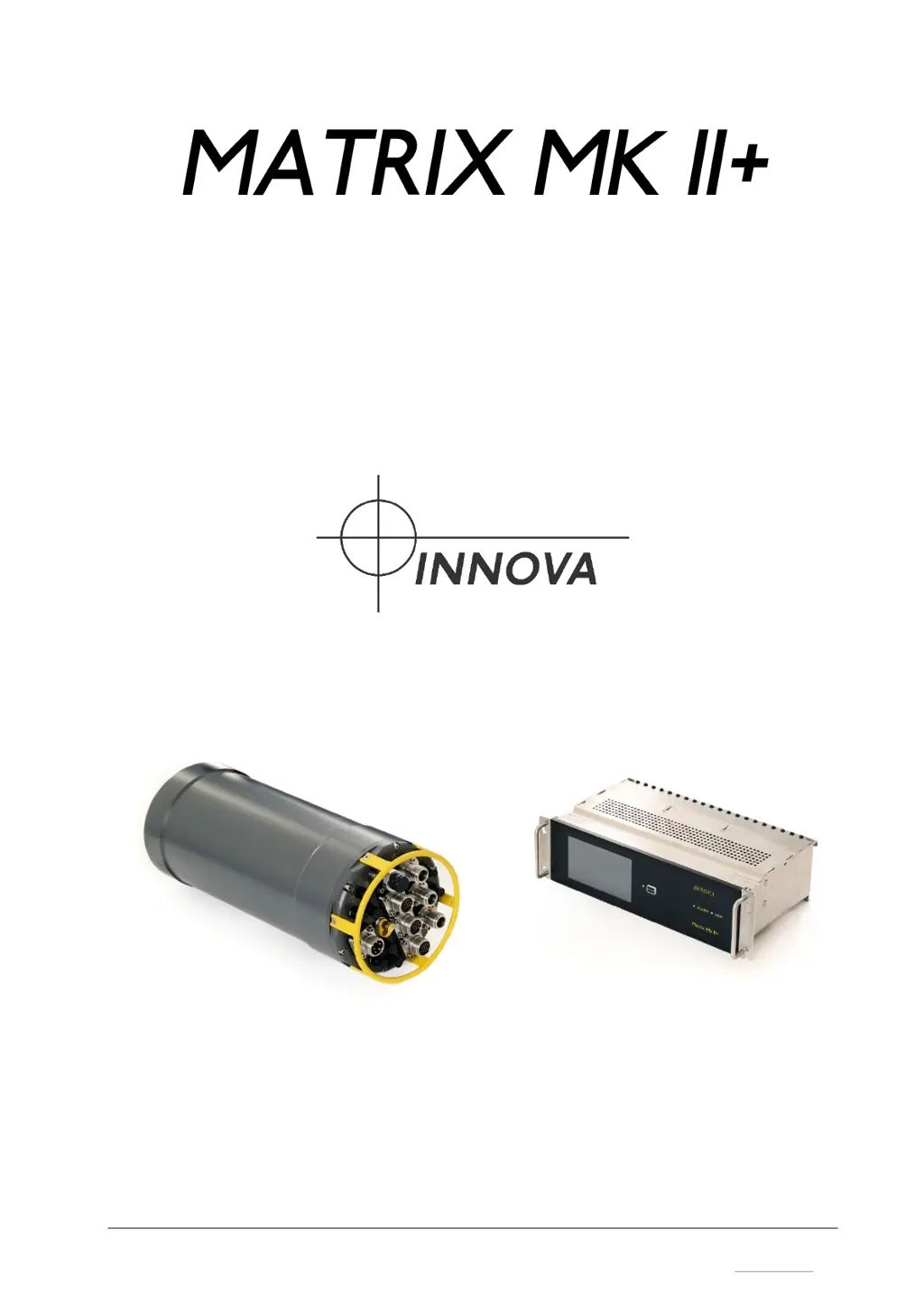
Innova MATRIX MK II+ - User Manual

Innova MATRIX MK II+
74 pages
Print Icon
To Next Page IconTo Next Page
Loading...
P.O. BOX 390 Tel.: +47 51 96 17 00 post@innova.no
4067 Stavanger, Norway Fax.: +47 51 96 17 01 www.innova.no
Operation and Maintenance Manual

Table of Contents

Questions and Answers

  • J
    Johnny WhiteAug 3, 2025
    How to fix Innova MATRIX MK II+ Ethernet through fiber link not working?
    • A
      Ashley AveryAug 3, 2025
      If the Ethernet connection through the fiber link is not working on your Innova Diagnostic Equipment, it might be due to mismatching baud rates. Ensure that C1 and C2 are set to 1 Gbps. If you're connecting a 100 Mbit device subsea, the topside jumper needs to be set to ON. Also, if using an Ethernet switch on output 3 on the topside, it must be 1 Gbps capable.
  • M
    Monica CoxAug 7, 2025
    Why is there no LINK LED on my Innova MATRIX MK II+ topside unit?
    • D
      Daniel PetersenAug 7, 2025
      If there is no LINK LED on the Innova Diagnostic Equipment topside unit, several factors could be at play. First, ensure that both the canister and topside unit are receiving power. Verify that the correct fiber is connected. Using a fiber signal tester, check the fiber signal going into the topside unit, ensuring it's neither too high (greater than -5dB) nor too low (less than -20dB). Excessive attenuation in the fiber can also cause this issue, so check the signal strength. Overheating of the topside or subsea unit may also be the cause, so consider adding extra cooling to the topside rack, or submerge the bottle or turn it off for cooling.
  • B
    Barbara TateAug 11, 2025
    What to do if Innova Diagnostic Equipment outputs are still ON after loss of communication?
    • V
      veronica16Aug 11, 2025
      If the outputs on your Innova Diagnostic Equipment remain ON after a loss of communication or after powering down the topside unit, it's likely due to the KEEP setting in the software. To resolve this, go to the EDIT section of the CONTROL screen on the topside unit and set the output to RESET.
  • B
    bensondavidAug 15, 2025
    Why do the fuses in my Innova MATRIX MK II+ bottle keep blowing?
    • W
      wdavisAug 15, 2025
      If the fuses in the Innova Diagnostic Equipment bottle are blowing for no apparent reason, it could be due to the fuses being set too low. Check the settings on the Edit screen. Alternatively, some equipment has a pulsating load that confuses the fuses. To address this, set the DRIVER FAULT CONFIG to ON. This will auto-reset the fuses if they are blown.
  • E
    Elizabeth ScottAug 19, 2025
    What to do if Innova MATRIX MK II+ Diagnostic Equipment outputs are turned off by themselves?
    • M
      Martha JohnsonAug 20, 2025
      If the outputs on your Innova Diagnostic Equipment are turning off by themselves, it's probably because the RESET setting is enabled in the software, and there's a loss of communication. To fix this, go to the EDIT section of the CONTROL screen on the topside unit and set the output to RESET.
  • D
    donald55Aug 25, 2025
    What to do if power on C12 is missing on Innova Diagnostic Equipment?
    • D
      Danielle SanchezAug 25, 2025
      If power on C12 is missing on your Innova Diagnostic Equipment, even when powered on, the fuse is likely blown. Replace the fuses on the Matrix controller board; use a 3.15A glass fuse.
  • A
    Austin KempAug 28, 2025
    What does a green ALARM LED mean on Innova MATRIX MK II+ Diagnostic Equipment?
    • Z
      zharrisAug 28, 2025
      If the ALARM LED on your Innova Diagnostic Equipment is green, it indicates that the firmware update is complete. Power cycle the topside unit to complete the process.

Innova MATRIX MK II+ Specifications

General IconGeneral
Internet UpdateableYes
ABSYes
SRSYes
Oil ResetYes
Battery Reset/BMSYes
DPF ResetYes
EPB ResetYes
SAS ResetYes
TPMS ResetYes
Transmission AdaptionYes
ImmobilizerYes
O2 Sensor TestYes
Live DataYes
ConnectivityUSB
BatteryRechargeable lithium-ion
Supported ProtocolsOBD II, CAN

Related product manuals