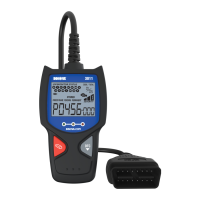
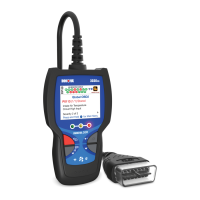
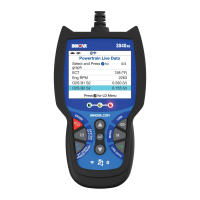
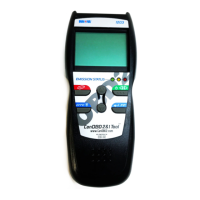
Scan Tool Controls
USING THE KEYBOARD – THE HOME PAGE
4
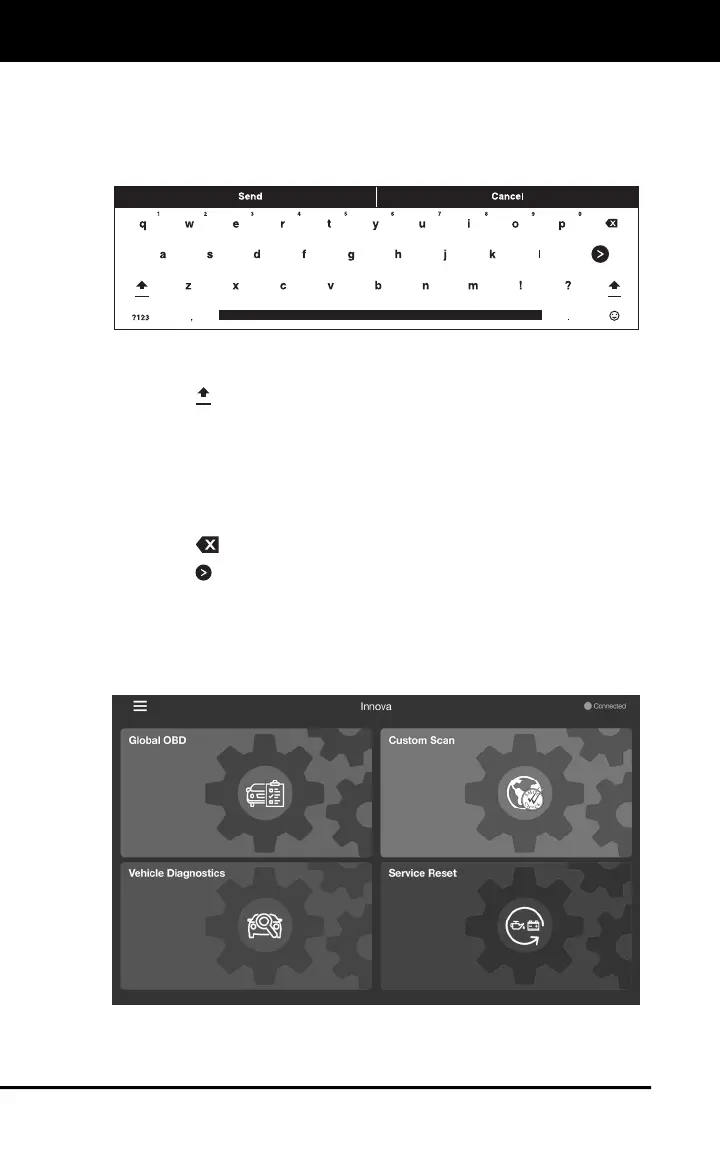
USING THE KEYBOARD
When you tap a text box or data entry field, the keyboard shows at the
bottom of the screen. Use the keyboard to enter the required data, as
follows:
Tap a letter, number or symbol to enter the character in the text box
or data entry field.
Tap the icon to toggle between upper- and lower-case alphabetic
characters.
Tap the ?123 icon to display the numeric characters and standard
symbols keyboard.
Tap the ~ / < icon to display the secondary symbols keyboard.
Tap the ABC icon to return to the alphabetic keyboard.
Tap the icon to delete previously entered characters.
Tap the icon to enter a line feed.
THE HOME PAGE
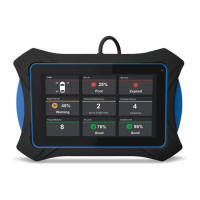
The Home Page provides access to the primary functional areas of the
tablet:


 To Next Page