Copyright Innovative Technology Ltd 2008 GA333-5
The NV10 has been designed for easy installation in most machines. The new stepped
miling mouth” allows insertion of notes with one hand and simplifies the note handling
mechanism. Interfacing the Validator is very simple, with the choice of the following protocols:
• Pulse stream output.
cure serial communications.
unications.
)
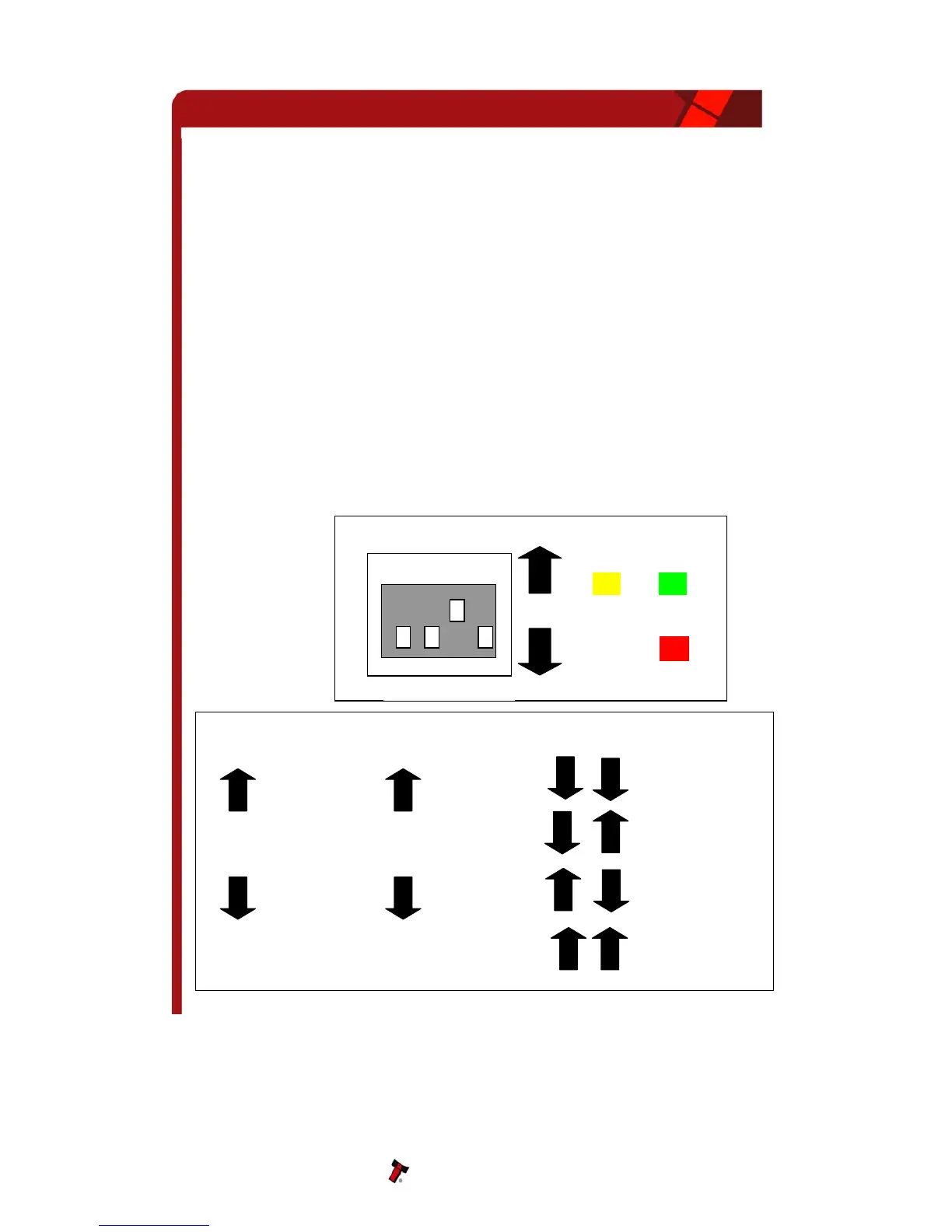
is shown below (see figure 2). It is simply a set of four
EEN LED and an AMBER LED mounted on the top of the NV10.
e DIPswitches set the basic operating mode of the unit, while the LED’s indicate the
“s
• Parallel open collector outputs.
• Binary
Smiley
®
Secure Protocol (SSP) se•
• Simple
• MDB int
serial I/O comm
erface protocol.
• ccTalk
• Extended Interface / USA Serial (NIS
4 NV10 USER INTERFACE
The user interface with the NV10
IPswitches and a RED LED, GRD
Th
operational status of the NV10.
Figure 2 – NV10 User Display and DIPswitches
NV10 Operations Manual 7
1 2 3 4


 To Next Page