14
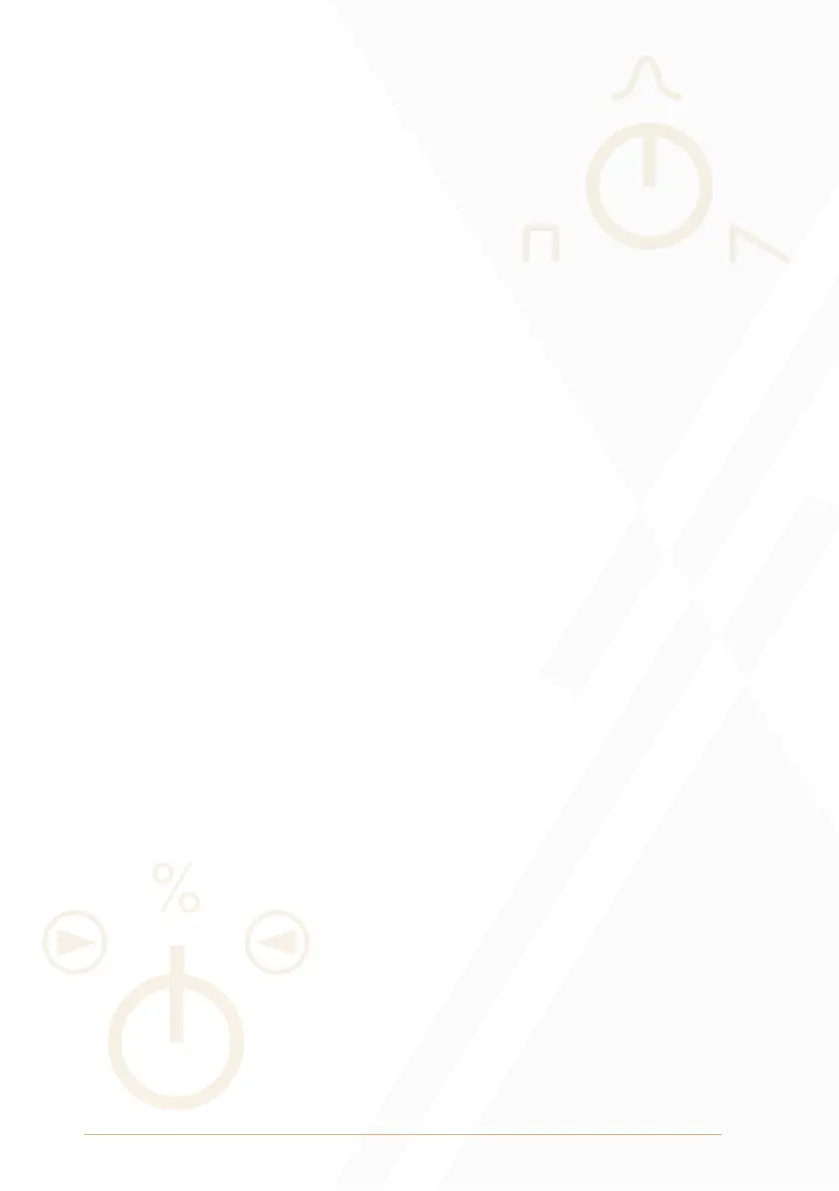
Grain Window: The Grain Window parameter sets the amplitude
envelope of the grains.
• If the knob is in the centre position, the grain window is set to a
Gaussian shape. The Gaussian shape is suitable for smooth drones
and textures.
• Turning the knob towards anticlockwise from the centre position
morphs the grain window to a Square shape. The square shape is
suitable for sharper textures and can be used for loop effects with
low Intensity parameter settings.
• Turning the knob towards clockwise from the centre position morphs
the grain window to a Sawtooth shape. The sawtooth shape is
suitable for percussive textures.
Grain Direction: The Grain Direction parameter sets the probability
percentage of the playback direction of each grain.
• If the knob is in its centre position, grain direction probability is set to
50% forward playback and 50% reverse playback.
• If the knob is fully anticlockwise, grain direction probability is set to
100% forward playback.
• If the knob is fully clockwise, grain direction probability is set to
100% reverse playback.
• Grain Direction values are applied at the beginning of each grain
and remain unchanged for the duration of the grain. It is therefore
possible that the change of the Grain Direction parameter may not
have an immediate audible effect in relation to the value set by the
Intensity and Length parameters.
Grain Direction Indicators: The Grain Direction Indicators will
illuminate to indicate the playback direction of the currently
generated grain.
• If the left Grain Direction Indicator is illuminated, forward playback
direction is set for the current grain.
• If the right Grain Direction Indicator is illuminated, reverse playback
direction is set for the current grain.


 To Next Page