87
Common Functions
—Continued
You can adjust the tone (bass and treble) of the front,
center, surround, and surround back speakers individu-
ally. For the subwoofer, you can adjust the bass.
■
Bass
You can boost or cut low-frequency sounds from –10 dB
to +10 dB in 1 dB steps.
■
Treble
You can boost or cut high-frequency sounds from
–10 dB to +10 dB in 1 dB steps.
Note:
• The tone control circuits are bypassed when the Direct
listening mode is selected.
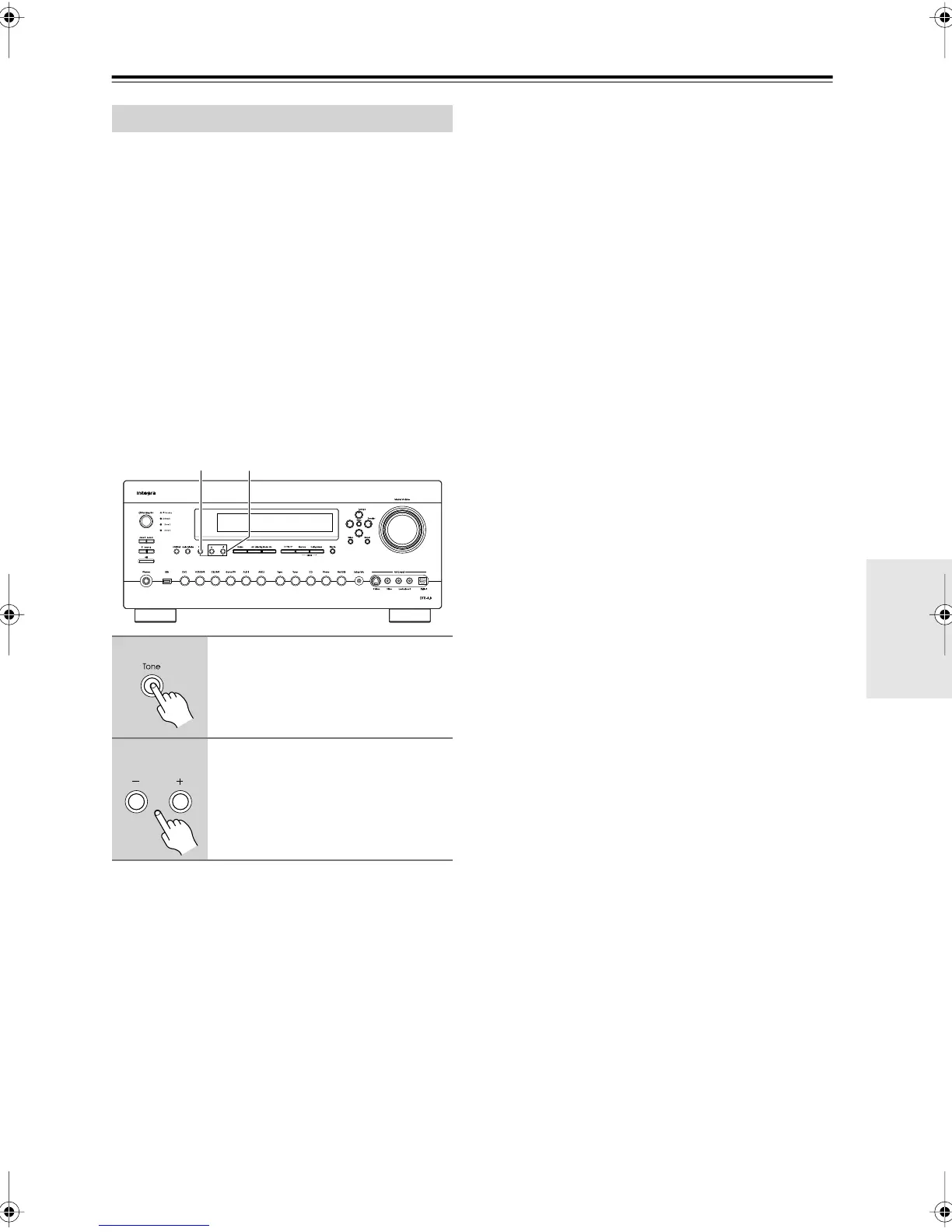
Adjusting the Tone on the AV Receiver
Notes:
• The tone cannot be adjusted on the AV receiver when
the Direct listening mode is selected.
• The tone control settings do not apply to the THX lis-
tening modes.
Tone Control Settings
1
Press the AV receiver’s [Tone]
button repeatedly to select Bass
or Treble for Front, Center, Sur-
round, SurrBack, or Subwoofer.
2
Use the Tone Plus [+] and Minus
[–] buttons to adjust.
21
DTR-8.8En.book Page 87 Friday, February 15, 2008 1:17 PM



 To Next Page