Eclipse Additional Information Page 99
4.12 Da, Ba & Ga wavefile sounds
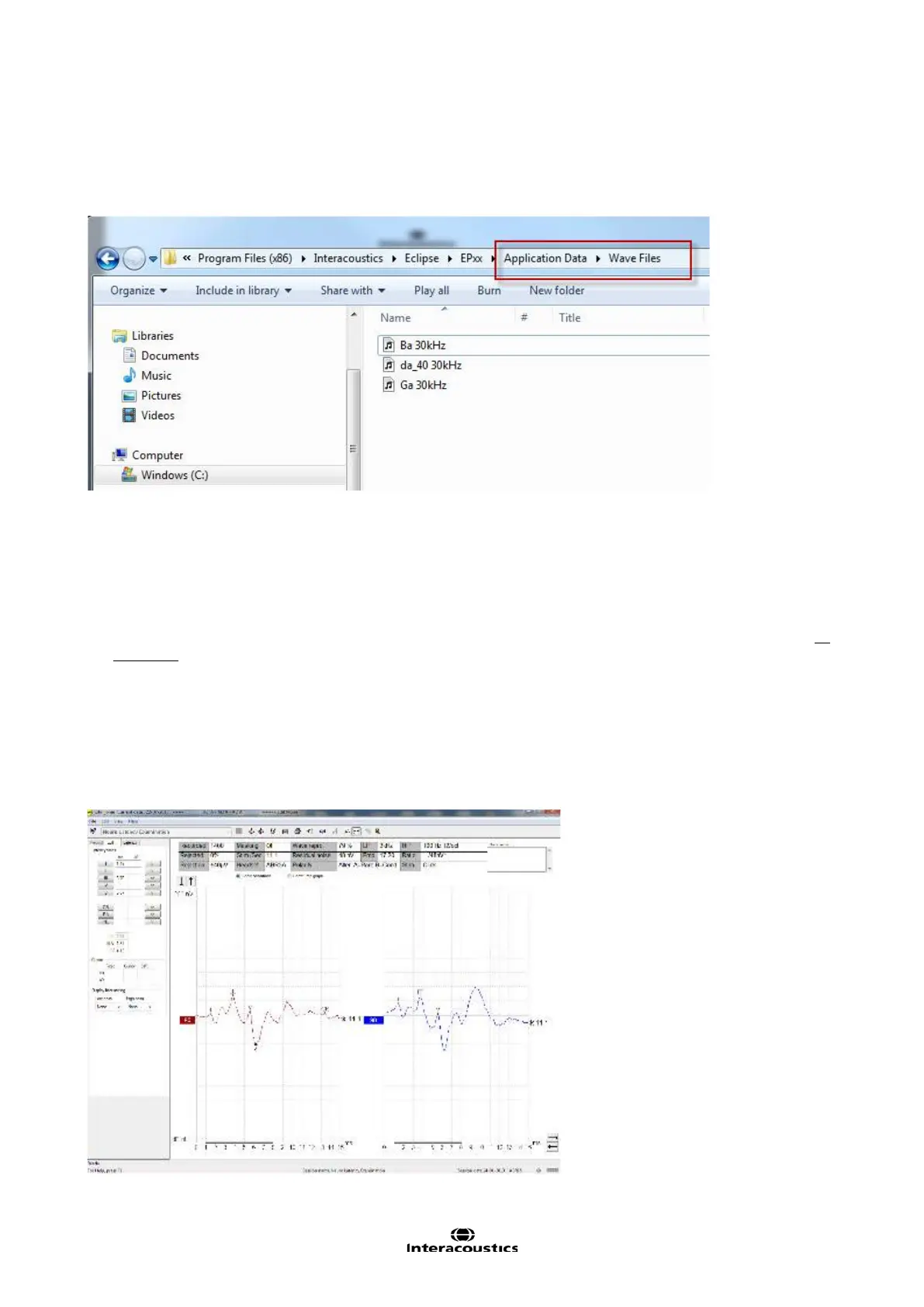
For your convenience, there are three speech vowel files located under the installation folder.
These can be used for any ABR test, including the MMN test.
Find the Speech files for import placed in the folder “Wave Files” on the installed drive.
4.13 Extracting all sessions for selected patient.
The EP25 test data is accessible outside of Otoaccess.
Below is an explanation to how the various parameters are to be understood.
When OtoAccess starts a module, it creates a file called hist.iad (in C:\IaBase2000\ERA), which contains all
the averaged sessions obtained on the selected patient.
Please also refer to the chapter export the single curve or whole session, if less is needed.
The sessions are separated with a carriage return (ASCII 13). In other words, the number of carriage return
tells the number of sessions.
Extracting only the selected and displayed session.
When OtoAccess starts the module in Edit Session mode, a file named EditERA.iad (in
C:\IaBase2000\ERA) is created which is the selected and displayed session.














 To Next Page