Eclipse Additional Information Page 59
3.8 Printing
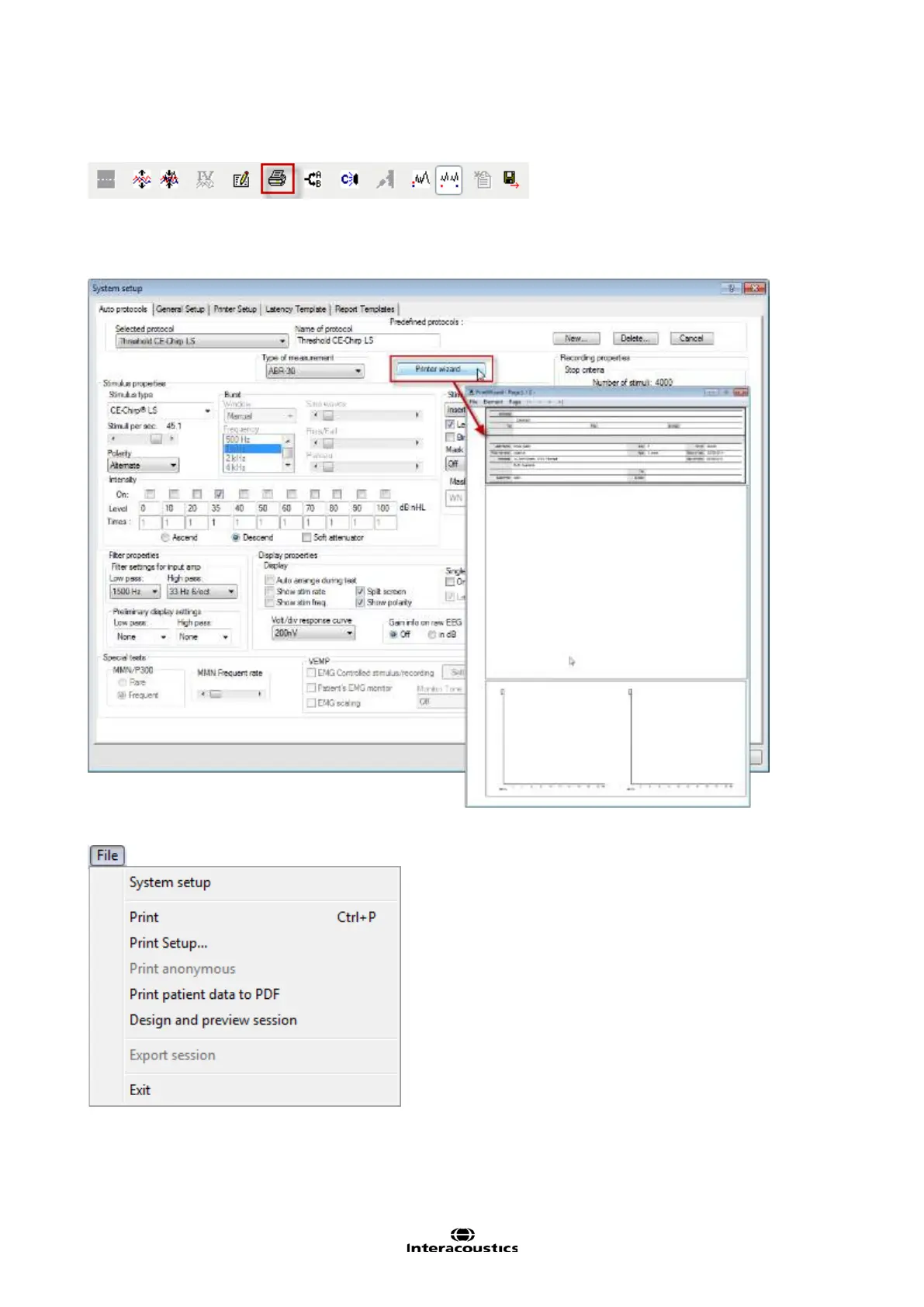
To print the session, select the print icon in the upper menu bar. The printout will appear according to the
way you have set up your curves with scaling, position etc. The test results will be printed based on the print
template set for the protocol. A default print wizard is set for all protocols. The default can be changed by the
user for each protocol in the System Setup | Print Wizard (see below).
3.8.1 Print options from file menu
There are multiple print options available from the file menu. Print and Print Setup…are functions creates a
physical print.














 To Next Page