Eclipse Additional Information Page 86
4.2 Exporting the single curve
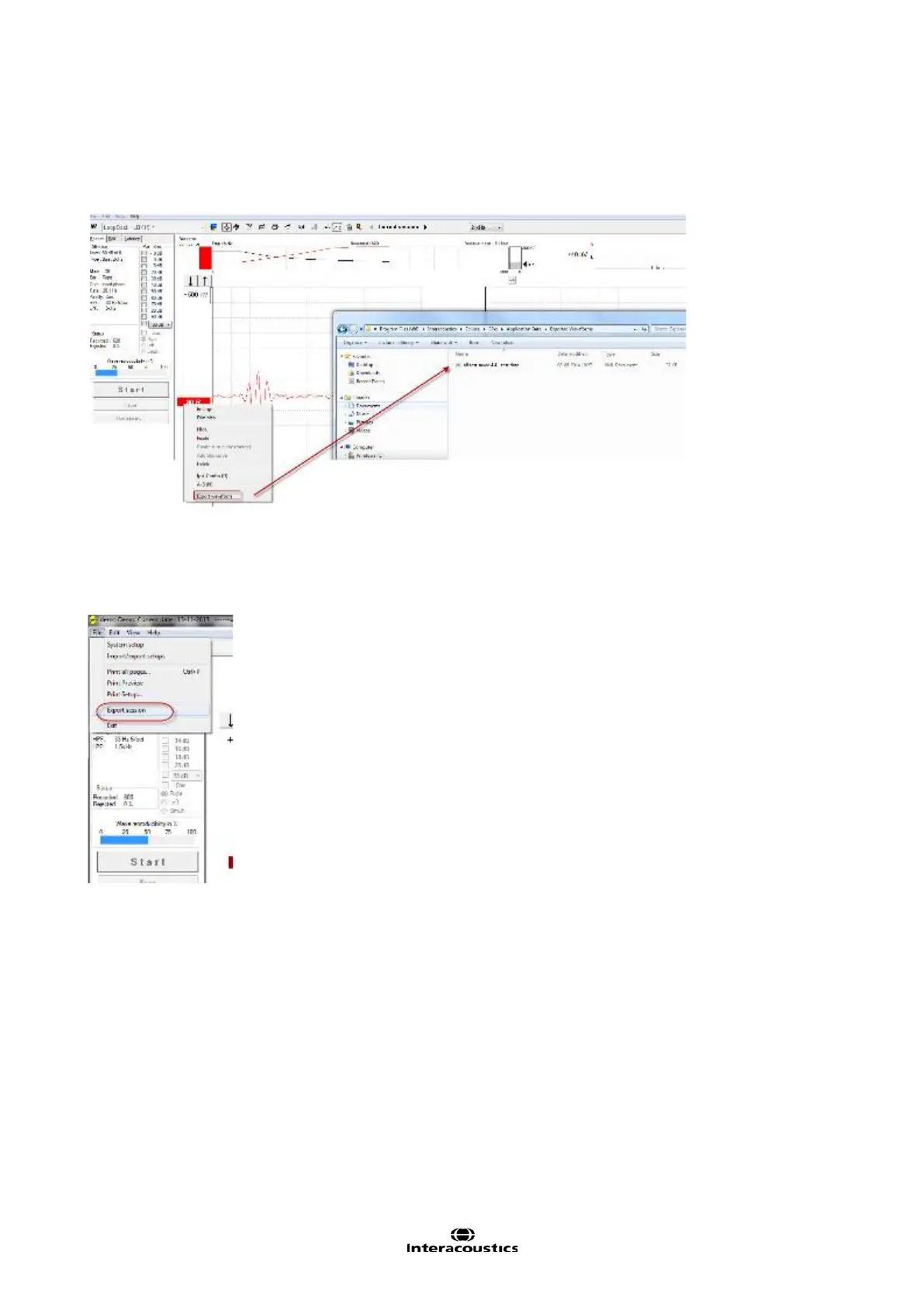
To export one curve of interest, right click at the intensity handle to export this averaged waveform.
The exported curve is an XML-file located in the specified Export Waveform folder.
4.3 Exporting the whole session
Click Menu-File and Export session to export the full session of the averaged data seen on screen.
Below an example of six curves that has been exported to an XML-file and saved in the folder “Exported
Waveforms”.
When exporting a waveform or entire session:
The exported average waveform is including Bayesian and the two HW filters.
The visual display filters are not included.














 To Next Page