Eclipse Additional Information Page 168
8.2 The DPOAE Menu Items
From the main menu in the DPOAE module the menu items File, Edit, View, and Help are available.
File | Setup System to enter the Setup where the settings of all protocols can be viewed and changed.
File | Print… to print the results of the measurement.
File | Print preview shows all pages in a preview.
File | Print Setup… to open the print setup.
File | Exit… to exit the module.
Edit | Delete Right to delete the results on the right ear.
Edit | Delete Left to delete the result on the left ear.
Edit |Delete both to delete the results on both sides.
Edit |Delete displayed to delete the measurement shown.
View | DP View Graph to shown and hide the 2f
1
-f
2
graph view.
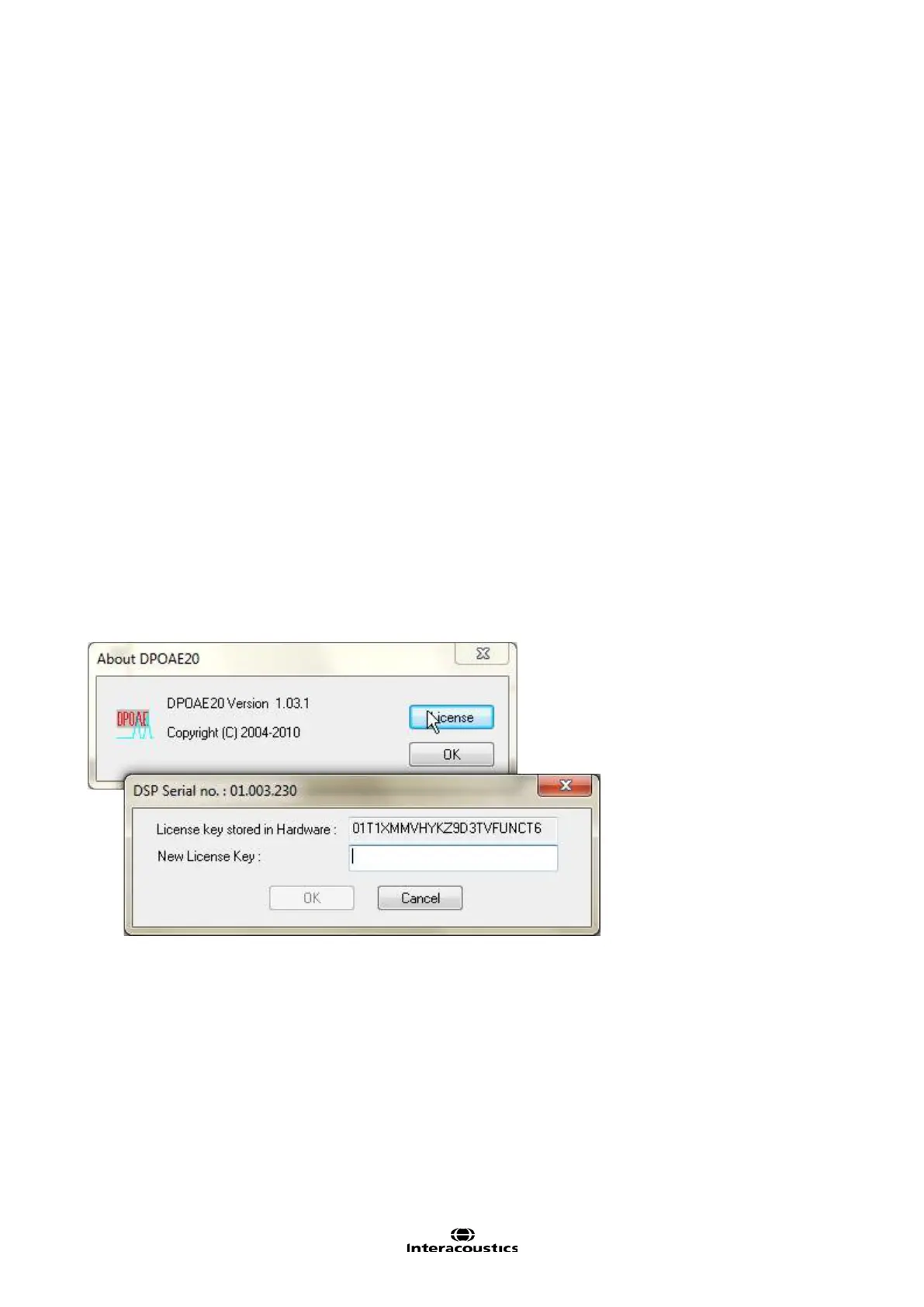
Help | About… brings you to a dialog which shows the following:
Firmware version
Copyright Interacoustics
License (from where you can add and change your license, as shown below)














 To Next Page