Eclipse Additional Information Page 202
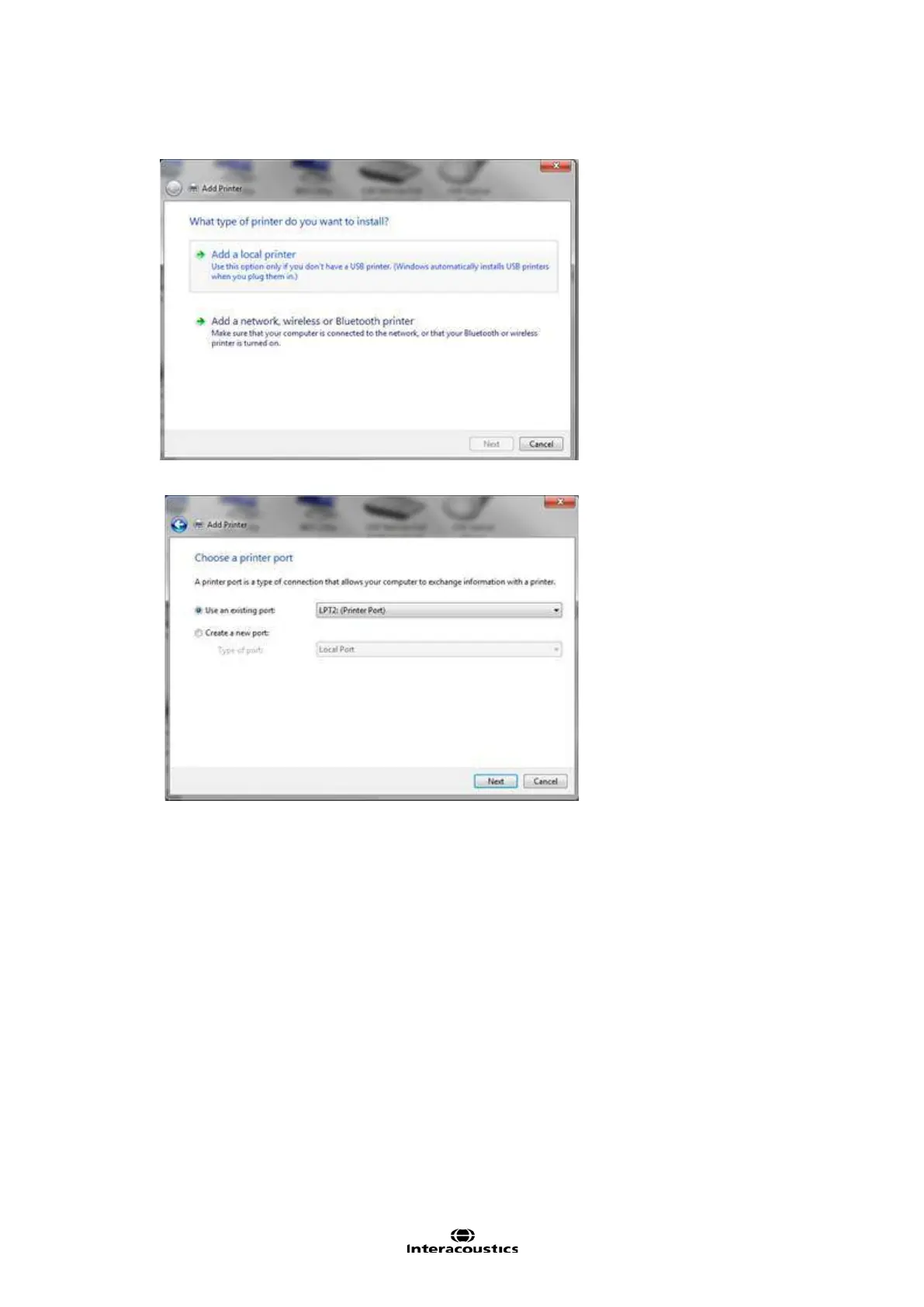
5. Click Add a local printer
6.
Select LPT2 printer port
Click next
7. Find and select your printer, click next (remember to select the correct driver for your printer –
Windows cannot automatically detect your printer model via the virtual port, and therefore you
need to select the right one yourself).














 To Next Page