D-0134090-A – 2022/11
VisualEyes™ - Instructions for Use - EN Page 95
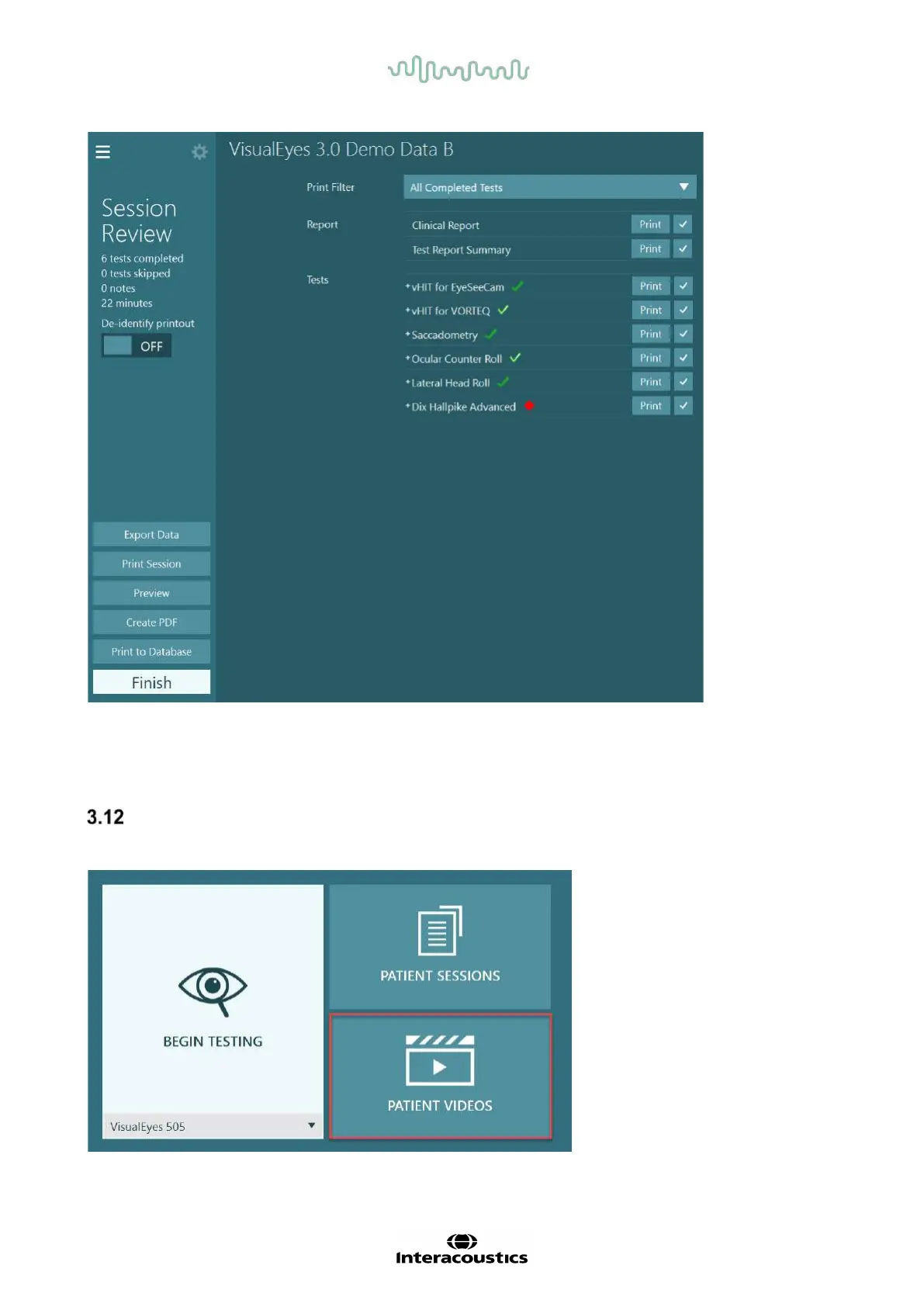
Figure 3.11-5 Session Review screen
Click or touch the Finish button in lower left corner of the Session Review screen to return to the main
screen.
Review patient videos
If video recording has been enabled during the patient sessions, the videos may be reviewed after testing.
The recorded videos are available from the PATIENT VIDEOS menu from the main screen (
Figure 3.12-1).
Figure 3.12-1: PATIENT VIDEOS button















 To Next Page