D-0134090-A – 2022/11
VisualEyes™ - Instructions for Use - EN Page 29
2.6.5 Digital Light Bar (optional)
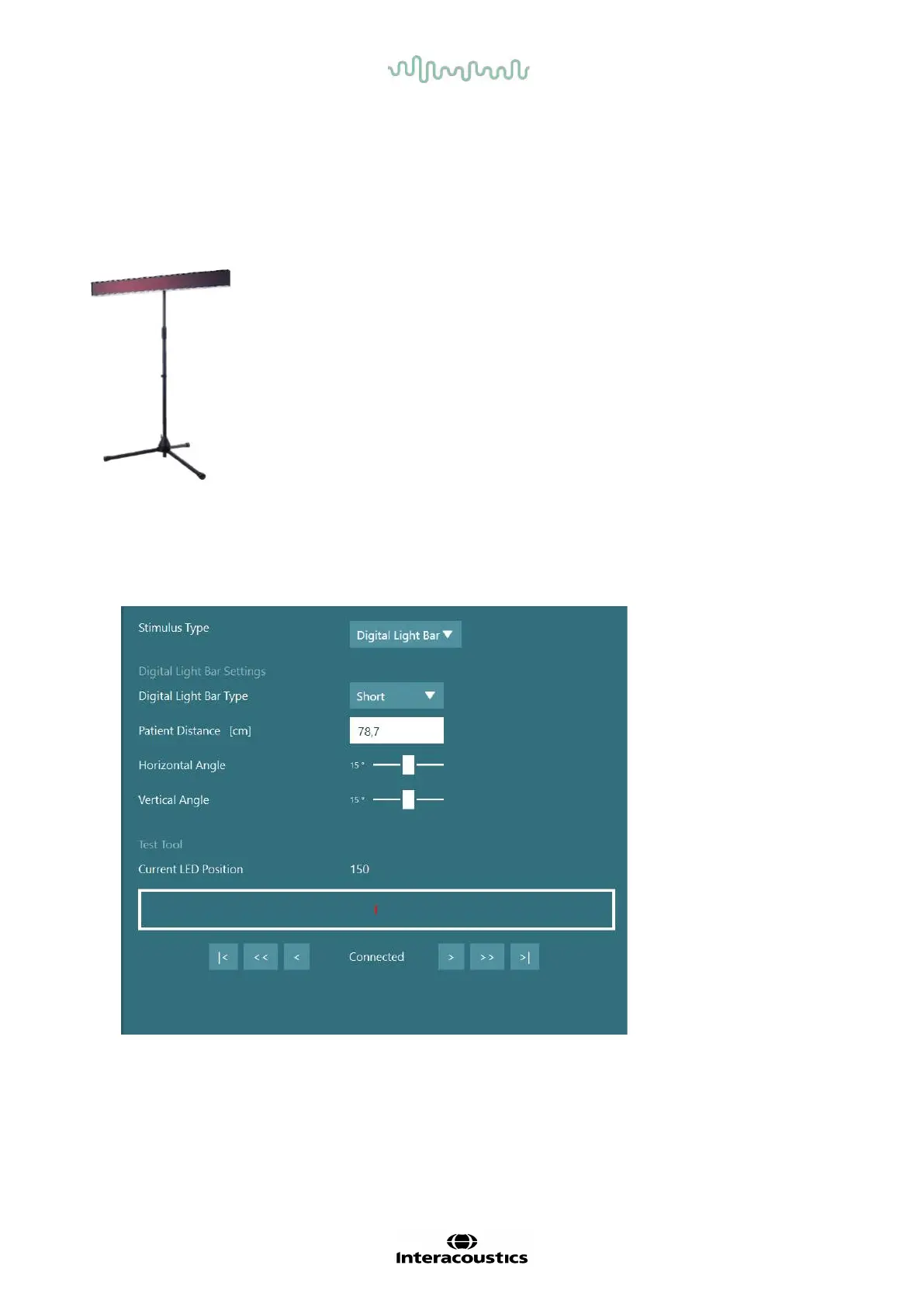
The Digital Light Bar can be added to the VisualEyes™ 525 system. This can be used as visual stimuli for
oculomotor tests. The Digital Light Bar is attached to a tripod that can be adjusted in height, and the direction
of the stimuli can be altered between horizontal and vertical by rotating the Digital Light Bar via the hinge
connected to the tripod. The Digital Light Bar must be model DLB7.2 or newer to be compatible with the
system.
Figure 2.6-15: Digital Light Bar
Hardware setup:
1. Attach the Digital Light Bar to the tripod.
2. Connect the USB cable to a USB port on the computer or on the USB hub.
3. Launch the VisualEyes™ software, and navigate to System Default Settings > Stimuli.
Select “Digital Light Bar” in the drop down menu for Stimulus Type.
Figure 2.6-16: Configuration of Digital Light Bar in System Default Settings > Stimuli
4. Select the Digital Light Bar Type according to the model.
5. Measure and enter the patient distance.
6. Adjust the vertical angles. If you are not able to reach the desired angles, you may need to reduce the
patient distance.















 To Next Page