D-0134090-A – 2022/11
VisualEyes™ - Instructions for Use - EN Page 94
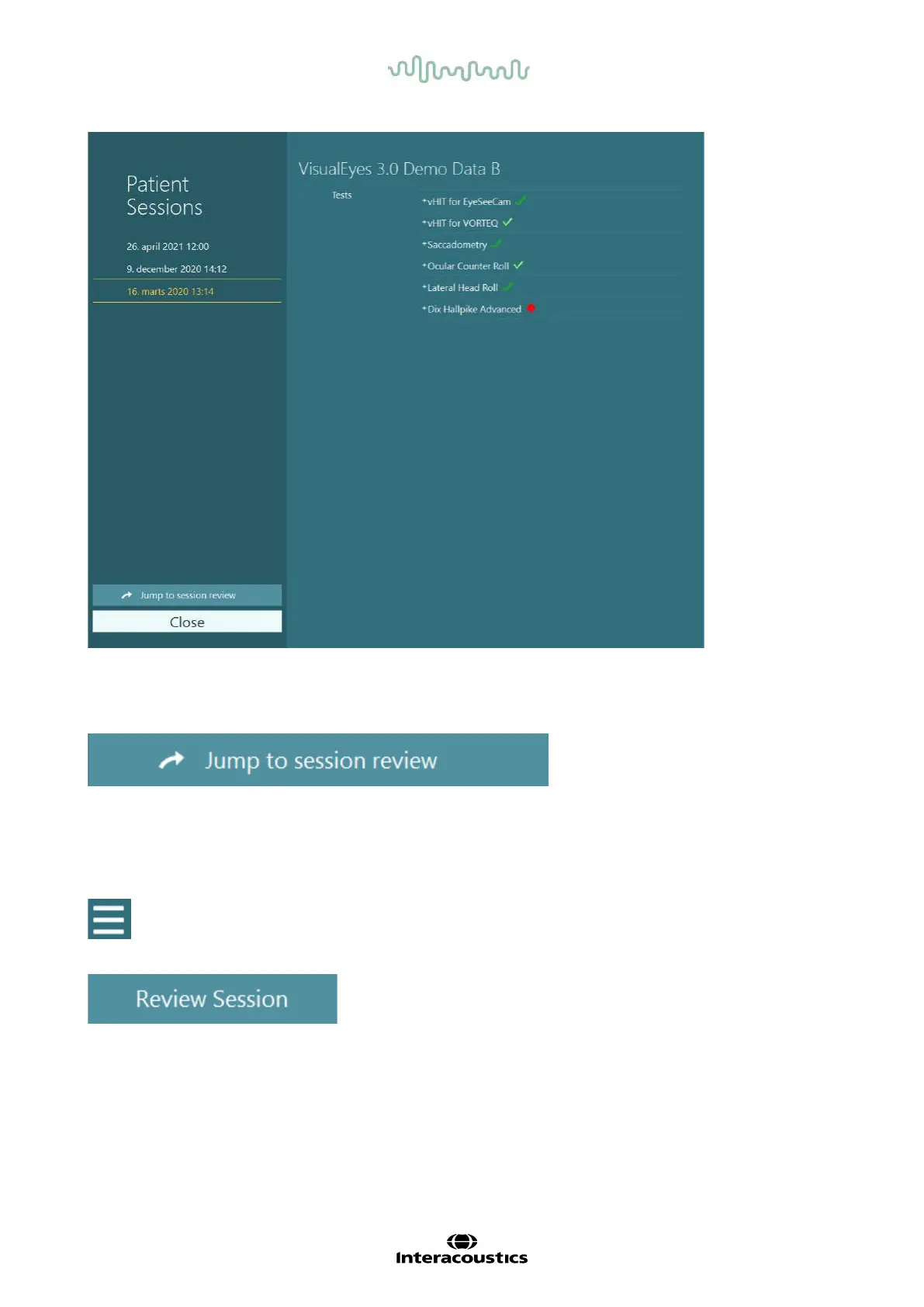
Figure 3.11-2 Patient Sessions screen
After selecting the patient session from the listing, click on the Jump to session review button to go to the
Session Review screen. This will provide further options like export data, print session, preview, print to
database, and etc.
Figure 3.11-3 Jump to session review button
3.11.1 Session review
From the test screen, the results can be reviewed by selecting the test menu button in the top left corner of
the test screen.
A drop down menu will appear with the ‘Review Session’ button displayed at the bottom.
Figure 3.11-4 Review Session button
Review Session will list the tests within the protocol that have been or are yet to be completed (Figure 3.11-5).
A symbol will be present next to completed test names indicating whether the test resulted in a
within-threshold-outcome (green tick) or an outside-of-threshold-outcome (red diamond). Tests can be
reviewed, clinical reports can be written, and the tests can be printed from the Session Review screen.















 To Next Page