Chapter 5 — Network Support
118 CK61 Mobile Computer with Windows Mobile User’s Manual
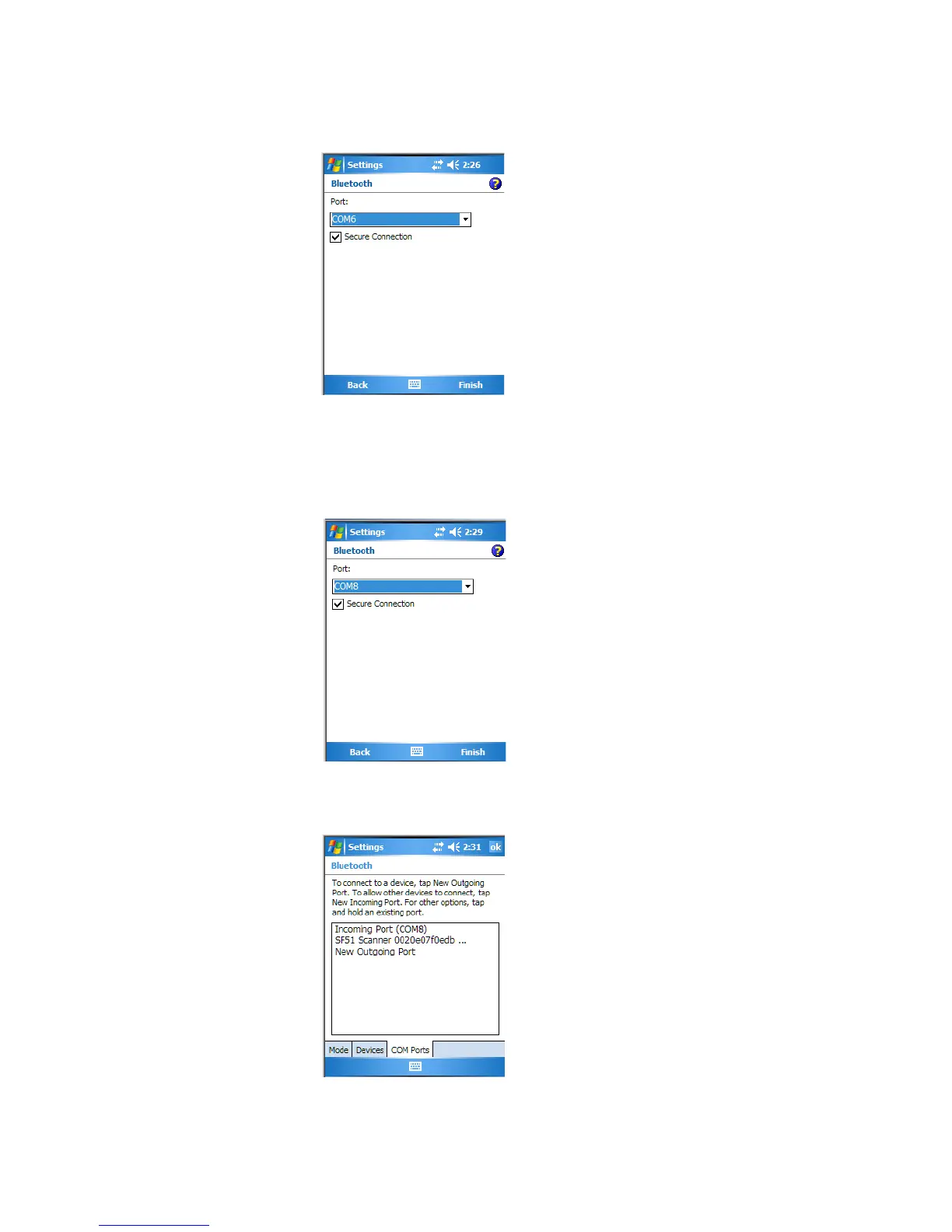
7 Click Finish to return to the COM Ports page.
8 Tap New Incoming Port to allow other Bluetooth devices to connect
with your CK61.
9 Select on which port to secure this connection, then click Finish to
return to the COM Ports page.
10 You can press and hold on a device to either edit that device or delete it
from the list.





 To Next Page